|
VOOZH | about |
|
VOOZH | about |
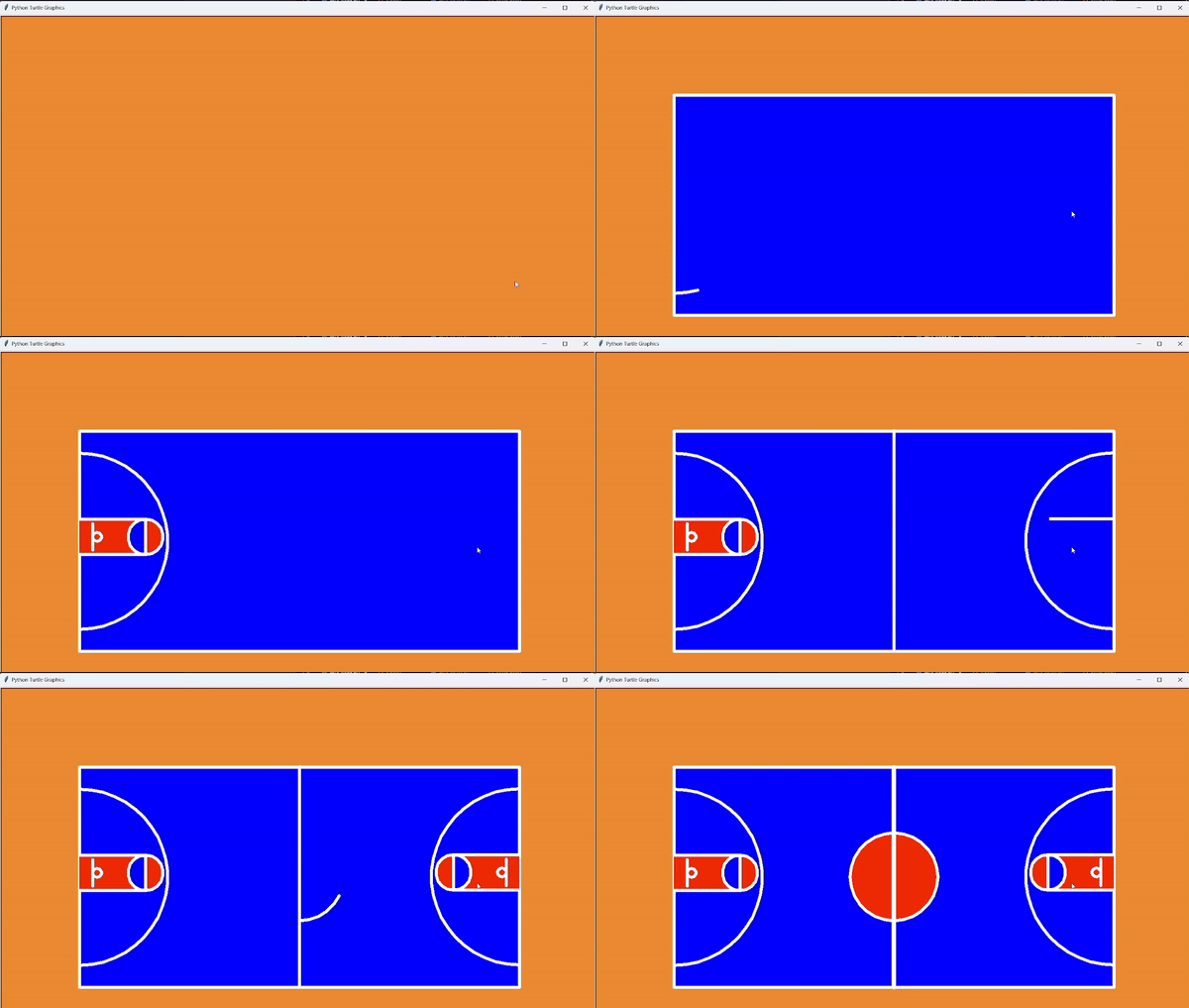
We have the task of how to make basketball ground using Turtle graphics in Python and print the ground. In this article, we will see how to create a basketball ground using Python Turtle Library.
Below, is the Implementation of Basketball using the Turtle library in Python:
In the below code, the turtle module is imported, and a screen is created with a specified background color and size.
Below, code creare a turtle named 't' and hides it, preparing it for drawing. It then moves the turtle backward by 500 units and shifts it 200 units to the left. After setting the pen size to 7 and showing the turtle, it fills a rectangle with a white outline and blue interior.
Below, code lifts the pen, moves the turtle backward by 450 units, and turns it to the right by 90 degrees. Then, it places the pen down and draws a semicircle with a radius of 200 units. The turtle then turns left by 90 degrees and draws a red trapezoid.
Below, code lifts the pen, turns the turtle to the right by 90 degrees, and moves it forward by 70 units. Then, it turns the turtle to the right by 90 degrees again and moves it forward by 30 units. After placing the pen down, it turns the turtle to the right by 90 degrees and finally moves forward by another 30 units.
In below code lifts the pen, turns the turtle right by 90 degrees, and moves it 30 units forward. Then, it positions the turtle to draw a rectangle by moving it 271 units forward, then 500 units while turning right 90 degrees each time. After drawing a 500-unit line, it lifts the pen, moves the turtle left 90 degrees and forward 500 units.
Below, are the complete code of basketball ground which we created using Turtle Library in Python.
main.py
Run the following program by running the below command in your terminal:
python main.pyOutput
👁 2024-03-1516-46-03online-video-cuttercom-ezgifcom-video-to-gif-converter