|
VOOZH | about |
|
VOOZH | about |
In this article, we will guide you through the process of creating a Web-Crawler Notification Bot using Python. This notification bot is designed to display notification messages on your window, providing a useful tool for alerting users to relevant information gathered through web crawling.
A Notification Bot is a program designed to deliver timely alerts or messages to users. Typically automated, it serves to notify users of important events, updates, or information, enhancing user engagement and awareness. In Python, creating a Notification Bot involves utilizing web-crawling techniques to gather relevant data for instant notifications on a user's window.
Below, are the step-by-step implementation of Web-Crawler Notification Bot in Python.
First, create the virtual environment using the below commands
python -m venv env
.\env\Scripts\activate.ps1
We need to install two libraries: bs4 for BeautifulSoup and plyer for notification display. For install this library run the below command
pip install bs4
pip install plyer
We , First import the two libraries: bs4 for BeautifulSoup and plyer for notification display. For import these library run the below code
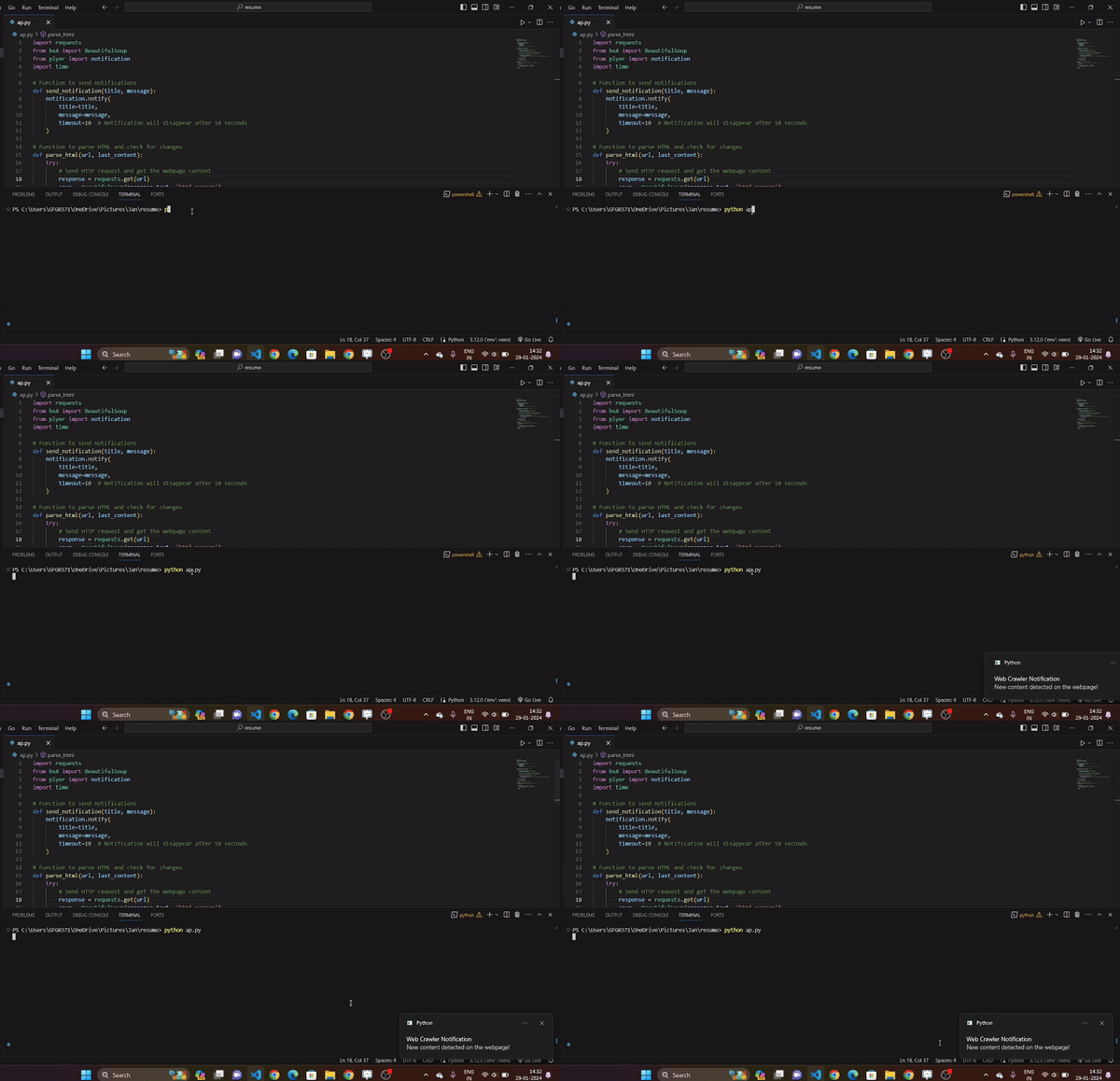
In this example, below code first imports necessary modules such as requests for HTTP requests, BeautifulSoup for HTML parsing, and plyer for notifications. The `send_notification` function is defined to display notifications, and the `parse_html` function fetches the content of a webpage, compares it with the previous content, and sends a notification if changes are detected. The main loop in the `main` function continuously checks the specified URL (in this case, Apple's iPhone page) for changes every hour, utilizing the functions mentioned earlier.
runt the server using the below command.
python script_name.pyOutput :
👁 Web-Crawler Notification Bot in python
In conclusion, the provided Python script demonstrates the creation of a simple web-crawler notification bot. Using the requests library for fetching webpage content, BeautifulSoup for HTML parsing, and plyer for notifications, the script monitors a specified webpage (e.g., Apple's iPhone page) for changes. If differences are detected, it sends a notification indicating the presence of new content.