|
VOOZH | about |
|
VOOZH | about |
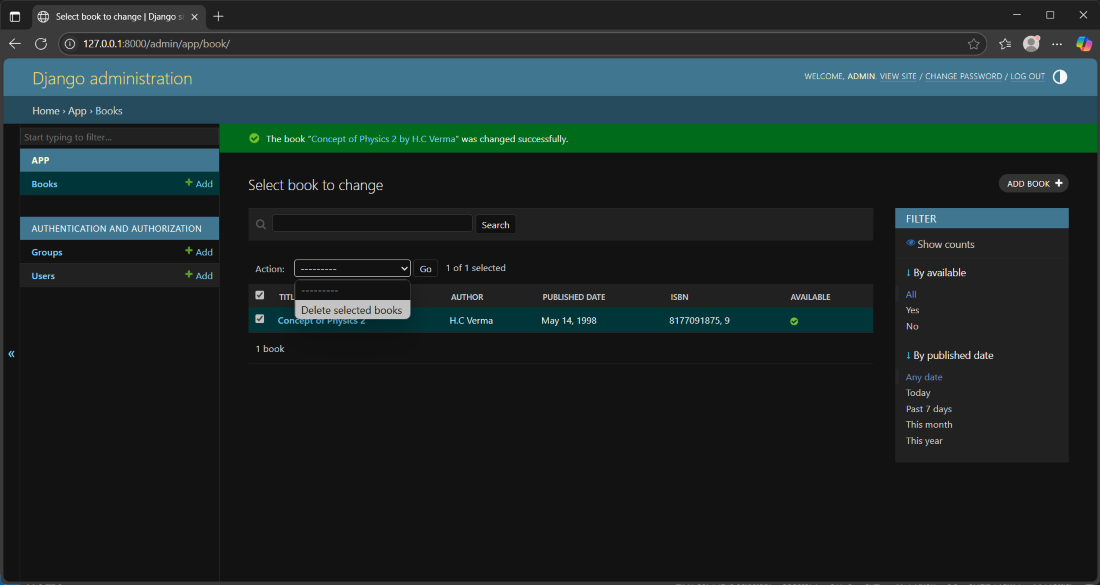
Django Admin is a built-in tool that automatically generates a web interface for models, removing the need to create separate pages or forms. It provides an intuitive way to manage project data and perform CRUD(Create, Read, Update, and Delete) operations efficiently.
Let's understand step by step how to perform CRUD operations.
Consider a project named 'projectName' having an app named 'app'. After creating the app, make sure to add your app to the INSTALLED_APPS list in settings.py file of 'projectName'.
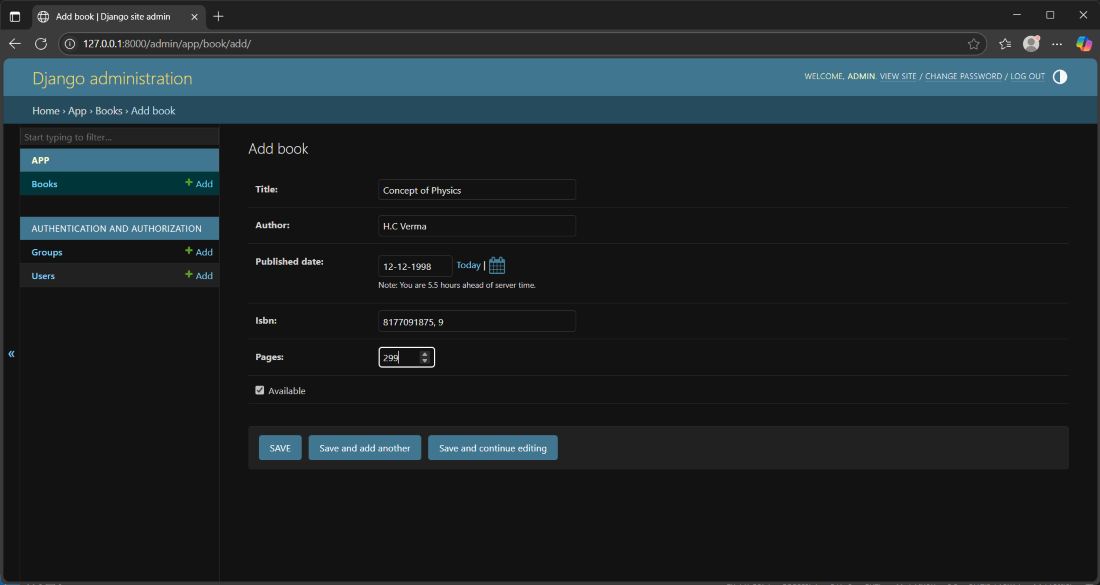
In app/models.py, create a "Book" model to represent books in your library. This model will include common book details like title, author, published date, ISBN, number of pages, and availability status.
After creating this model, we need to run two commands in order to create Database for the same:
python manage.py makemigrations
python manage.py migrate
To manage Book records via the admin panel, register model in app/admin.py:
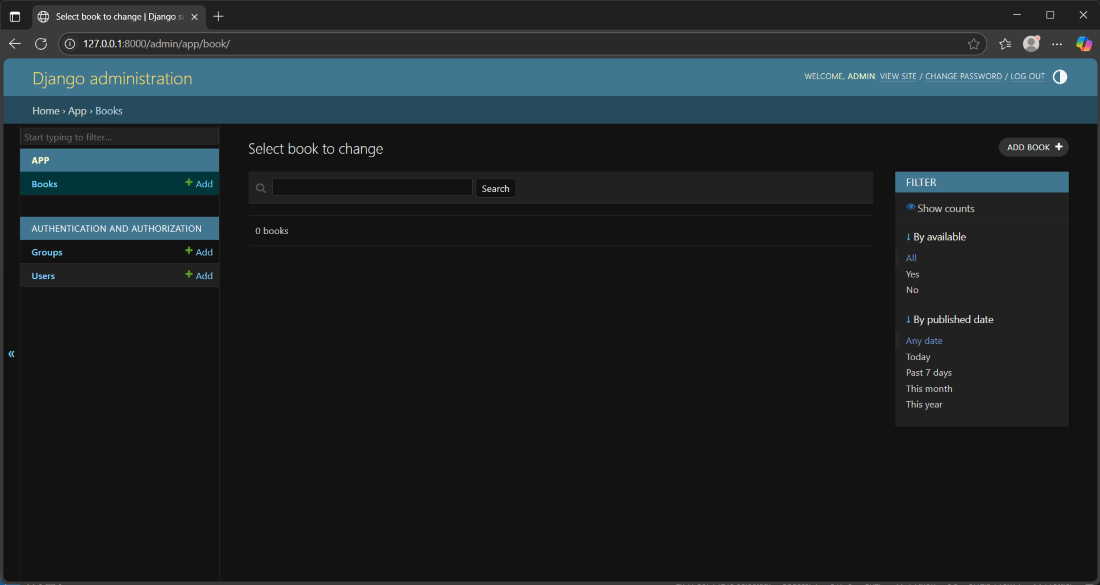
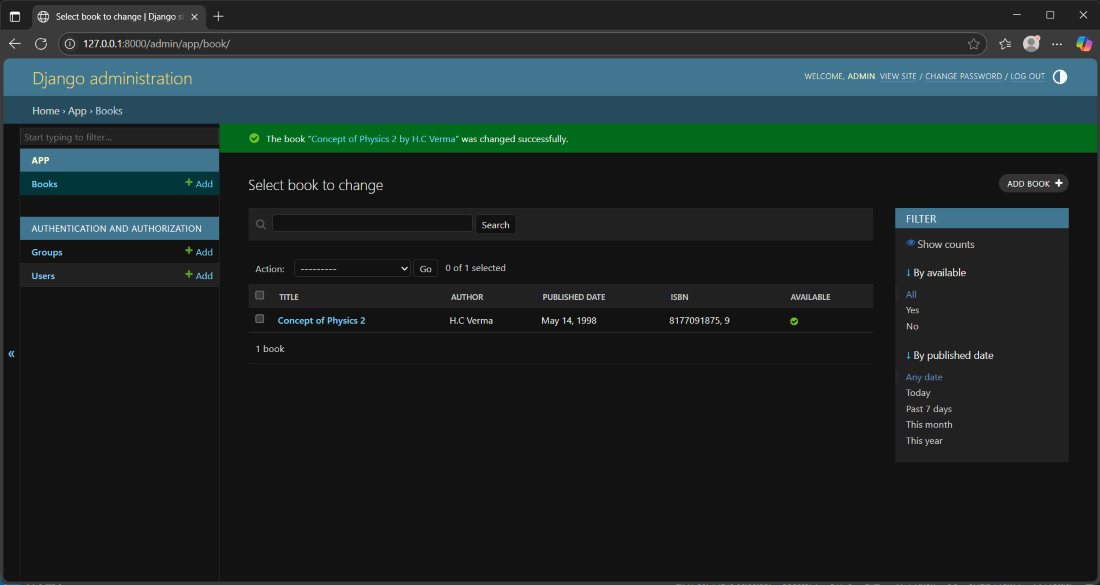
This customizes the admin interface to show important book details and helps to find books faster using search and filters.
To create a superuser, run following command:
python manage.py createsuperuser
Provide a username, email, and password. This superuser account has full access to the admin panel. After creation, log in using these credentials to access and manage your models.
Open projectName/urls.py and ensure the admin/ path is included in the urlpatterns list:
from django.contrib import admin
rom django.urls import path
urlpatterns = [
# Add this line if it is missing
path('admin/', admin.site.urls),
]
Start the Django server:
python manage.py runserver
Visit: http://127.0.0.1:8000/admin/ and log in with your superuser credentials to access the admin panel.