|
VOOZH | about |
|
VOOZH | about |
The default Django admin interface is often sufficient for most projects, but sometimes more control and customization are needed. Django provides powerful tools to tailor the admin panel to specific requirements.
For Example, Consider a Django project named 'myproject' with an app named 'catalog'. Create the Movie and Customer model apply the migrations.
In models.py:
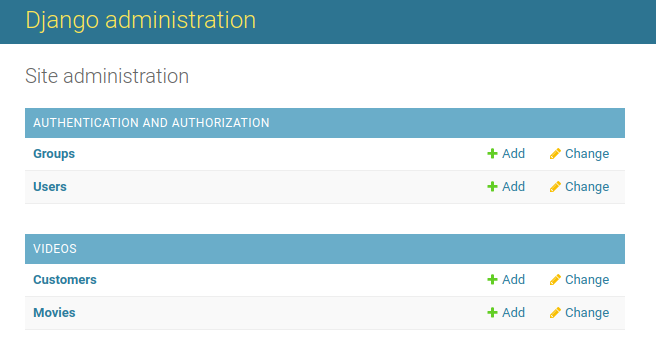
Once the following models are created, they will appear in the Django Admin panel:
Django’s admin interface can be extended with multiple customizations to better suit project needs. Some common customizations include:
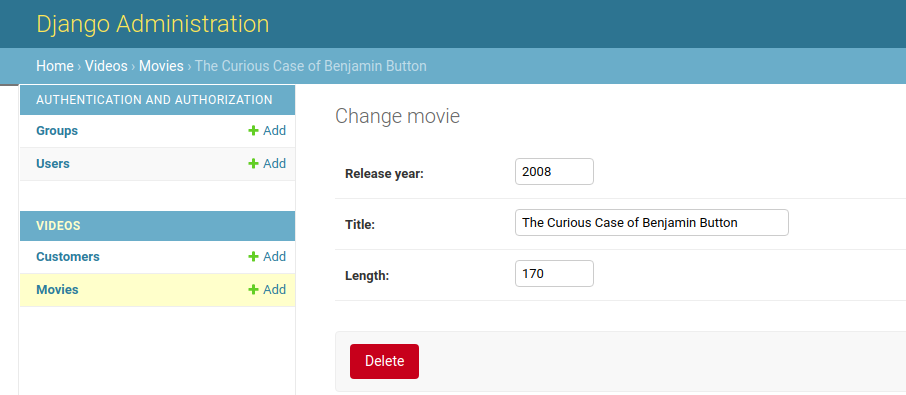
By default, fields in the admin detail view appear in the same order as defined in the model. This order can be changed directly in admin.py without modifying models.py.
Movie model:
title
length
release_year
fields=['release_year', 'title', 'length']
Movie model:
release_year
title
length
In admin.py:
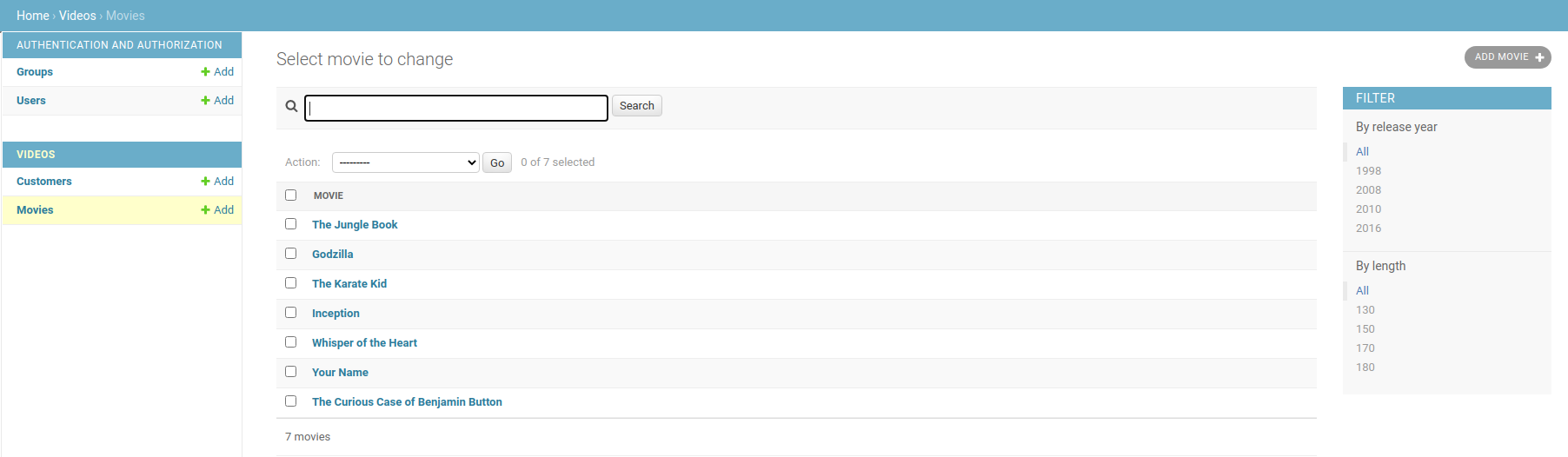
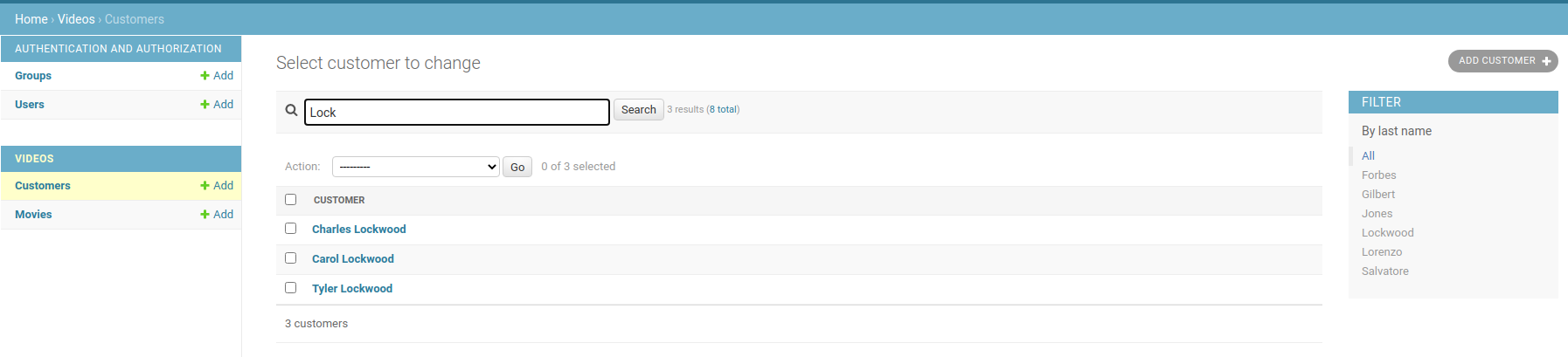
Currently, the models contain only a few entries. As the number of entries grows to hundreds or thousands, finding specific data by browsing manually becomes tedious. Adding a search bar or filter feature in the admin panel makes it easier to access specific entries quickly.
Search by the following elements:
search_fields = ['title', 'length', 'release_year']
search_fields = ['first_name', 'last_name', 'phone']
Filter by the following elements:
list_filter = ['release_year']
list_filter = ['last_name']
In app_folder/admin.py:
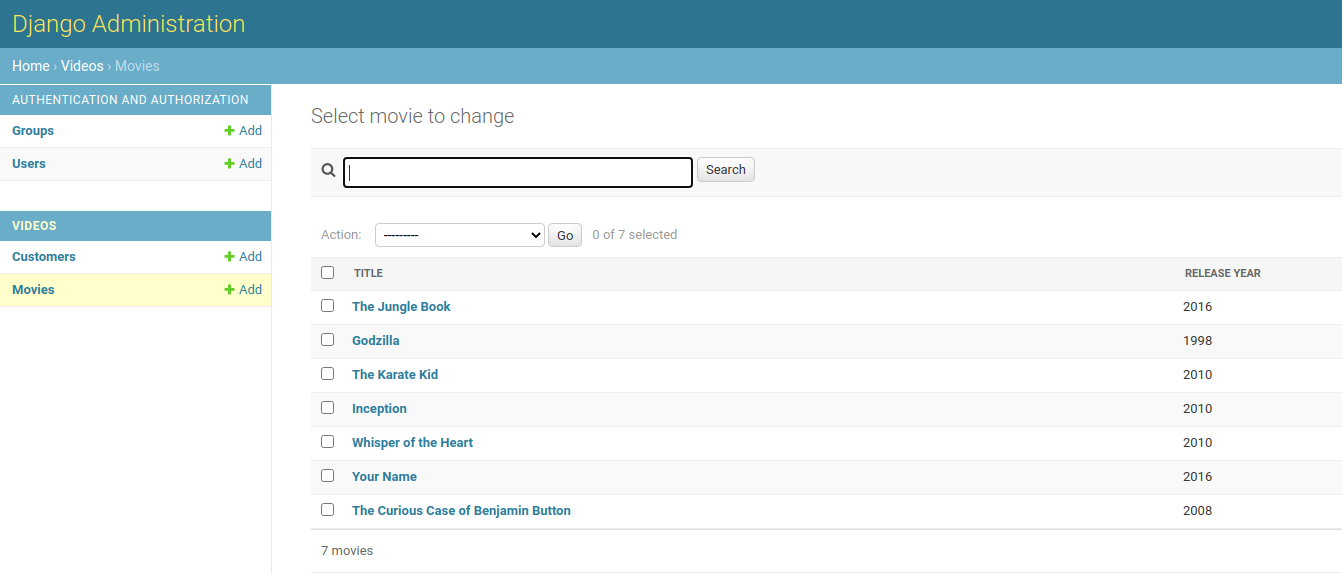
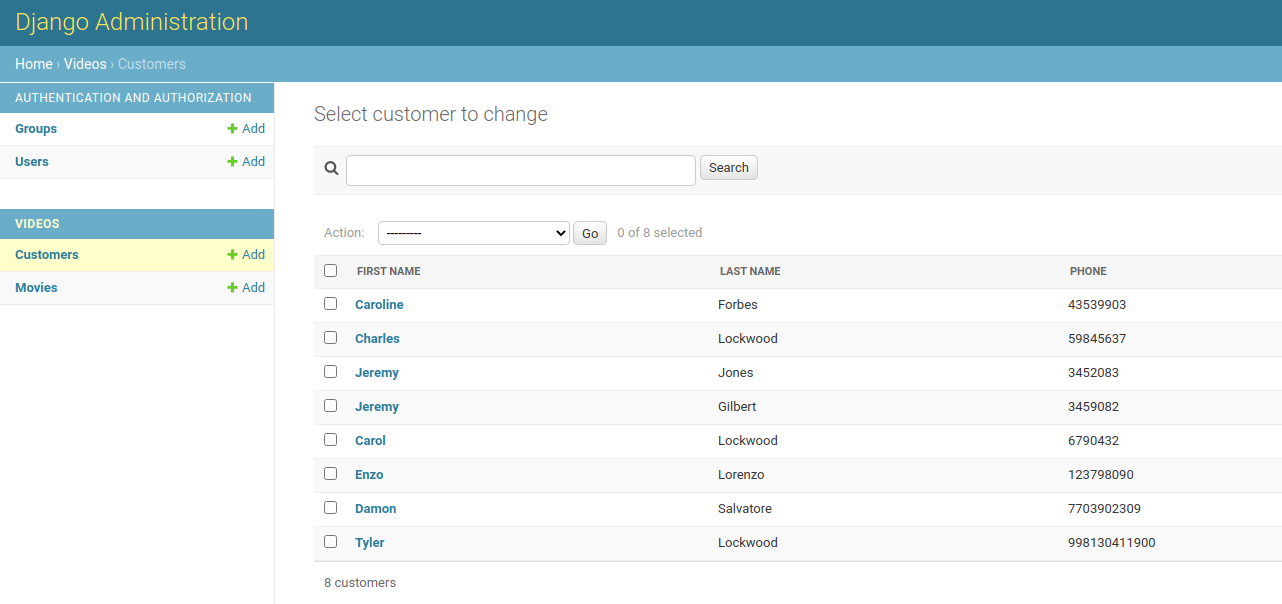
In the admin interface, the list view normally shows only one field per model. Using list_display, additional fields can be added to make the list view more informative.
list_display=['title', 'release_year']
list_display=['first_name', 'last_name', 'phone']
In admin.py:
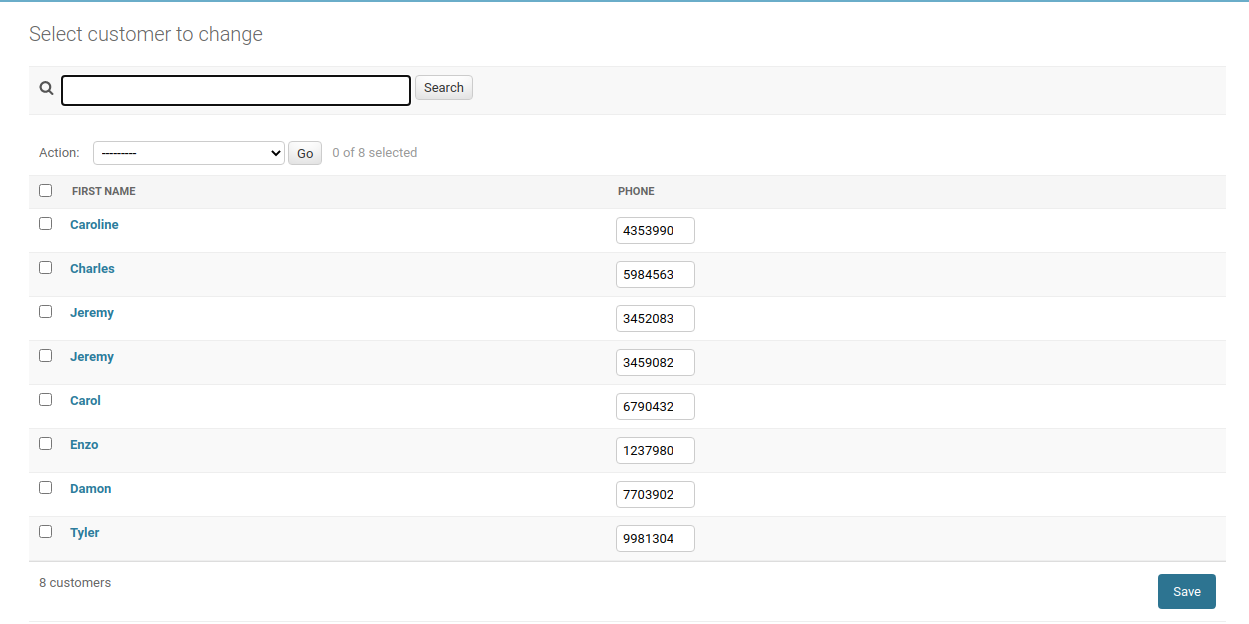
Fields can be made editable directly from the list view using list_editable, eliminating the need to open each detail view.
list_editable = ['phone']
In admin.py:
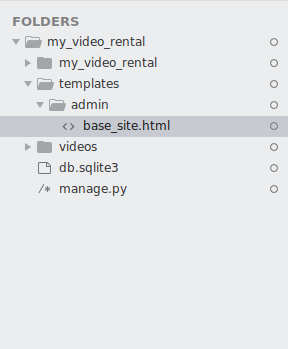
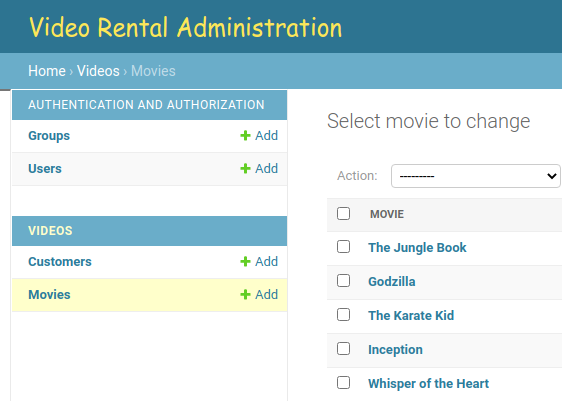
To modify the layout or appearance of the Django admin interface, such as changing the header, custom templates can be added to the project. This involves creating a specific folder structure and adding custom HTML files to override default admin templates.
Steps:
In templates/admin/base_site.html:
After adding a custom HTML file, the heading in the admin interface will reflect the changes.
If the template doesn’t appear, ensure the template configuration in settings.py is correct so Django can locate and apply the custom templates.
In settings.py:
This demonstrates how the Django admin template can be customized to meet project-specific requirements.