VOOZH about

URL: https://www.geeksforgeeks.org/python/draw-a-tic-tac-toe-board-using-python-turtle/

⇱ Draw a Tic Tac Toe Board using Python-Turtle - GeeksforGeeks


  • Courses
  • Tutorials
  • Interview Prep

Draw a Tic Tac Toe Board using Python-Turtle

Last Updated : 15 Jul, 2025

The Task Here is to Make a Tic Tac Toe board layout using Turtle Graphics in Python. For that lets first know what is Turtle Graphics.

Turtle graphics

In computer graphics, turtle graphics are vector graphics using a relative cursor upon a Cartesian plane. Turtle is drawing board like feature which let us to command a turtle and draw using it.

Features of turtle graphics:

  • backward(length): moves the pen in the backward direction by x unit.
  • right(angle): rotate the pen in the clockwise direction by an angle x.
  • left(angle): rotate the pen in the anticlockwise direction by an angle x.
  • penup(): stop drawing of the turtle pen.
  • pendown(): start drawing of the turtle pen.

Approach

  • import the turtle modules.
import turtle
  • Get a screen to draw on.
ws = turtle.Screen()

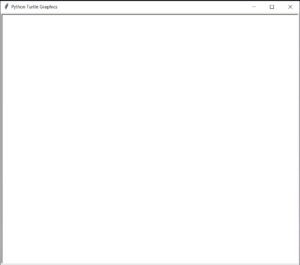
The screen will look like this.

👁 Image
Screen
  • Define an instance for turtle.
  • Here, i had manually set the speed of the turtle to 2.
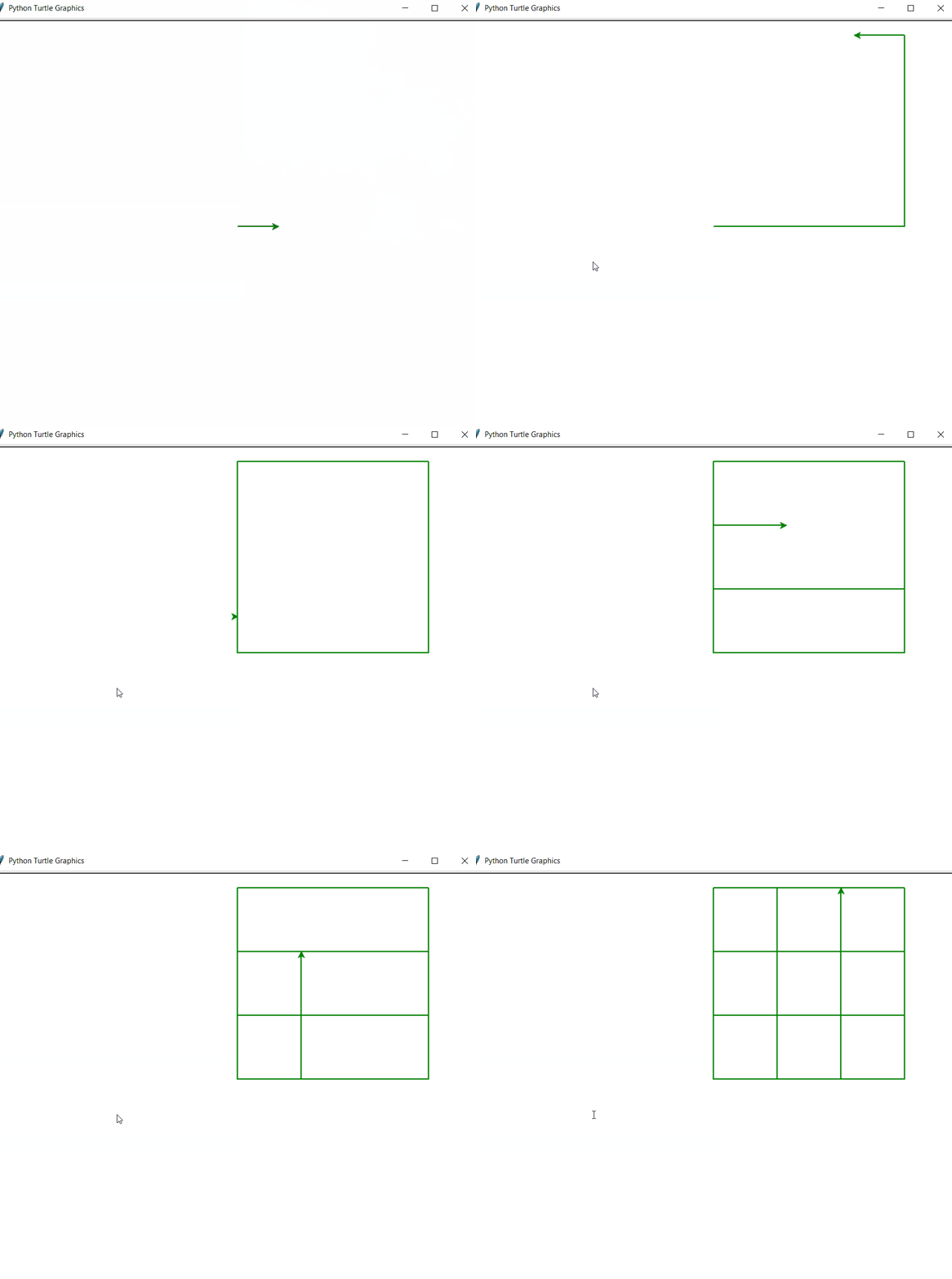
  • For a drawing a Tic Tac Toe board first we have to make an outer Square.
  • Then we will Make inner lines of the square which will ultimately make up the board.
  • For inner lines i had used penup(),goto() and pendown() method to take the pen up and then take it down at certain coordinates.
  • The inner lines will make up the Tic Tac Toe board perfectly.
     

Below is the implementation of the above approach:

Output:


👁 Image
Turtle making Tic Tac Toe Board


Comment
Article Tags:
Article Tags: