|
VOOZH | about |
|
VOOZH | about |
Prerequisites: Turtle Programming in Python
In Python, Turtle is an in-built library that provides us to draw different patterns, shapes or anything we want but for that, we have to be aware of the uses of different functions provided by Turtle library.
In this article we are going to learn how to draw the Starry Sky. Maybe this article went long but after reading the whole article you get to understand each and every step easily.
For that, we are using the turtle library and random module for generating random positions to draw to the stars.
Methods we are using to draw Starry Sky are listed below.
| METHOD | PARAMETER | DESCRIPTION |
|---|---|---|
| Turtle() | None | It creates and returns a new turtle object. |
| bgcolor | color name | fills the color in the background of the window |
| circle() | radius, extent, steps | Draw a circle with given radius. |
| title() | name | Gives name to the turtle window |
| forward() / fd() | amount | It moves the turtle forward by the specified amount. |
| Screen() | None | After passing this method turtle screen will be active |
| speed | value | Decides the speed of the pen |
| up() | None | Picks up the turtle’s Pen. |
| down() | None | Picks down the turtle’s Pen. |
| left() | angle | It turns the turtle counter clockwise. |
| right() | angle | It turns the turtle clockwise. |
| goto() | x, y | It moves the turtle to position x, y. |
| begin_fill() | None | Call just before drawing a shape to be filled. Equivalent to fill(True). |
| end_fill() | None | Fill the shape drawn after the last call to begin_fill(). Equivalent to fill(False). |
| hideturtle() | None | Hides the turtle after finishing the drawing. |
| exitonclick() | None | On clicking exit the turtle screen. |
| randint | start, end value | Generates random values with in the given range. |
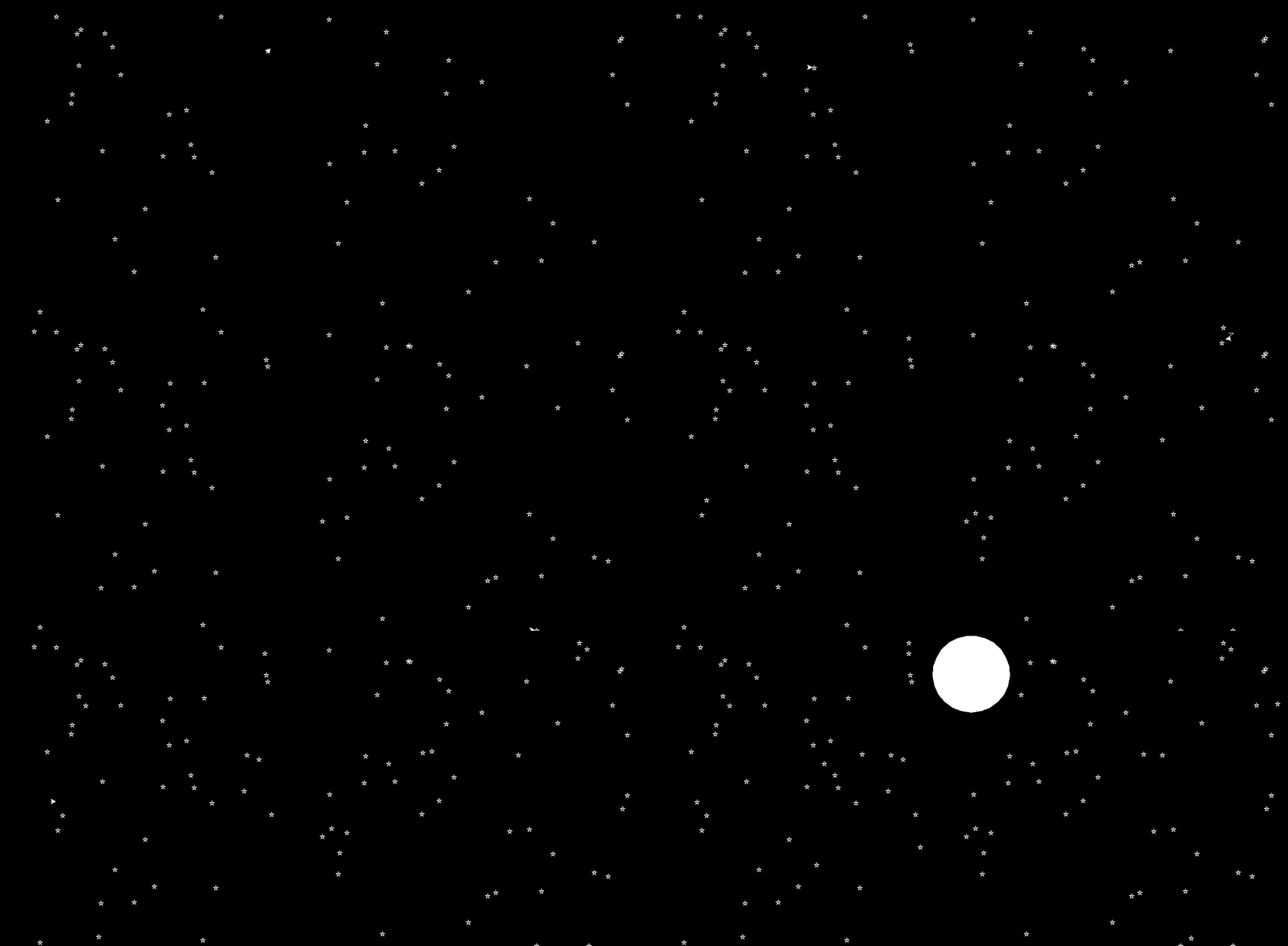
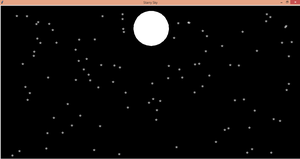
Our Starry Sky is made up of many Stars and with one moon which is in the shape of a Circle. So, we have to learn first how to draw the Stars and Circle.
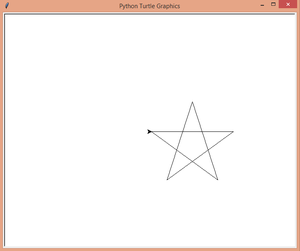
Let's first learn how to draw the star through our code.
Output:
In the above code, we run the for loop from range 0 to 5 because as we all knew star has 5 edges and the angle between two edges will be 144 degrees to make the perfect star that's what we are doing in the line t.right(144) we are moving the turtles head at the angle 144 degrees and the line t.fd(200) decides the size of our star (smaller the value = smaller the star)
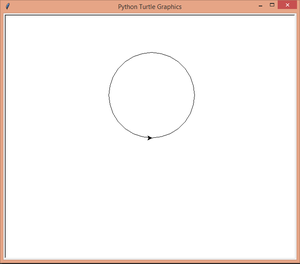
Now, we are going to learn how to draw the Circle through our code.
Output:
In the above code, for making a circle we are using the circle function provided by the turtle library, only we had passed the parameter 100 which defines the radius of the circle. After running our code we get our circle.
So, finally, we had learned how to draw the star and the circle.
Now we are going to draw our Starry Sky.