|
VOOZH | about |
|
VOOZH | about |
Prerequisites: Matplotlib
In this article, we will see how can we can change vertical space between labels of a legend in our graph using matplotlib, Here we will take two different examples to showcase our graph.
Approach:
Implementation:
Example 1:
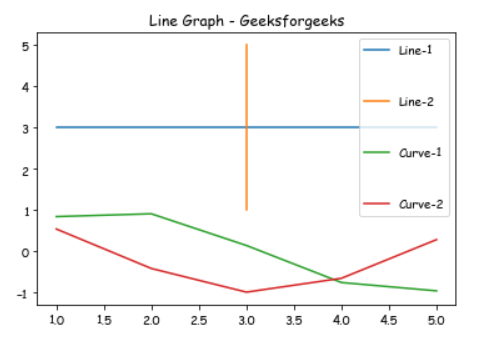
In this example, we will draw different lines with the help of matplotlib and Use the labelspacing argument to plt.legend() to change the vertical space between labels.
Output:
👁 ImageExample 2:
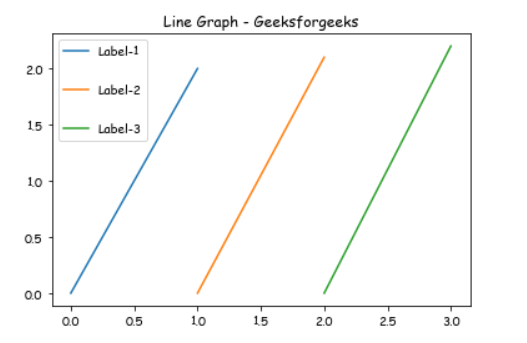
In this example, we will draw a Vertical line with the help of matplotlib and Use the labelspacing argument to plt.legend() to change the vertical space between labels.