|
VOOZH | about |
|
VOOZH | about |
An effective GUI tool for managing and visualizing MongoDB data is MongoDB Compass. On the other hand, a well-liked Python web framework for creating web apps is called Flask. Integrating your MongoDB data into your Flask web application may benefit from connecting MongoDB Compass to Flask. Through your Flask web application, you can quickly read, write, and alter data saved in MongoDB thanks to this integration.
Required Modules
pip install pymongo
At first, we are importing the Flask into our code and we are creating a Flask app.
Here, we are connecting to a MongoDB server running on the local machine on the default port 27017.
We are accessing the specific MongoDB database.
In this step, we are using a cursor that will return a cursor object that you can iterate over to access the individual documents.
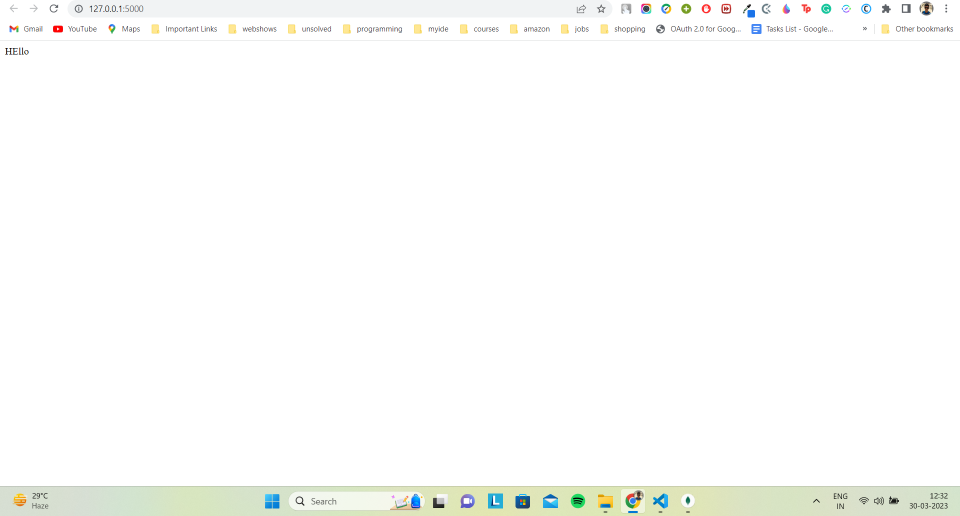
In this step, we are creating a route that prints the data from MongoDB on running the Flask app and hitting the URL.
Complete Code: