|
VOOZH | about |
|
VOOZH | about |
Flask is a Python web framework used to build web applications and APIs. It is based on the WSGI (Web Server Gateway Interface) standard and uses the Jinja2 template engine for rendering dynamic content. Flask provides core web development features while allowing developers to add components as needed.
To install Flask (if not already installed), use the following command:
pip install flask
After installing Flask, one can create a basic web application by defining routes and running a local development server. Below is an example to understand how a Flask app works.
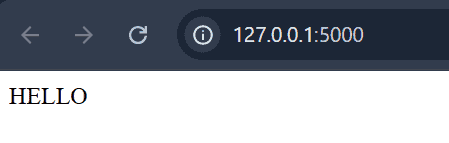
Output
Explanation:
Web frameworks provide routing technique so that user can remember the URLs. It is useful to access the web page directly without navigating from the Home page. It is done through the following route() decorator, to bind the URL to a function.
Explanation: If a user visits http://localhost:5000/hello URL, the output of the hello_world() function will be rendered in the browser.
One alternate way of doing this is by using "add_url_rule()" function of an application object, it can also be used to bind URL with the function similar to the above example.
Variables are used to build a URL dynamically by adding the variable parts to the rule parameter. It is passed as keyword argument. Here's an example.
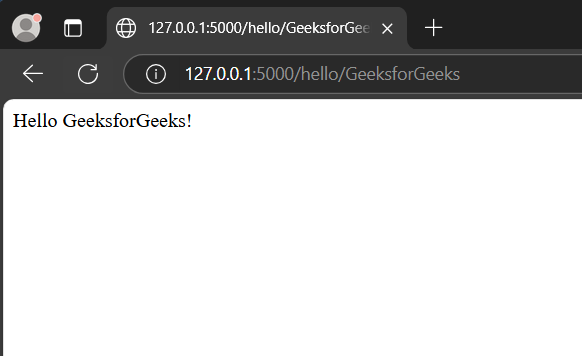
Output
Explanation: parameter of route() decorator contains the variable part attached to the URL '/hello' as an argument. Hence, if URL like "http://localhost:5000/hello/GeeksforGeeks" is entered then "GeeksforGeeks" will be passed to the hello() function as an argument.
Besides the default string type, Flask also supports int, float, and path (which allows slashes for directories). Flask's URL rules use Werkzeug’s routing module, ensuring unique URLs following Apache's conventions. Here's an example.
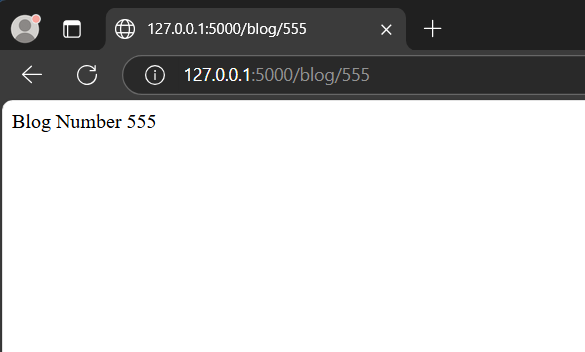
Run the application and type the following URLs in a browser- http://127.0.0.1:5000/blog/555
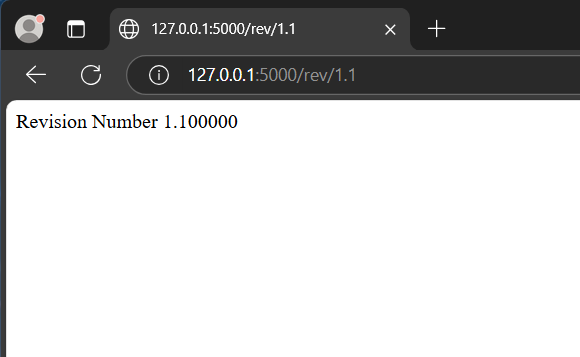
http://127.0.0.1:5000/rev/1.1
Explanation:
Dynamic Building of the URL for a specific function is done using url_for() function. The function accepts the name of the function as first argument, and one or more keyword arguments. See this example
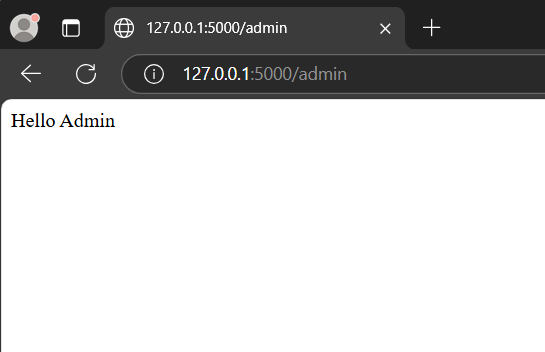
To test this, save the above code and run through python shell and then open browser and enter the following URLs-http://localhost:5000/user/admin
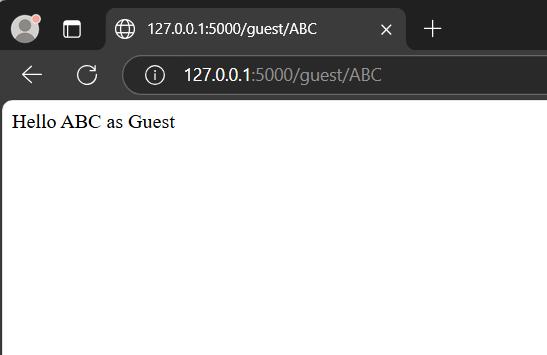
http://localhost:5000/user/ABC
Explanation: The code has a function named user(name), accepts the value through input URL. It checks that the received argument matches the 'admin' argument or not. If it matches, then the function hello_admin() is called else the hello_guest() is called.
Python Web Framework Flask support various HTTP protocols for data retrieval from the specified URL, these can be defined as
| Method | Description |
|---|---|
| GET | This is used to send the data in an without encryption of the form to the server. |
| HEAD | provides response body to the form |
| POST | Sends the form data to server. Data received by POST method is not cached by server. |
| PUT | Replaces current representation of target resource with URL. |
| DELETE | Deletes the target resource of a given URL |
A web application often requires a static file such as javascript or a CSS file to render the display of the web page in browser. Usually, the web server is configured to set them, but during development, these files are served as static folder in your package or next to the module. See the example in JavaScript given below:
Create a Template folder "templates" in your project directory. This Template folder will contain all the HTML files of the project and they will be rendered through our flask app using render_template method.
Create a static folder that will contain all the javascript and CSS files. It will be sibling of the templates folder.
To serve this javascript code in a flask app, link it with a HTML file (index.html in this case) in the template folder using this line of code in the head section:
<script type = "text/javascript" src = "{{ url_for('static', filename = 'hello.js') }}" ></script>
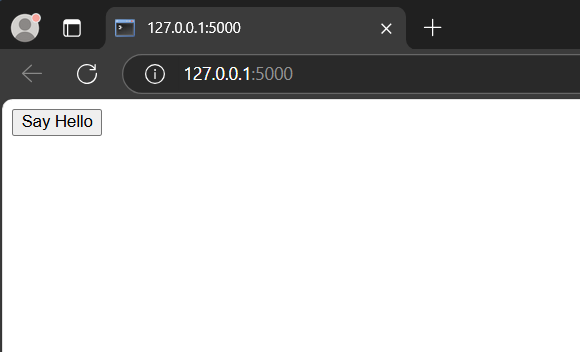
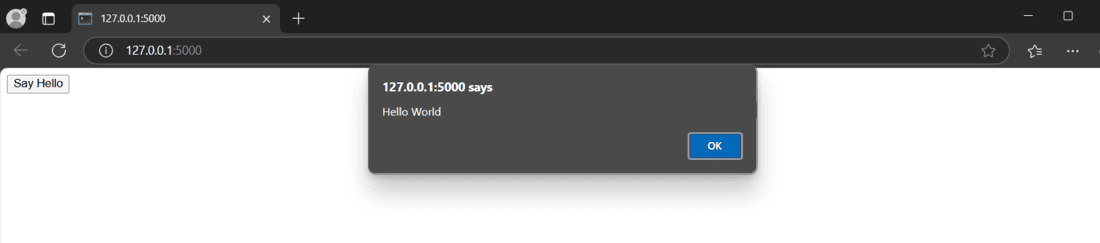
Run the application by executing "python app.py" in the terminal and visit the development URL- http://127.0.0.1:5000
Output
Cookie is a form of text file which is stored on a client's computer, whose purpose is to remember and track data pertaining to client's usage in order to improve the website according to the user's experience and statistic of webpage.
The Request object contains cookie's attribute. It is the dictionary object of all the cookie variables and their corresponding values. It also contains expiry time of itself. In Flask, cookie are set on response object.
app.py code
HTML code ( index.html )
HTML code ( cookie.html )
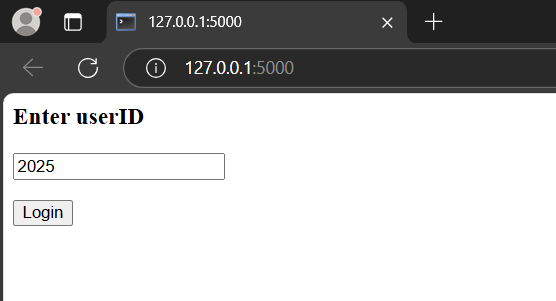
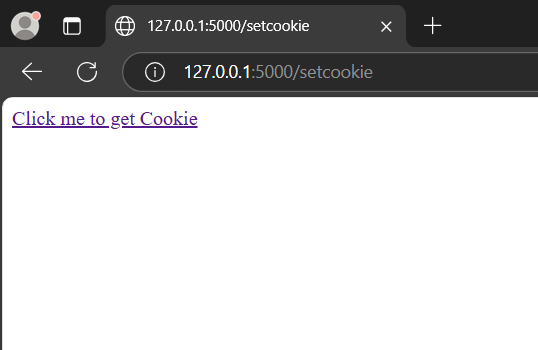
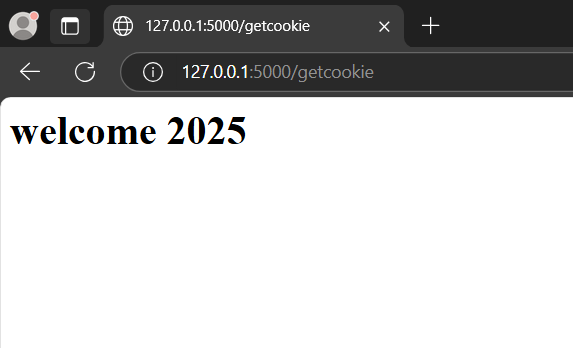
Run the application and visit http://127.0.0.1:5000 in your browser. The form submits to '/setcookie', where the set function stores a cookie named userID. The cookie.html page includes a link to the getcookie() function, which retrieves and displays the cookie value in the browser. Output snippets are below:
Enter user ID into the form and click "Login".
Click on "Click me to get Cookie"
"/getcookie" route takes the User ID from cookies and renders welcome along with it.
Session is the time between a user logging in and logging out of a server. Session data is stored on the server in a temporary folder, and each user is assigned a unique session ID.
The Session object is a dictionary that contains the key-value pair of the variables associated with the session. A SECRET_KEY is used to store the encrypted data on the cookies.
Example:
Session[key] = value // stores the session value
Session.pop(key, None) // releases a session variable
1. redirect: used to return the response of an object and redirects the user to another target location with specified status code.
Syntax: Flask.redirect(location, statuscode, response)
Parameters:
2. abort: used to handle the error in the code.
Syntax: Flask.abort(code)
The code parameter can take the following values to handle the error accordingly:
File Uploading needs an HTML form with enctype attribute and URL handler, that fetches file and saves the object to the desired location. Files are temporary stored on server and then on the desired location.
The HTML Syntax that handle the uploading URL is:
form action="http://localhost:5000/uploader" method="POST" enctype="multipart/form-data"
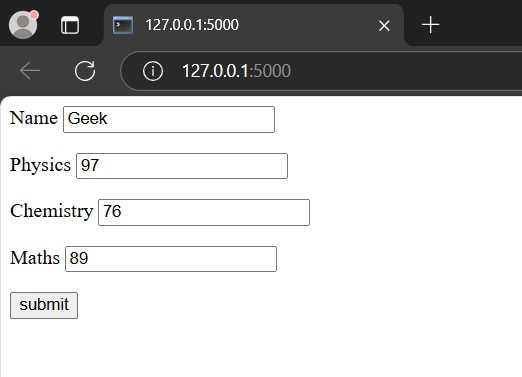
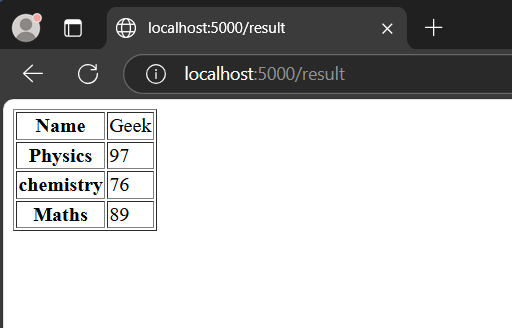
A Form in HTML is used to collect the information of required entries which are then forwarded and stored on the server. These can be requested to read or modify the form.
Explanation:
HTML Code (result.html)
HTML Code ( student.html )
Output
Alert can be defined as a pop-up or a dialog box that appears on the web-page or like alert in JavaScript, which are used to inform the user. This in flask can be done by using the method flash() in Flask. It passes the message to the next template.
Syntax: flash(message, category)
Parameters: