|
VOOZH | about |
|
VOOZH | about |
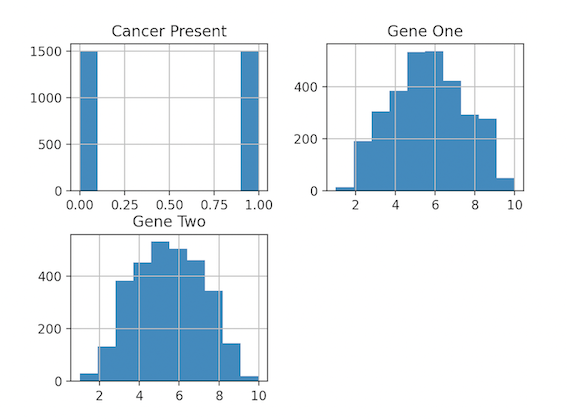
A histogram is a graph that displays the frequency of values in a metric variable's intervals. These intervals are referred to as "bins," and they are all the same width.
We can create a histogram from the panda's data frame using the df.hist() function.
Syntax:
DataFrame.hist(column=None, by=None, grid=True, xlabelsize=None, xrot=None, ylabelsize=None, yrot=None, ax=None, sharex=False, sharey=False, figsize=None, layout=None, bins=10, backend=None, legend=False, **kwargs)
We use df.hist() and plot.show() to display the Histogram.
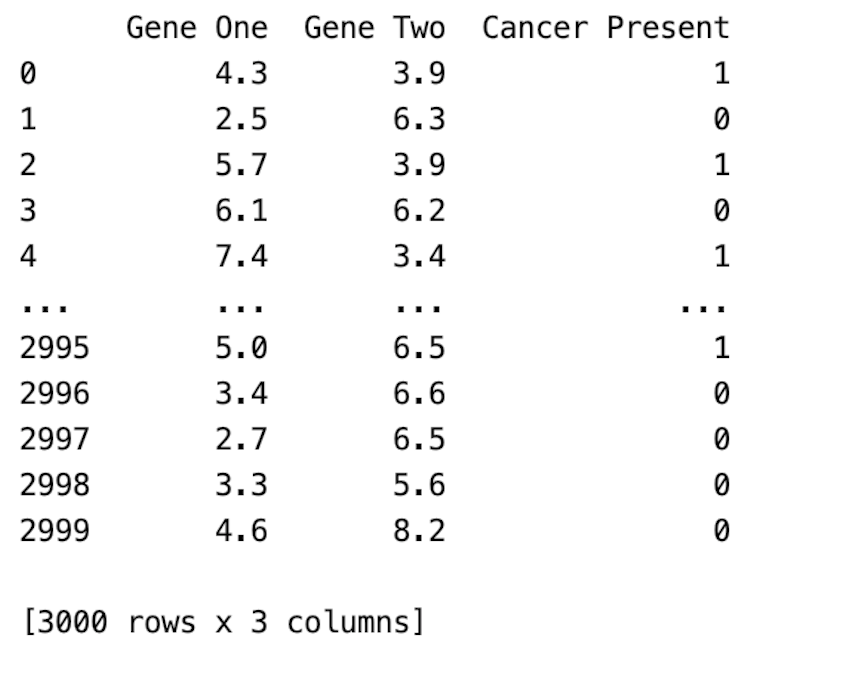
CSV file used: gene_expression.csv
Output:
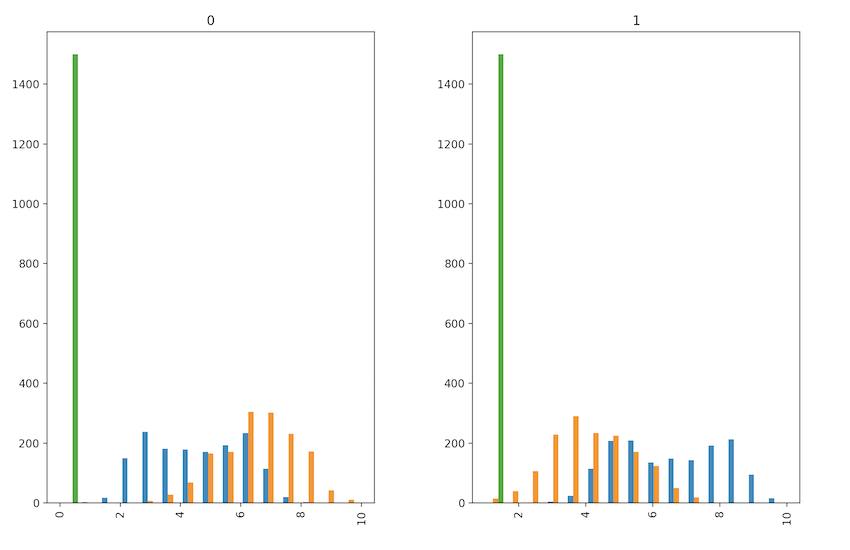
👁 ImageIn this example, we add extra parameters to the hist method. We have changed the fig size, no of bins is specified as 15, and by parameter is given which ensures histograms for each cancer group are created.