|
VOOZH | about |
|
VOOZH | about |
In modern web development, APIs (Application Programming Interfaces) play a crucial role in enabling the interaction between different software systems. Flask, a lightweight WSGI web application framework in Python, provides a simple and flexible way to create APIs. In this article, we'll explore how to get data from an API using Python Flask. We'll cover setting up a Flask project, making API requests, and handling responses.
To get started with Flask, you'll need to install it. You can do this using pip:
pip install Flask requestsDirectory Structure:
Next, create a new directory for your project and a Python file.
flask_api_project/
├── app.py
└── templates/
 └── data.html
Flask supports rendering HTML templates using the Jinja2 template engine. Let's create a simple HTML template to display the data we get from the API.
First, create a templates directory in your project folder and add a file named data.html:
Next, create a new directory for your project and a Python file, e.g., app.py. In this file, we'll set up the basic structure of our Flask application.
app.py
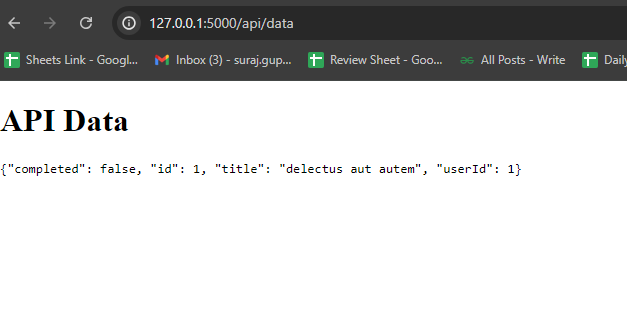
The requests library provides a straightforward way to handle API responses. In the example, we use the json() method to parse the JSON response from the API. We then use Flask's jsonify function to return the data as a JSON response from our endpoint.