|
VOOZH | about |
|
VOOZH | about |
Iterating over files in a directory using Python involves accessing and processing files within a specified folder. Python provides multiple methods to achieve this, depending on efficiency and ease of use. These methods allow listing files, filtering specific types and handling subdirectories.
os.scandir() provides an iterator of os.DirEntry objects, making it the fastest way to iterate over files in a directory. It allows direct access to file attributes like .is_file(), avoiding extra system calls. This makes it more memory-efficient and faster than os.listdir(), especially for large directories.
Output:
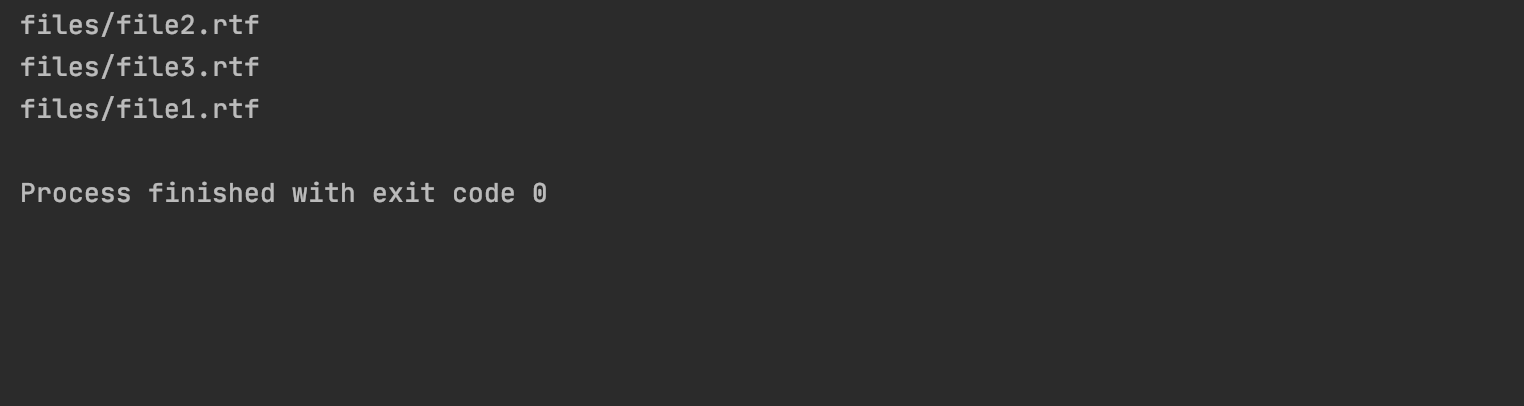
👁 ImageExplanation: loop iterates through each entry in the directory and entry.is_file() checks if it is a file not a folder . If true, it prints the file’s full path.
Table of Content
pathlib module offers an object-oriented approach to handling file paths. Using Path(directory).iterdir(), we can efficiently iterate over all files in a directory. It is a more modern alternative to os methods and provides an intuitive way to work with file paths in Python.
Output:
👁 ImageExplanation: It imports Path, which offers an object-oriented way to handle file paths. Path('files') sets the directory and iterdir() loops through its entries. file.is_file() checks if an entry is a file and if true, its path is printed.
os.walk() is useful when recursively iterating over all files in a directory and its subdirectories. It returns a 3-tuple containing the root directory, subdirectories and filenames, making it ideal for deep directory traversal. However, it may be slightly slower for flat directories.
Output:
👁 ImageExplanation: This code iterates over files in 'files' using os.walk(), which traverses directories recursively. It loops through files in each folder and prints their full paths.
glob module is useful for pattern-based file matching while iterating through a directory. glob.iglob() returns an iterator instead of a list, making it more memory-efficient. This method is ideal when working with specific file extensions (e.g., *.txt or *.csv).
Output:
👁 ImageExplanation: This code iterates over files in 'files' using glob.iglob(), which matches files based on a pattern. It prints the full path of each file.