|
VOOZH | about |
|
VOOZH | about |
In this article, we are going to know how to rename a PySpark Dataframe column by index using Python. we can rename columns by index using Dataframe.withColumnRenamed() and Dataframe.columns[] methods. with the help of Dataframe.columns[] we get the name of the column on the particular index and then we replace this name with another name using the withColumnRenamed() method.
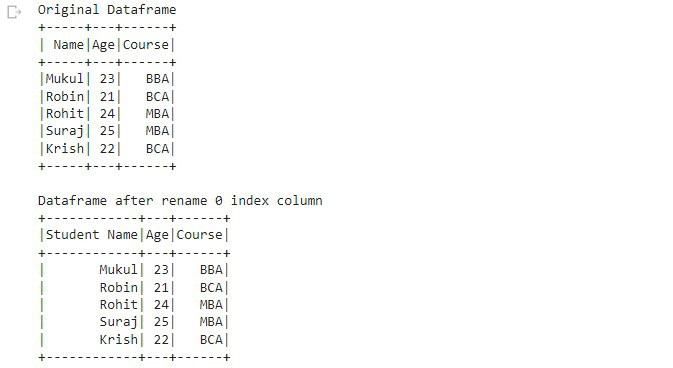
Example 1: The following program is to rename a column by its index.
Output:
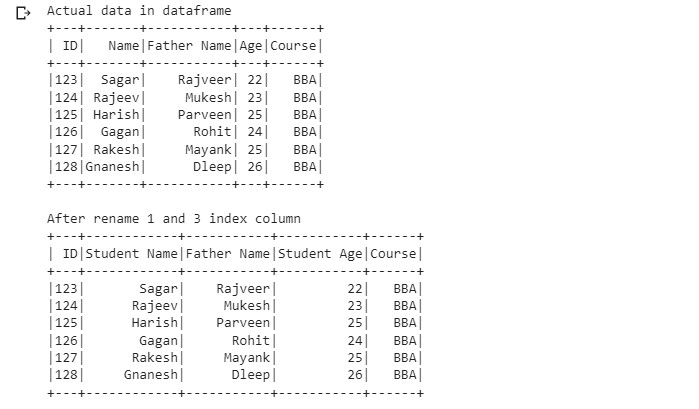
Example 2: The following program is to rename multiple columns by these indexes.
Output: