 |
VOOZH | about |
|
VOOZH | about |
Image Gallery GUI using Django is a web application that allows users to view and manage a collection of images stored in a database through a user-friendly graphical interface. Here are the step-by-step instructions to implement the Image Gallery GUI.
Prerequisites:
Open terminal and run:
django-admin startproject <project_name>
cd <project_name>
python manage.py startapp gallery
Create gallery/models.py:
In gallery/admin.py:
In gallery/views.py:
index.html:
In <project_name>/settings.py:
Since you are using ImageField, install Pillow:
pip install Pillow
python manage.py makemigrations
python manage.py migrate
Run:
python manage.py createsuperuser
Enter your username, email, and password when prompted.
Start server:
python manage.py runserver
Output:

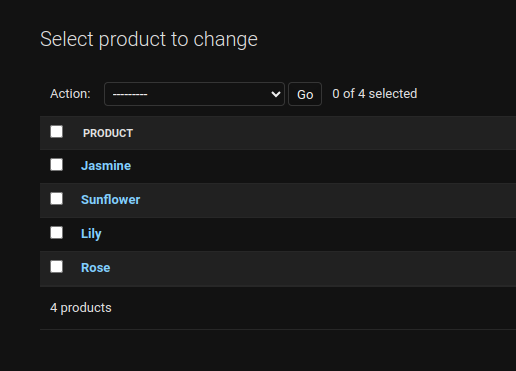
.png)