|
VOOZH | about |
|
VOOZH | about |
Image transformations are fundamental operations in image processing that modify an image's position, orientation, size, or shape. OpenCV (Open Source Computer Vision Library) is a popular open-source library that provides efficient functions for performing these transformations in Python.
In computer vision and image processing, image translation refers to shifting an image from one position to another. It changes the location of objects in the image without altering their shape, size, or orientation.
imread() function after importing the NumPy and OpenCV modules.warpAffine()method performs the translation using the transformation matrix M.x = 100 shifts the image 100 pixels to the right and y = 50 shifts it 50 pixels downward, while (cols, rows) preserves the original image dimensions.Output:
Image reflection is used to flip the image vertically or horizontally. For reflection along the x-axis, we set the value of Sy to -1, Sx to 1, and vice-versa for the y-axis reflection.
Sy is set to -1 while Sx remains 1, causing the image to flip along the x-axis.Sx is set to -1 while Sy remains 1, causing the image to flip along the y-axis.Output:
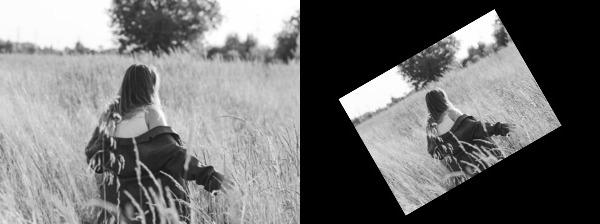
Image rotation is the process of rotating an image by a specified angle around a fixed point, usually its center. It is widely used in image processing, computer vision, and data augmentation tasks.
getRotationMatrix2D() function creates the transformation matrix required for rotation.(cols/2, rows/2).0.6 reduces the image size to 60% of its original dimensions while applying the rotation.Output:
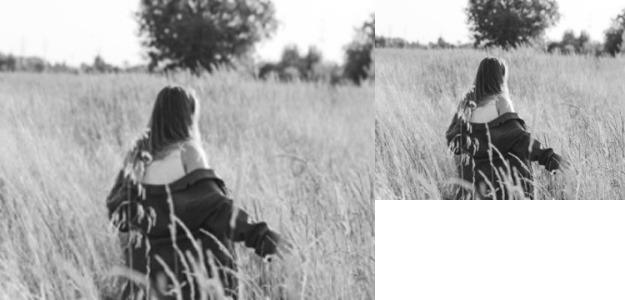
Image scaling is a process used to resize a digital image. We perform two things in the image scaling either we enlarge the image or we shrink the image, OpenCV has a built-in function cv2.resize() for image scaling.
resize() function with INTER_AREA interpolation.INTER_CUBIC interpolation for smoother scaling.Output:
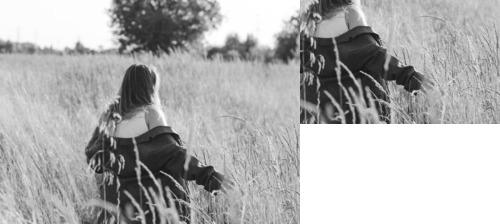
Image cropping is the process of removing unwanted portions of an image to focus on a specific region.
img[100:300, 100:300] extracts a 200 × 200 pixel region from the image.Output:
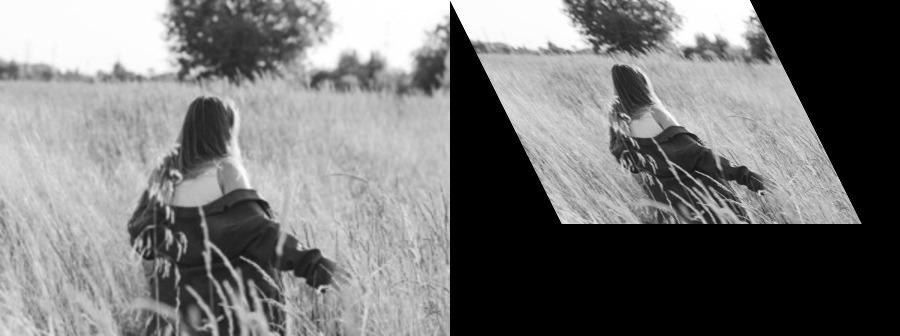
Image shearing in the x-axis shifts image pixels horizontally, causing the image to appear slanted while preserving parallelism.
[[1, 0.5, 0], [0, 1, 0], [0, 0, 1]] applies a shearing factor of 0.5 along the x-axis.warpPerspective() function performs the transformation, and the output size is increased to accommodate the sheared image.Output:
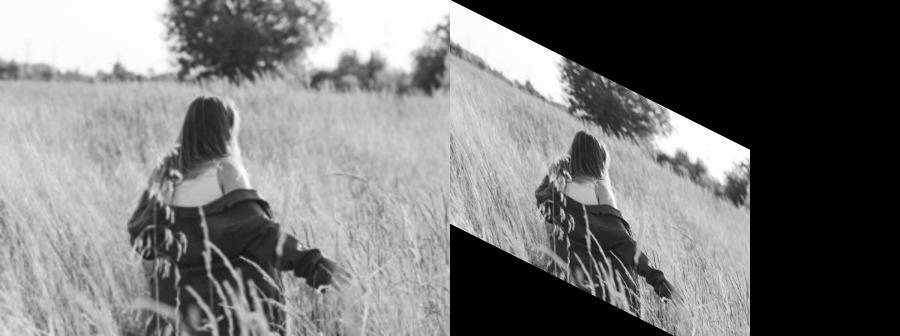
Image shearing in the y-axis shifts image pixels vertically, causing the image to appear slanted while preserving parallelism.
[[1, 0, 0], [0.5, 1, 0], [0, 0, 1]] applies a shearing factor of 0.5 along the y-axis.warpPerspective() function performs the transformation, and the output size is increased to accommodate the sheared image.Output: