|
VOOZH | about |
|
VOOZH | about |
A line chart or line plot is a graphical representation used to show the relationship between two continuous variables by connecting data points with a straight line. It is commonly used to visualize trends, patterns or changes over time.
In Matplotlib line charts are created using the pyplot sublibrary which provides simple and flexible functions for plotting data. In a line chart, the x-axis typically represents the independent variable while the y-axis represents the dependent variable.
Syntax: plt.plot(x, y, color, linestyle, linewidth, marker)
where:
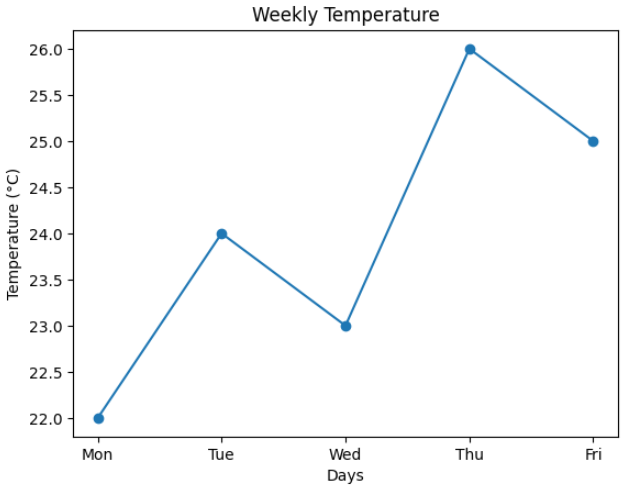
Consider a simple example where we visualise the weekly temperature using a line chart in Matplotlib
Output:
A line plot is used to represent the relationship between two continuous variables. Matplotlib provides the plot() function through its pyplot module to create simple and advanced line charts efficiently.
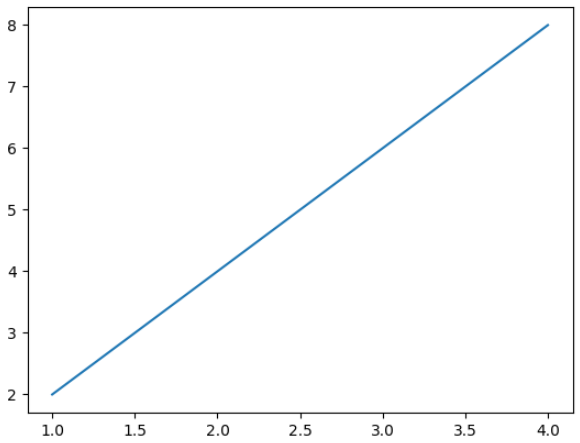
For creating a basic line chart, you can use the plot() function. This function draws a line by connecting data points on the x-axis and y-axis, making it easy to visualize relationships between two continuous variables.
Output:
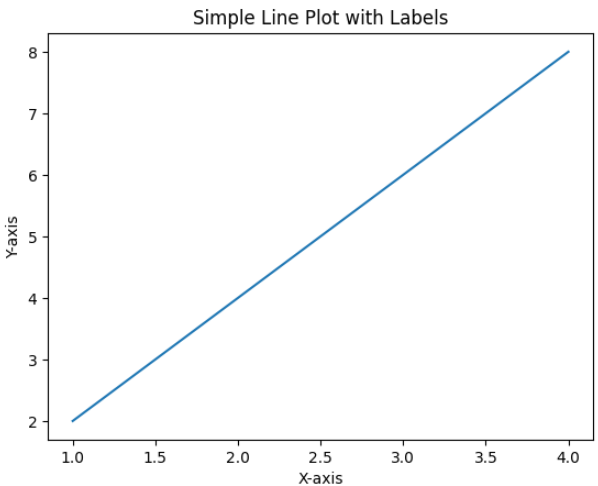
To improve readability, you can use the xlabel(), ylabel() and title() functions. These functions help in clearly identifying the axes and the purpose of the line chart.
Output:
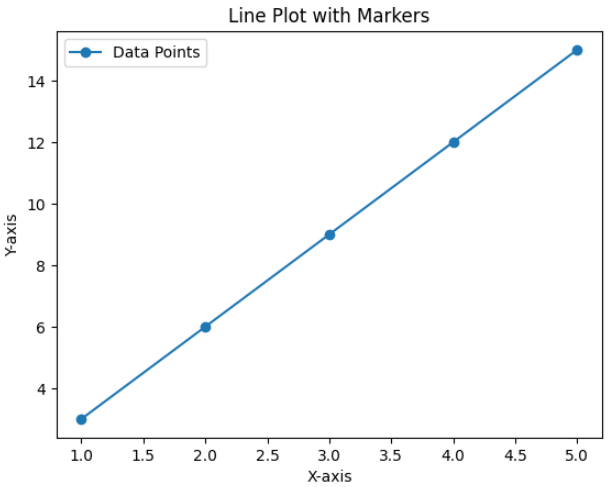
Markers help highlight individual data points on a line plot making it easier to identify exact values. They are especially useful for small datasets or precise comparisons. The marker parameter in plt.plot() specifies the shape of symbols used to mark each data point.
Output:
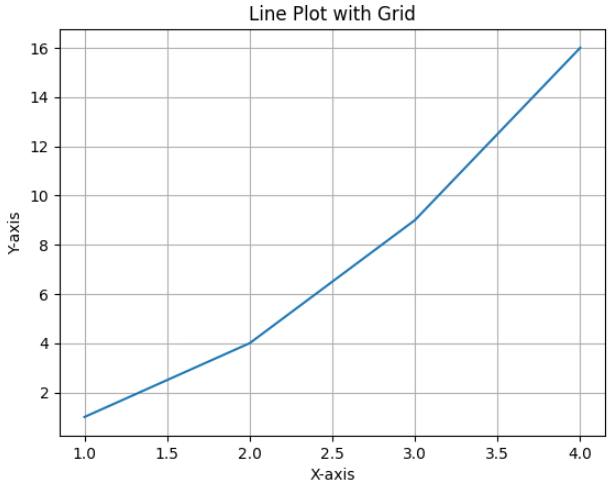
Grids make it easier to read values and follow trends across the chart. You can enable grids using the grid() function
Output:
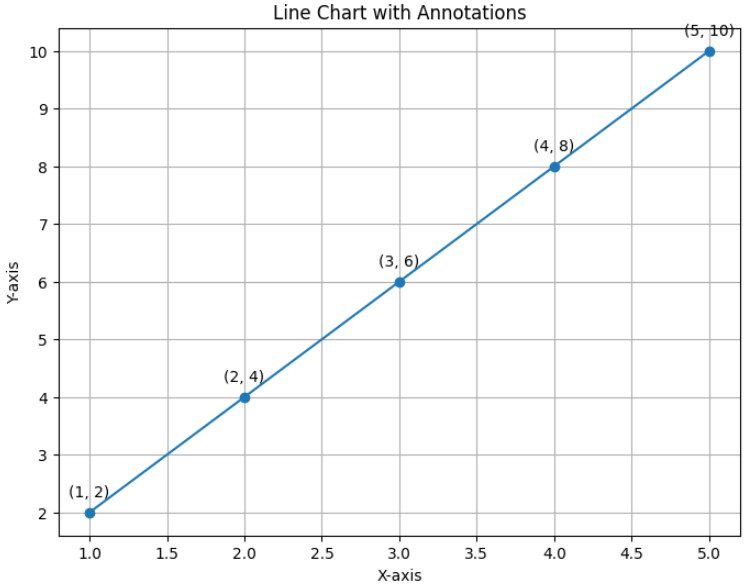
For adding annotations to a line chart you can use the annotate() function. This function allows you to display additional information such as the exact x and y values directly on the data points, improving clarity and data interpretation.
Output:
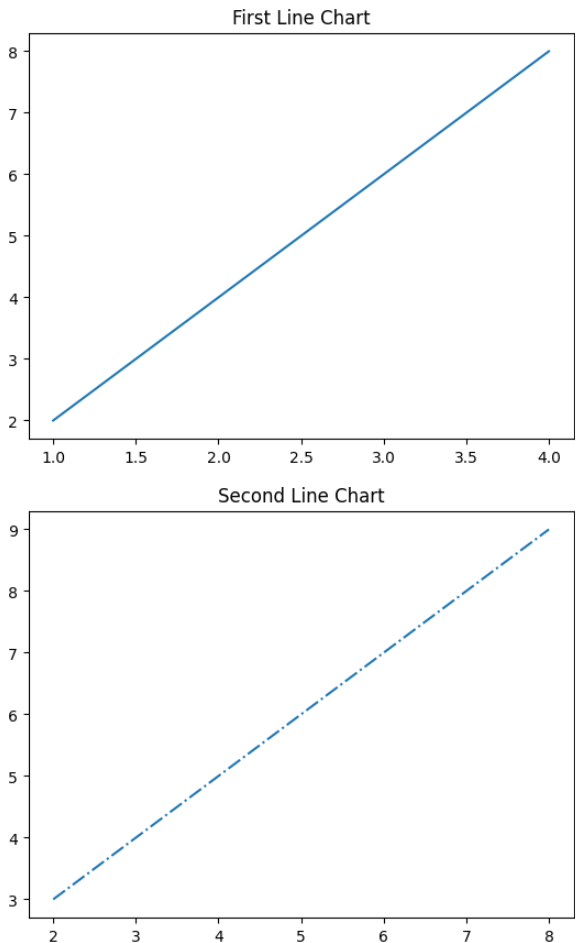
To create multiple line charts in separate containers you can use the figure() function. Each call to figure() generates a new plotting area, making it easier to visualize and compare different datasets independently.
Output:
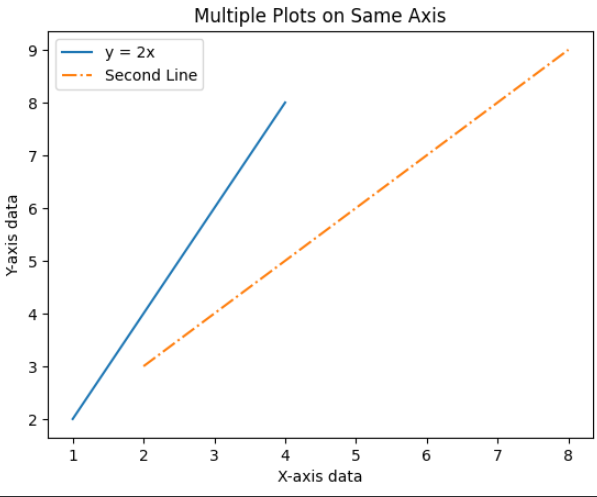
To plot multiple lines on the same axis, you can call the plot() function multiple times before displaying the graph. This approach is useful for comparing different datasets within the same coordinate system.
Output:
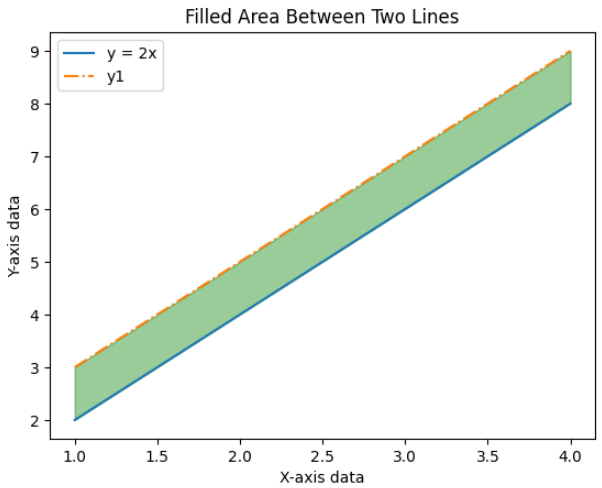
To fill the region between two line plots, you can use the fill_between() function. This function shades the area between two curves, helping visualize the difference or range between datasets.
Output:
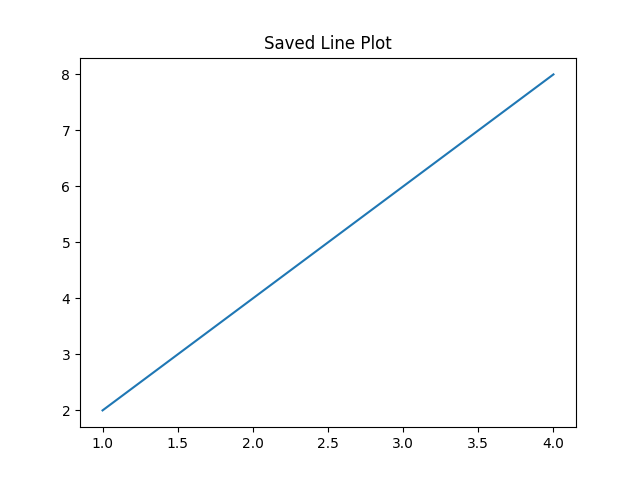
Instead of displaying a plot you can save it as an image using the savefig() function.
Output:
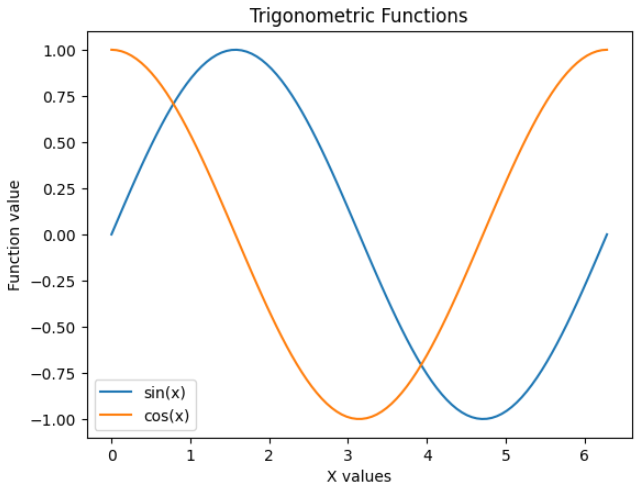
Trigonometric functions such as sine, cosine and tangent can be visualized using plt.plot() by generating input values over a continuous range. The numpy.linspace() function creates evenly spaced values, allowing smooth and accurate curves.