|
VOOZH | about |
|
VOOZH | about |
Progressive Web Apps (PWAs) are web applications built using standard web technologies that can be installed on devices like native apps, providing offline capabilities, push notifications, and faster loading.
Prerequisites:
A django project that is ready to be deployed.
The below steps have to be followed to create a progressive web application of a Django project.
Install the django-pwa package which simplifies the PWA integration:
pip install django-pwa
1. In your settings.py, add 'pwa' to the INSTALLED_APPS list:
INSTALLED_APPS = [
...
'pwa',
]
2. Also, add the path for the service worker (you'll create this later):
3. Add your PWA settings to settings.py to generate the manifest.json automatically. Customize the values as per your app:
Include the pwa app URLs in your project's urls.py:
This will expose necessary URLs like /manifest.json and /serviceworker.js.
Create a folder static/js inside your Django project if it doesn't exist. Inside static/js, create a file called serviceworker.js and add the following code:
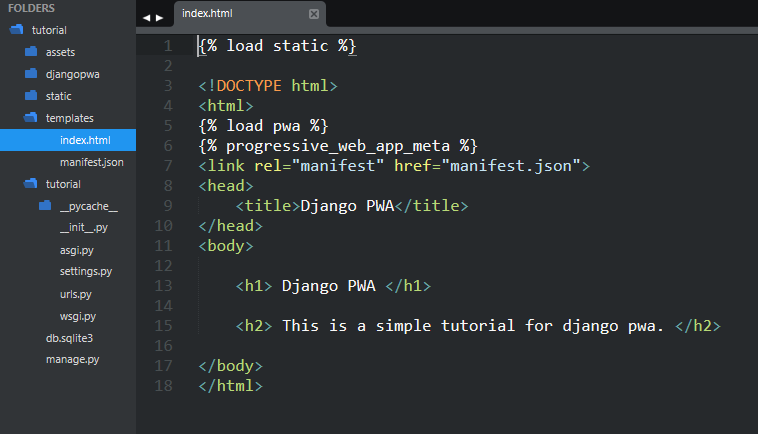
In your base template or the main page template (e.g., index.html), add the following at the top to load PWA tags:
This will automatically add the manifest and service worker registration scripts in your HTML.
1. Run your Django development server:
python manage.py runserver
2. Open your site in Chrome or any modern browser.
3. Open Developer Tools (F12 or right-click → Inspect).
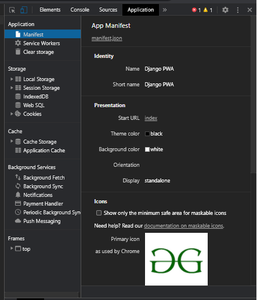
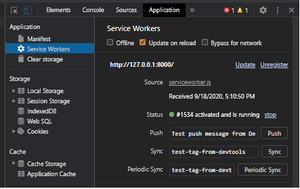
4. Go to the Application tab:
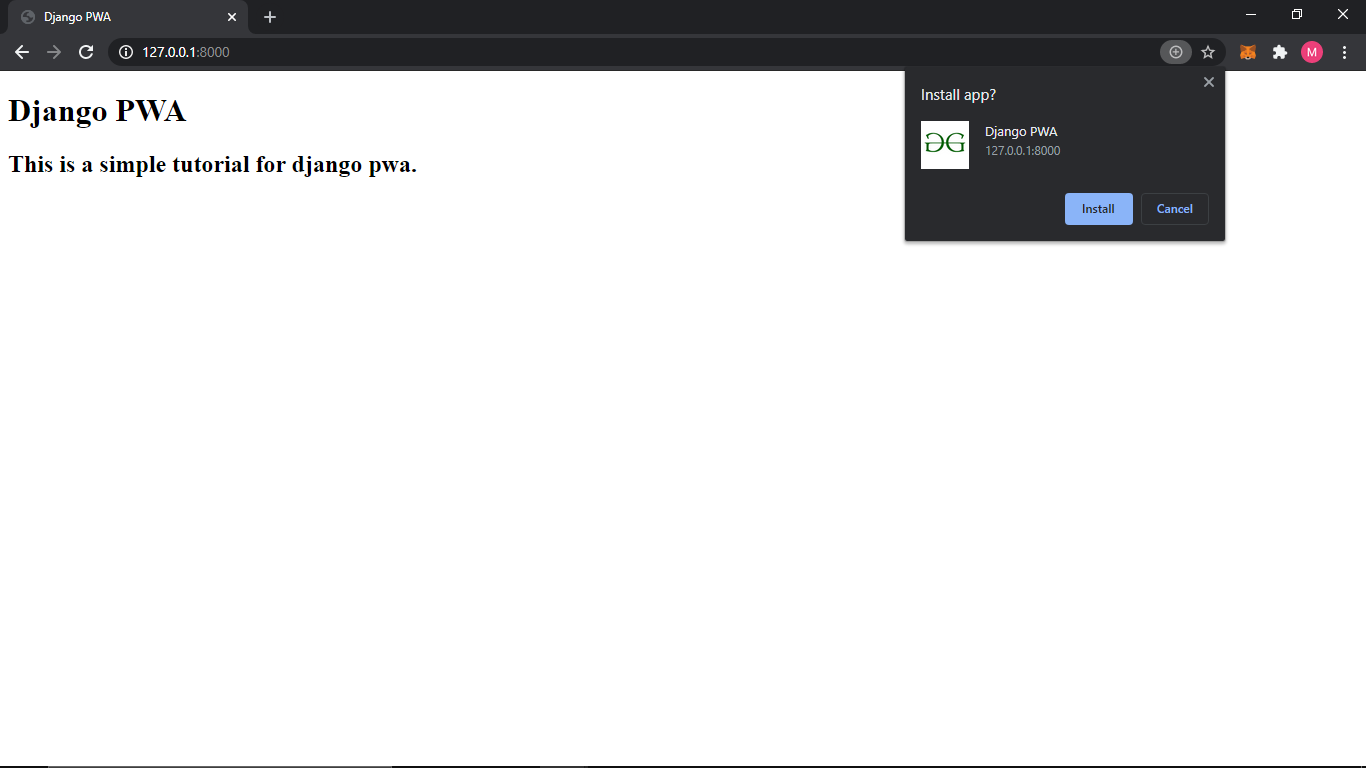
5. Our PWA is ready to be installed now. You will see the install icon in the address tab.