Matplotlib is a library in Python and it is numerical - mathematical extension for NumPy library. The
Axes Class contains most of the figure elements: Axis, Tick, Line2D, Text, Polygon, etc., and sets the coordinate system. And the instances of Axes supports callbacks through a callbacks attribute.
matplotlib.axes.Axes.set_xlim() Function:
The
Axes.set_xlim() function in axes module of matplotlib library is used to set the x-axis view limits.
Syntax: Axes.set_xlim(self, left=None, right=None, emit=True, auto=False, *, xmin=None, xmax=None)
Parameters: This method accepts the following parameters.
- left : This parameter is the left xlim in data coordinates
- right : This parameter is the right xlim in data coordinates
- emit : This parameter is used to notify observers of limit change.
- auto : This parameter is used to turn on autoscaling of the x-axis.
- xmin, xmax: These parameter are equivalent to left and right and it is an error to pass both xmin and left or xmax and right.
Returns:This method returns the following
- left, right :This returns the new x-axis limits in data coordinates.
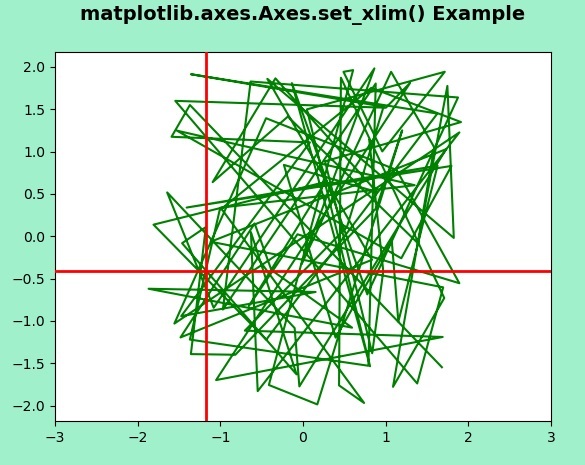
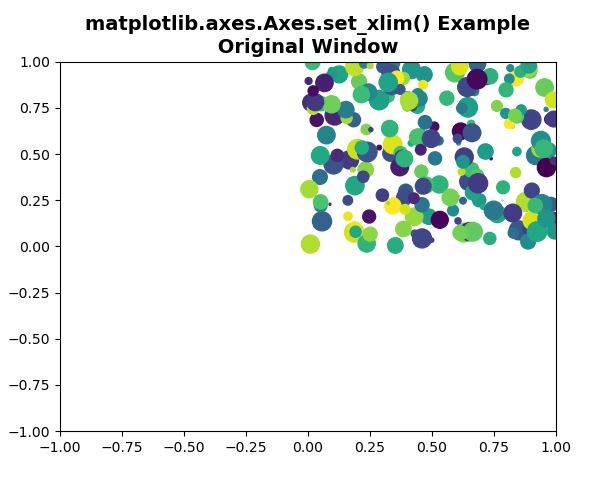
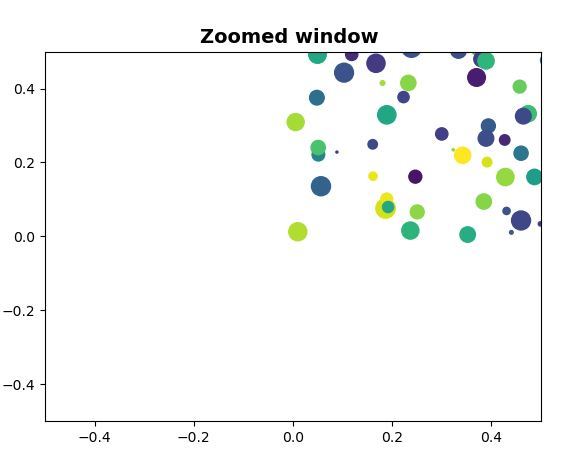
Below examples illustrate the matplotlib.axes.Axes.set_xlim() function in matplotlib.axes:
Example 1:
Output:
👁 Image
Example 2: