Matplotlib is a library in Python and it is numerical - mathematical extension for NumPy library. The
Axes Class contains most of the figure elements: Axis, Tick, Line2D, Text, Polygon, etc., and sets the coordinate system. And the instances of Axes supports callbacks through a callbacks attribute.
matplotlib.axes.Axes.set_ylabel() Function
The
Axes.set_ylabel() function in axes module of matplotlib library is used to set the label for the y-axis.
Syntax: Axes.set_ylabel(self, xlabel, fontdict=None, labelpad=None, **kwargs)
Parameters: This method accepts the following parameters.
- ylabel : This parameter is the label text.
- labelpad : This parameter is the spacing in points from the axes bounding box including ticks and tick labels.
Returns:This method does not returns any value.
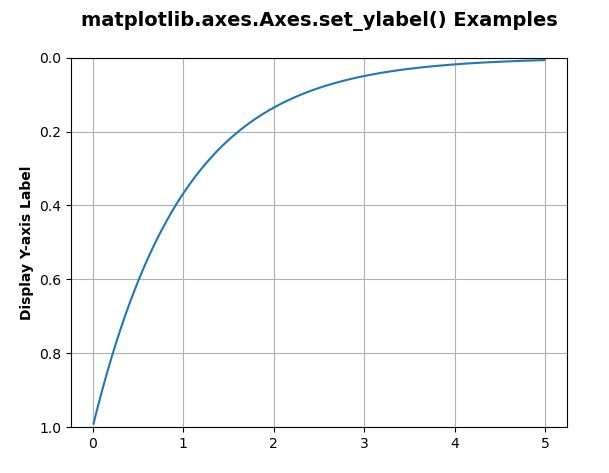
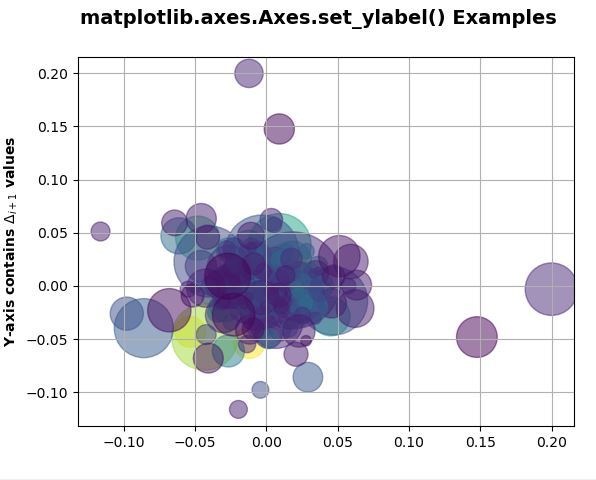
Below examples illustrate the matplotlib.axes.Axes.set_ylabel() function in matplotlib.axes:
Example 1:
Output:
👁 Image
Example 2: