|
VOOZH | about |
|
VOOZH | about |
Django REST Framework (DRF) allows passing context from a ViewSet to a Serializer. This context is a dictionary that carries extra information the serializer may need.
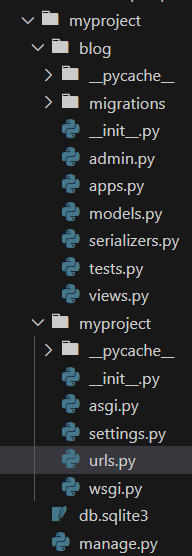
Consider a project called 'myproject' with an app named 'blog':
Add the app and rest framework to our "INSTALLED_APPS" in settings.py
To enable token authentication, we need to configure DRF. Add the following settings in settings.py:
In blog/models.py, define a simple Post model:
Run the migrations to create the database table:
python manage.py makemigrations
python manage.py migrate
In blog/serializers.py, create a serializer for the Post model. To utilize the request object inside the serializer, simply access it via self.context. We to pass any additional context we may need, including the request object, user, or custom parameters.
This PostViewSet handles CRUD operations for the Post model, using PostSerializer and restricting access to authenticated users with IsAuthenticated. The get_serializer method is overridden to explicitly pass the request context (self.request) to the serializer via the context argument.
This PostViewSet provides CRUD operations for the Post model, restricted to authenticated users with IsAuthenticated permission. It uses the PostSerializer and passes the request context to the serializer by overriding get_serializer_context(). This allows the serializer to access the request data.
In blog/urls.py, set up the URLs for the ViewSet:
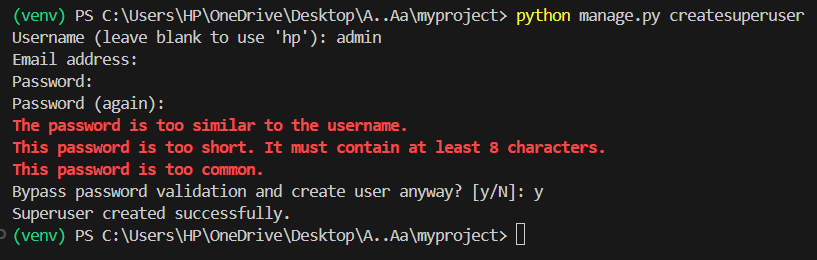
To use token authentication, we'll need to create tokens for users. We can do this using the Django shell. First, create a superuser:
python manage.py createsuperuser
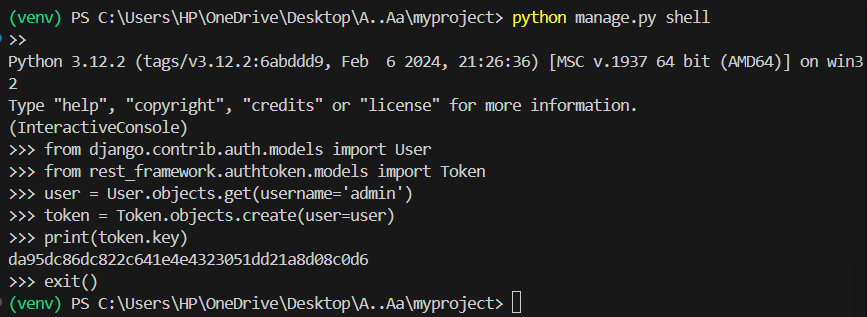
Then, enter the shell:
python manage.py shell
Inside the shell, create a token for the superuser:
python manage.py runserver
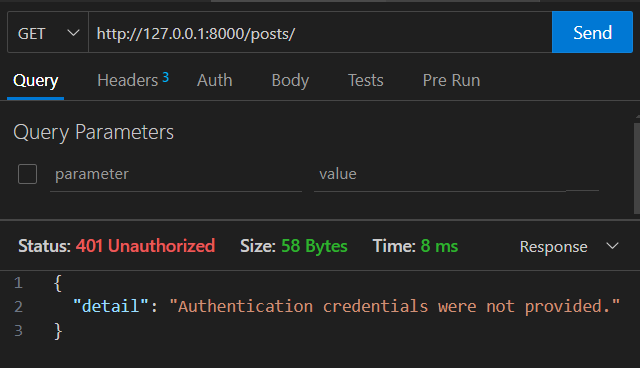
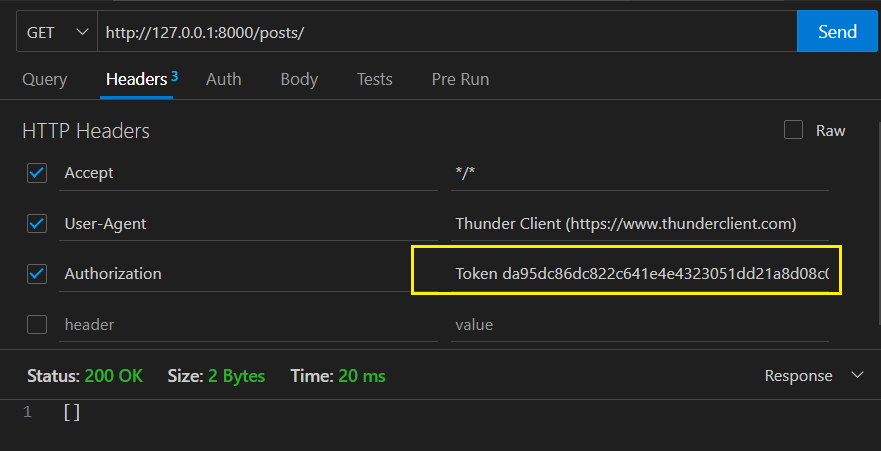
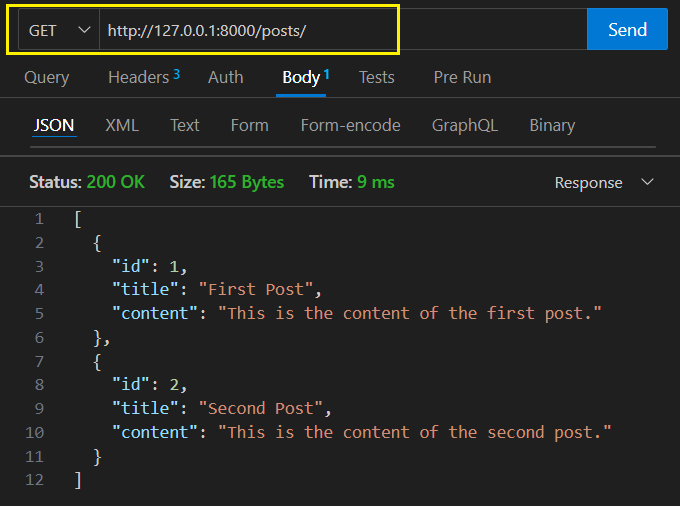
Use a GET request to "http://127.0.0.1:8000/posts/"
In the headers, add Authorization: Token your_token_key.
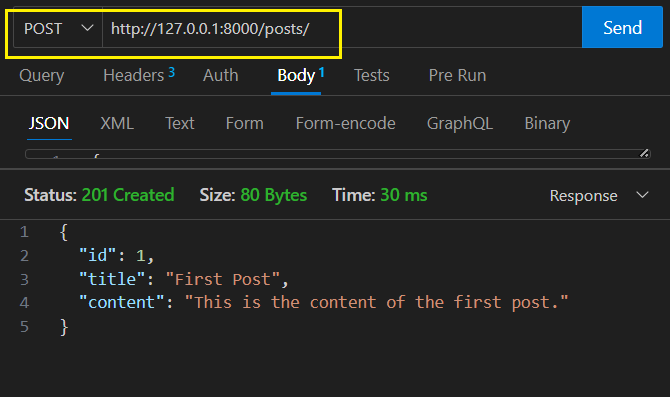
In the body, include a JSON object with title and content.
{
"title": "First Post",
"content": "This is the content of the first post."
}