|
VOOZH | about |
|
VOOZH | about |
Websockets provide a powerful mechanism for establishing bidirectional communication between a client and a server over a single, long-lived connection. Python Falcon, a lightweight and fast web framework, offers support for implementing websockets, enabling real-time communication between clients and servers.
WebSocket is a protocol that provides full-duplex communication channels over a single TCP connection. It's commonly used for real-time web applications such as chat applications, online gaming, and live updates. Falcon is a high-performance Python web framework for building RESTful APIs. While Falcon itself doesn't have built-in WebSocket support, you can integrate WebSocket functionality into a Falcon application using libraries such as websocket-server or websockets.
Below is the step-by-step procedure to understand about websocket in Python Falcon:
Here, we will install the following libraries and modules before starting:
Before diving into the implementation, make sure you have the necessary dependencies installed. You'll need falcon, falcon-asgi, jinja2, and uvicorn. You can install them via pip:
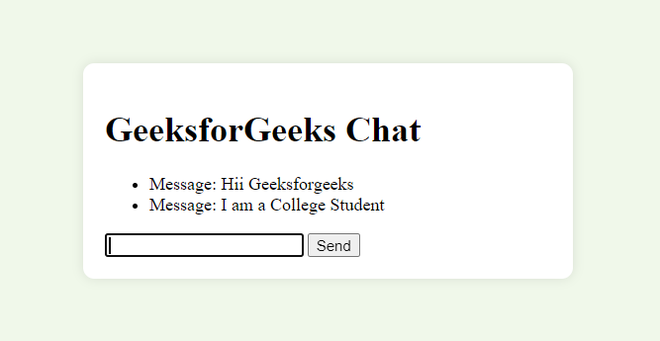
pip install falcon falcon-asgi jinja2 uvicornIn this example, we define an HTML template for the chat interface with the title "GeeksforGeeks Chat" and a light green background color. The chat container is centered on the page using flexbox CSS. We implement a Falcon resource called ChatResource. The on_get method serves the HTML template, while the on_websocket method handles WebSocket connections. The WebSocket handler accepts incoming connections and echoes any received messages back to the client.
To run the Falcon application with WebSocket chat support, execute the script:
python app.pyThis will start the Falcon application using the Uvicorn server, which supports ASGI and WebSocket protocols. You can then access the WebSocket chat interface by navigating to http://localhost:8000/chat in your web browser.
Output: