|
VOOZH | about |
|
VOOZH | about |
Form validation ensures that user-submitted data meets specific requirements before being processed or saved. It can be applied to fields such as username, gender, or text inputs to maintain accuracy and consistency. Django simplifies this process by combining form handling and validation logic within its form classes.
Consider a project named 'geeksforgeeks' having an app named 'geeks'.
In geeks/models.py, define a model named Post to store user data:
After creating this model, two commands need to be run to create the corresponding database tables:
python manage.py makemigrations
python manage.py migrate
Creating a form involves defining validation rules for fields, such as requiring the username to be at least 5 characters and the post text to be at least 10 characters. These rules are implemented in the PostForm class.
In geeks/forms.py, define a form that includes custom validation logic:
In geeks/views.py, create a view to handle GET and POST requests.
In geeks/urls.py, map the root URL to the home view.
Include app’s URLs in the project-level geeksforgeeks/urls.py:
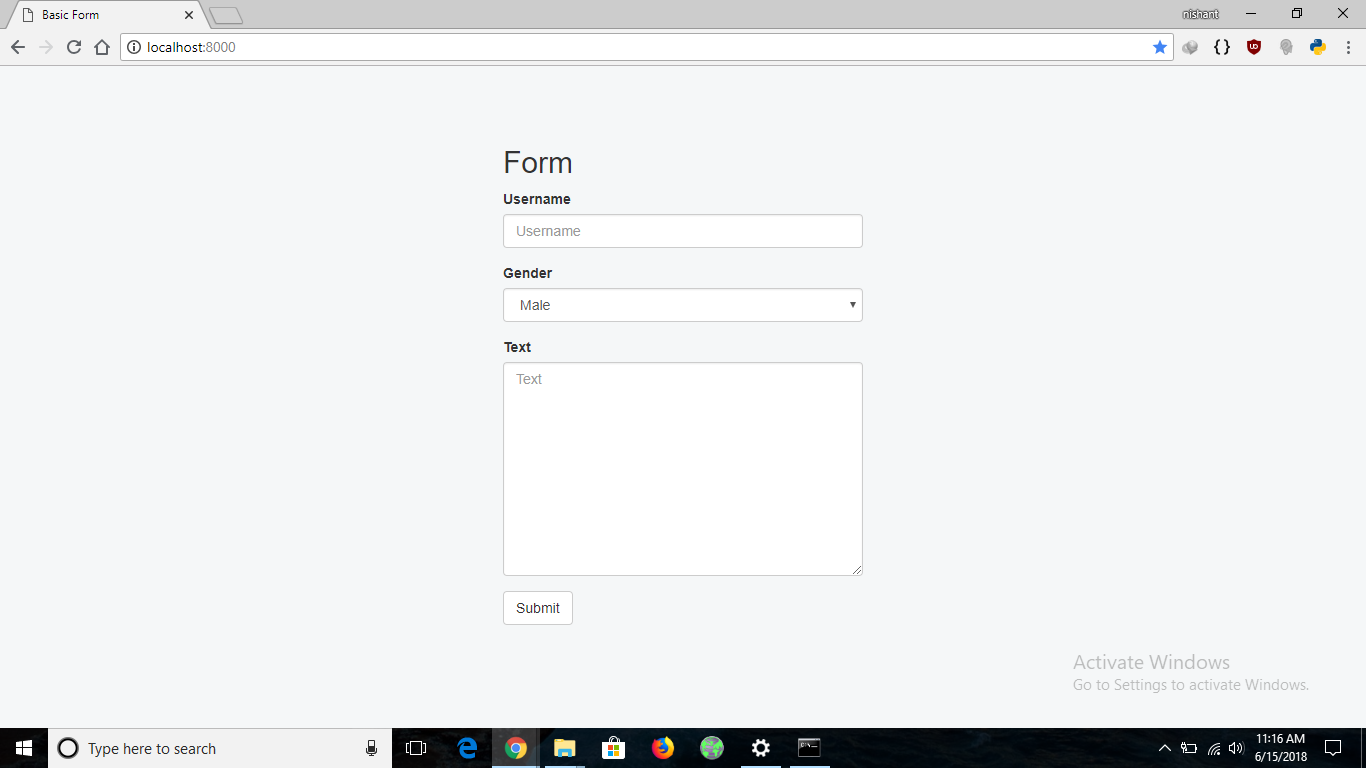
In geeks/templates/home.html, design a simple form using Bootstrap for styling.
python manage.py runserver
Visit: http://127.0.0.1:8000/ to view the form in action
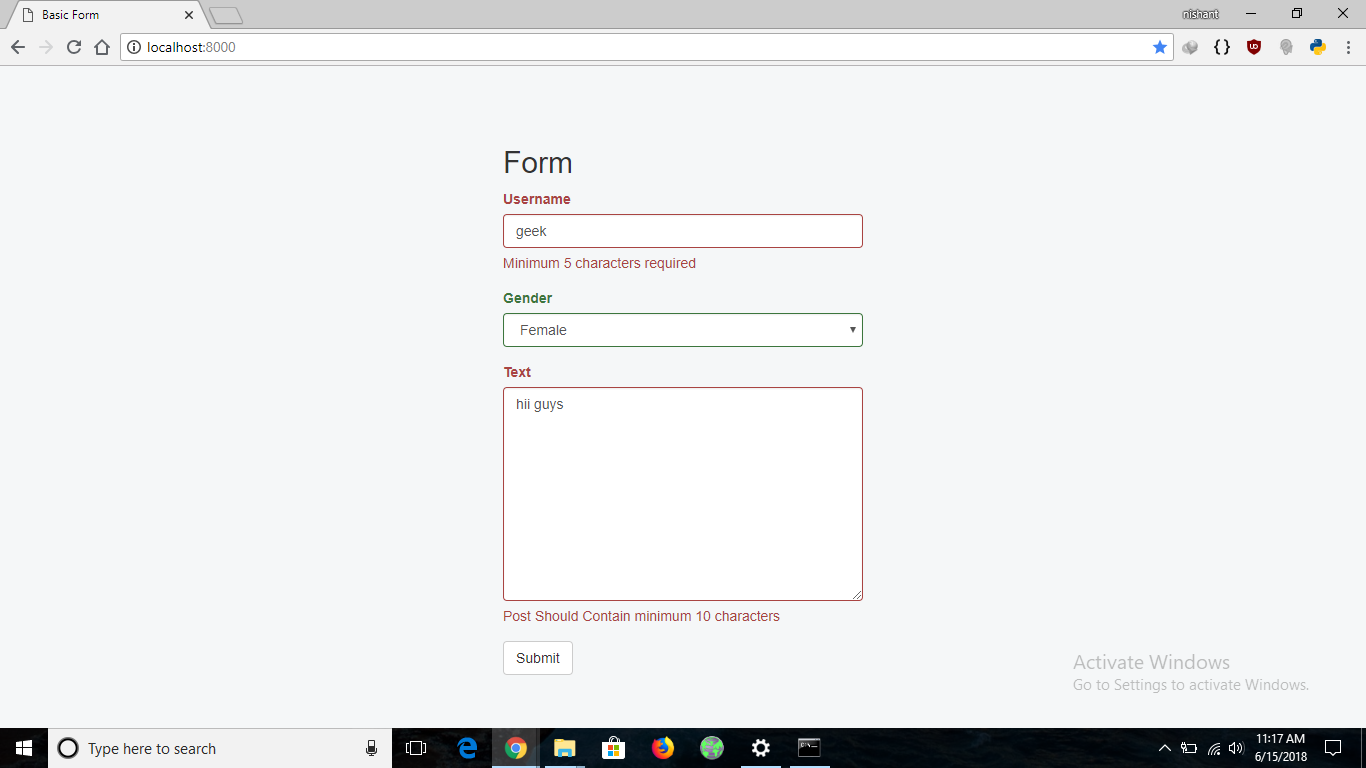
If the form is submitted with a username shorter than 5 characters or post text shorter than 10 characters, validation errors are displayed immediately. The form highlights the invalid fields and shows appropriate error messages.