Tkinter is a GUI (Graphical User interface) module which is used to create various types of applications. It comes along with the Python and consists of various types of widgets which can be used to make GUI more attractive and user-friendly.
Checkbutton is one of the widgets which is used to select multiple options.
Checkbutton can be created as follows:
chkbtn = ttk.Checkbutton(parent, value = options, ...)
Code #1:
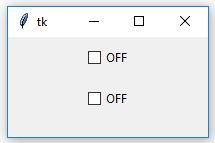
Output #1: When you run application you see the initial states of
Checkbutton as shown in output.
👁 Image
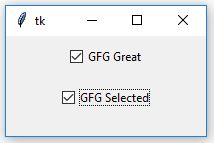
Output #2: As soon as you
select the
Checkbutton you'll see that text has been changed as in output.
👁 Image
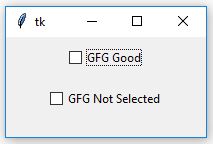
Output #3: When you
deselect the
Checkbutton you'll again observe following changes.
👁 Image
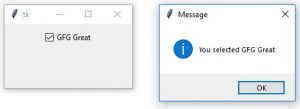
Code #2: Commands can be integrate with the
Checkbutton which can be execute when checkbutton is selected or deselected depending upon conditions.