Prerequisite :
Reading an excel file using openpyxl
Openpyxl is a Python library for reading and writing Excel (with extension xlsx/xlsm/xltx/xltm) files. The openpyxl module allows Python program to read and modify Excel files.
For example, user might have to go through thousands of rows and pick out few handful information to make small changes based on some criteria. Using Openpyxl module, these tasks can be done very efficiently and easily.
Let’s see how to create and write to an excel-sheet using Python.
Code #1 : Program to print a active sheet title name
Output :
active sheet title: Sheet
Code #2 : Program to change the Title name
Output :
sheet name is renamed as: sheet1
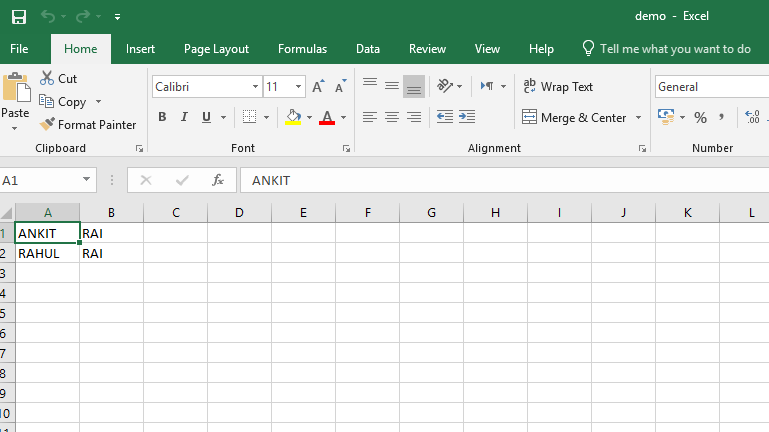
Code #3 :Program to write to an Excel sheet
Output :
👁 Output
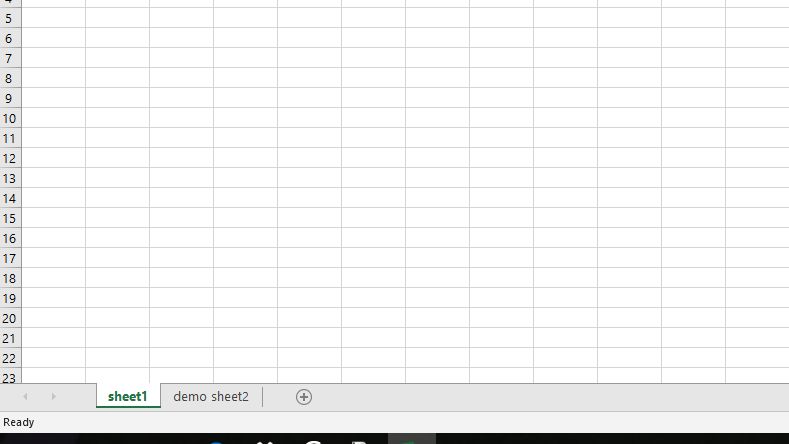
code #4 :Program to add Sheets in the Workbook