|
VOOZH | about |
|
VOOZH | about |
In this article, we will try to find out how can we read data from a zip file using a panda data frame.
People use related groups of files together and to make files compact, so they are easier and faster to share via the web. Zip files are ideal for archiving since they save storage space. And, they are also useful for securing data using the encryption method.
Requirement:
zipfile36 module: This module is used to perform various operations on a zip file using a simple python program. It can be installed using the below command:
pip install zipfile36
Method #1: Using compression=zip in pandas.read_csv() method.
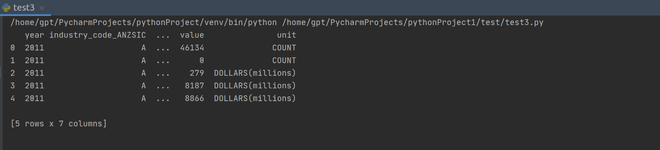
By assigning the compression argument in read_csv() method as zip, then pandas will first decompress the zip and then will create the dataframe from CSV file present in the zipped file.
Output:
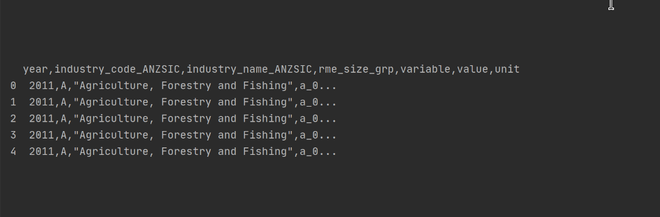
👁 ImageMethod #2: Opening the zip file to get the CSV file.
Here, initially, the zipped file is opened and the CSV file is extracted, and then a dataframe is created from the extracted CSV file.