|
VOOZH | about |
|
VOOZH | about |
RGB stands for Red, Green, and Blue. These three are called the fundamental colours. By mixing them in different proportions, we can generate almost any visible colour. In the grayscale colour space, each pixel is represented by a single value ranging from 0 to 255.
In RGB colour space, each pixel is represented by three values instead of one.
(R, G, B)
Each pixel therefore stores three intensity values, one for each channel.
Even though RGB is used for colour images, it can still represent black and white. Lets see how we can create them in Python OpenCV.
All channel values are set to 0.
Output:
All channel values are set to 255.
Output:
To understand RGB, it helps to use a small image like 3×3 pixels. Each pixel has three values red, green and blue so the image requires 27 values in total.
The following examples use NumPy to create small RGB images and Matplotlib to display them. These code snippets are directly taken and structured from the provided notebooks.
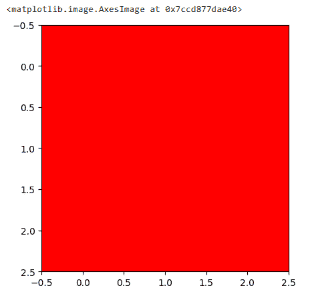
To create a red image, we keep the red channel at 255 and set green and blue channels to 0.
Output:
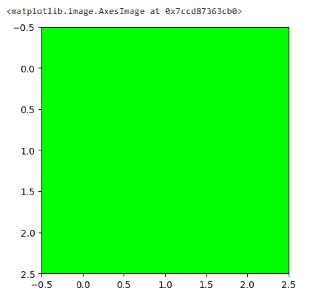
To create a green image, the green channel is set to 255 while red and blue remain 0.
Output:
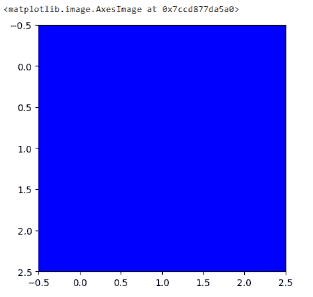
To create a blue image, only the blue channel is activated.
Output:
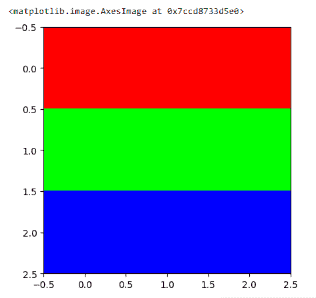
We can also create patterns by assigning different RGB values to different rows of the image. Below is an example of a Red–Green–Blue pattern.
Output:
Each row represents a pure colour:
Feature | Grayscale | RGB |
|---|---|---|
Values per pixel | 1 | 3 |
Total values for 3×3 image | 9 | 27 |
File size | Smaller | Larger |
Colour Support | No | Yes |