|
VOOZH | about |
|
VOOZH | about |
Django templates allow HTML to be dynamically generated by combining static content with data passed from views. Variables are used to display this dynamic data within templates. Key characteristics of Django template variables are:
Example: Passing a context with the following data
{
'first_name': 'Rahul',
'last_name': 'Kumar'
}
And in template:
My first name is {{ first_name }}.
My last name is {{ last_name }}.
Output:
My first name is Rahul.
My last name is Kumar.
{{ variable_name }}
Django Template Language (DTL) allows dynamic data from views to be rendered directly within HTML templates.
Create a project called 'geeksforgeeks' with an app named 'geeks':
In geeks/views.py:
In geeks/urls.py:
Configure URL Routing to the main project:
Create a file named geeks.html inside the app’s templates folder. If the folder doesn’t exist, create it first. All HTML files for the app should be placed in this folder.
Note: If using app-level templates, ensure APP_DIRS=True is set in settings.py so Django can automatically locate templates inside app directories.
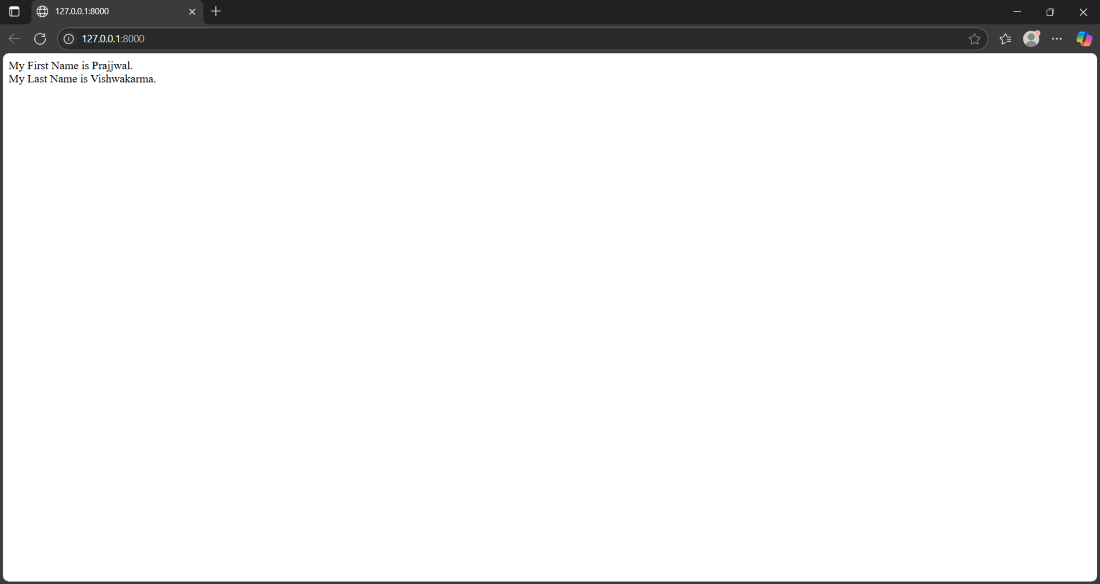
Run the development server using python manage.py runserver and Visit: http://127.0.0.1:8000/
Explanation:
When Django encounters a variable such as:
{{ user.name }}
It tries to resolve it in the following order:
This allows a single syntax to work with different types of data.