|
VOOZH | about |
|
VOOZH | about |
Having multiple monitors allows you to spread out your work across multiple screens efficiently, which can greatly increase user productivity for any task. Setting up several monitors in Windows 11 is a straightforward process, regardless of whether you're a professional working on complex tasks, a gamer looking for an immersive input experience, or just someone who enjoys multitasking on different screens. You can easily manage overall operations and personalize your multi-monitor setup with Windows 11 system configuration by following some required steps.
In this article, we'll explore all the essential steps to Set Up Multiple Monitors in Windows 11 effectively.
Table of Content
Before we get started with the setup process in Windows 11, let's quickly go over the actual reasons for using multiple monitors:
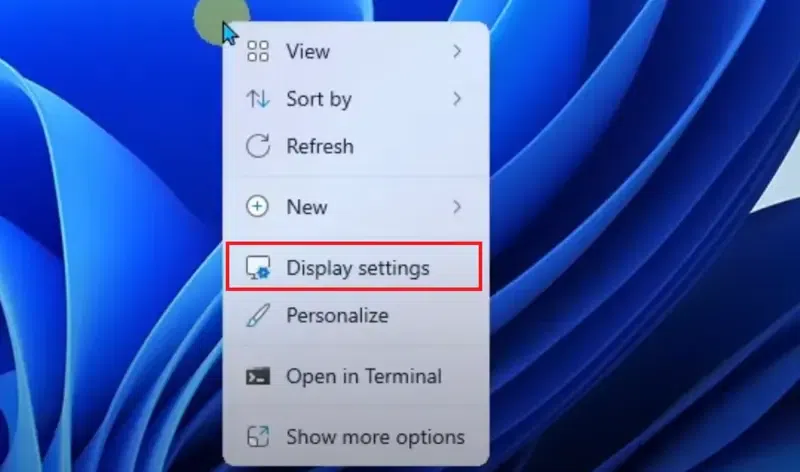
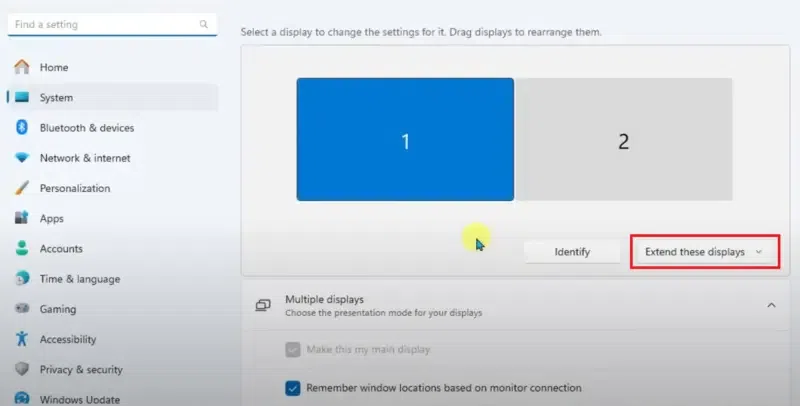
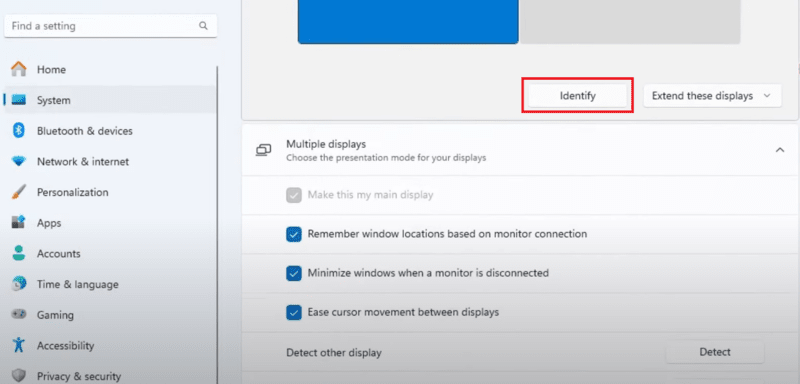
With Windows 11, setting up multiple monitors is an easy process that can greatly increase the overall user productivity to manage any operation within the system. These steps will help you construct a multi-monitor setup process that precisely fits your requirements and preferences by examining the available customization choices within the system.
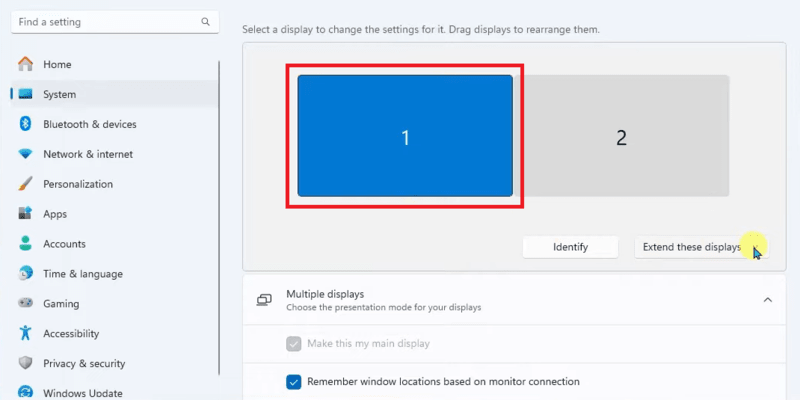
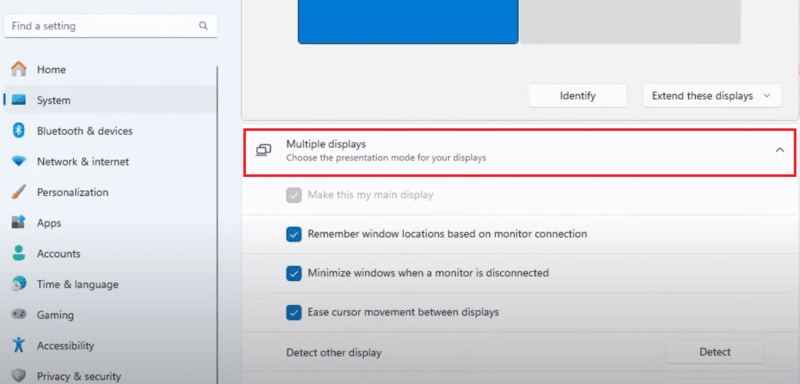
The maintainable position of the two monitors relative to each other is displayed using two separate boxes on the screen.
Windows 11 automatically scales all the configured text and programs to the most optimum size. You can modify the "Scale" menu's settings by following the below steps to alter the size of text, programs, and other things.
In conclusion, It's easy to set up multiple monitors in Windows 11, which can improve system efficiency, boost productivity, and improve your computer experience while processing any tasks. Multiple displays provide the versatility and room you need to get the most out of your system, whether you're doing any tasks, playing games, or just effectively implementing them. With Windows 11, you can effortlessly configure and optimize your multi-monitor setup by following the instructions provided in this article.
Also Read