
Get started with health features on Apple Watch
Your Apple Watch can help you meet your sleep goals, track important information related to your heart, keep a log of your emotions and mood, log your medications, track your menstrual cycle, and encourage you to wash your hands.
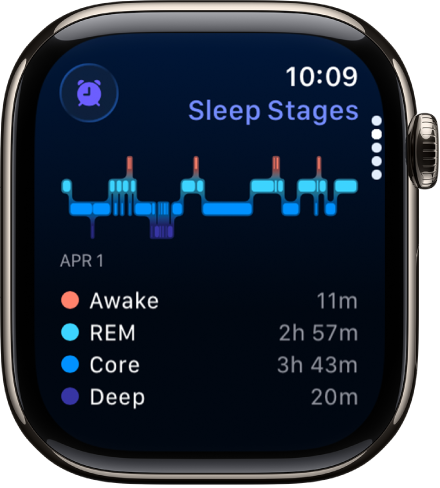
Prioritize your sleep
With the Sleep app 👁 Image
on Apple Watch, you can create a sleep schedule, set a sleep duration goal, and review your recent sleep history. To get started, open the Sleep app on your Apple Watch and follow the onscreen instructions. Then wear your watch to bed and Apple Watch does the rest.

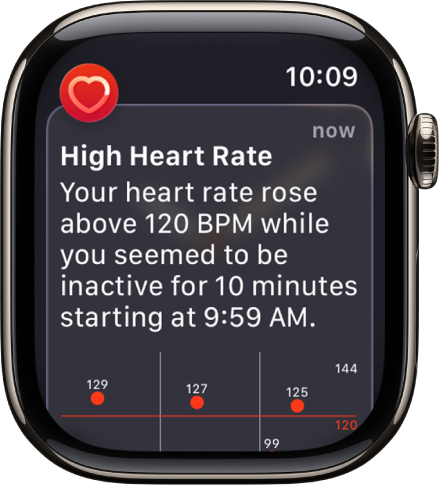
Get heart health notifications
You can enable notifications from the Heart Rate app 👁 Image
on your Apple Watch to alert you to high or low heart rates, as well as irregular heart rhythms that may be suggestive of atrial fibrillation (AFib). If you have already been diagnosed with AFib, you can turn on AFib History to see an estimate of how frequently your heart is in this arrhythmia. You can also turn on alerts for low cardio fitness.

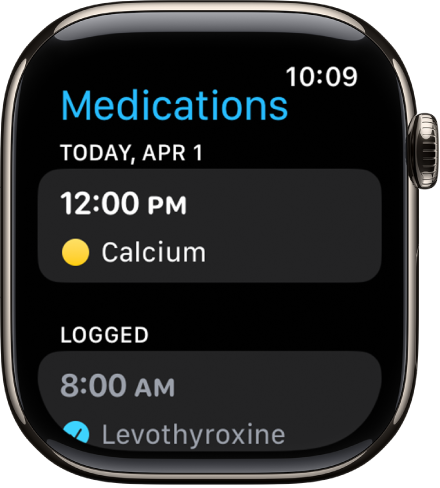
Stay on top of your medications
The Medications app 👁 Image
helps you keep track of your medications, vitamins, and supplements. Just add your medications to the Health app on your iPhone and log them on your Apple Watch.

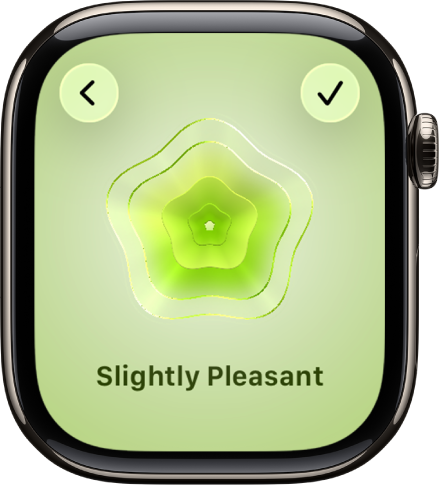
Log your state of mind
In addition to offering opportunities to breathe mindfully and promote moments of reflection, the Mindfulness app 👁 Image
can help you build emotional awareness and resilience by identifying your feelings. Just open the Mindfulness app, tap State of Mind, then log your momentary emotions and daily moods.

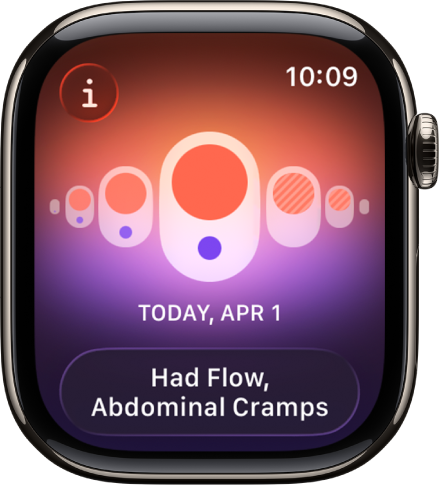
Track your menstrual cycle
Use the Cycle Tracking app 👁 Image
to log daily information about your menstrual cycle. Your Apple Watch uses that information to provide period and fertile window predictions. In addition to data you’ve logged, Cycle Tracking can use heart rate data to improve predictions. If you wear Apple Watch to sleep each night, the app can use wrist temperature (on supported models) to improve period predictions and provide retrospective ovulation estimates.

Use Cycle Tracking on Apple Watch
Note: The retrospective ovulation estimates feature isn’t available in all countries or regions.
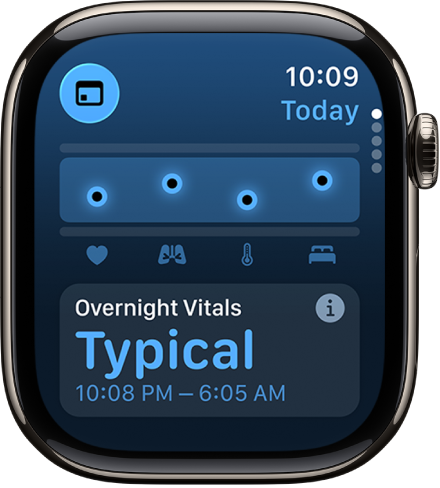
Better understand your daily health status
With the Vitals app 👁 Image
, you can quickly see your overnight health metrics right on your watch: heart rate, respiratory rate, wrist temperature, blood oxygen*, and sleep duration. When you wear your Apple Watch to sleep, the Vitals app establishes a typical range for each of your health metrics. If multiple metrics are outside your typical range, you receive a notification along with context for factors that may be involved—like medications or illness, for example.

Note: For models of Apple Watch purchased in the United States on or after January 18, 2024 with part numbers ending in LW/A, Blood Oxygen is not available in the Vitals app. Learn how to identify your Apple Watch.