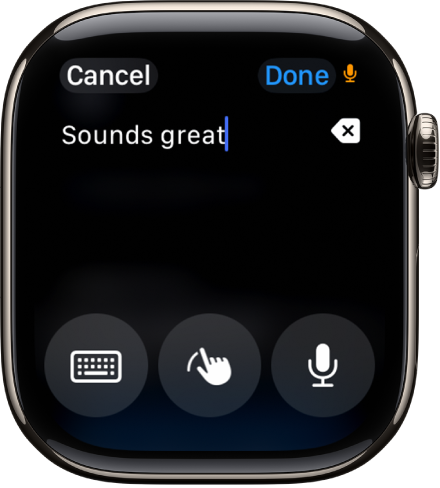
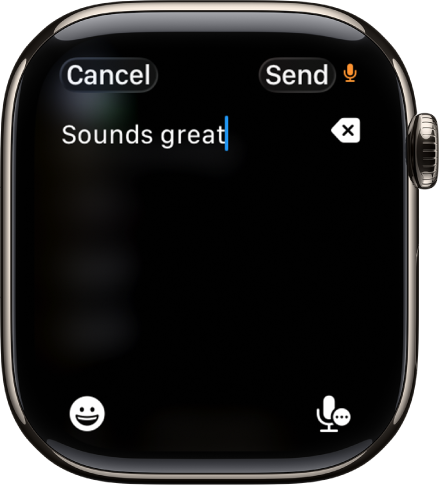
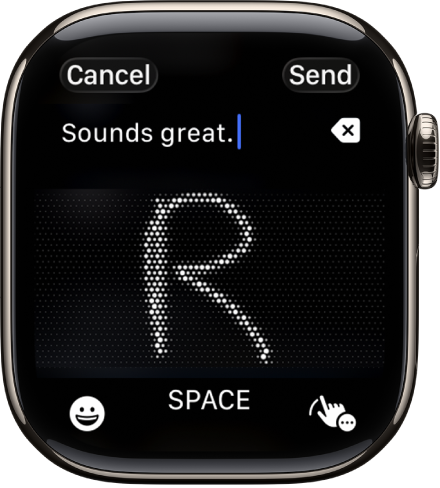
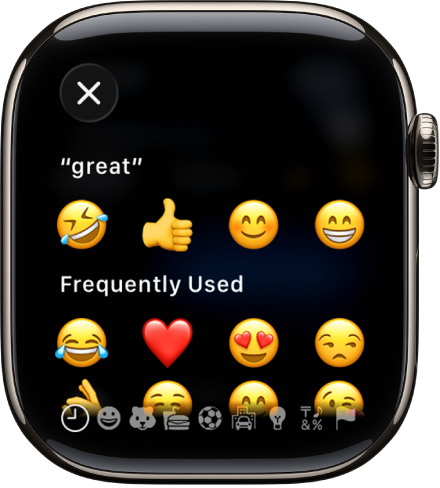
You can enter text by dictating, scribbling with your finger, or typing on the onscreen keyboard. You can also use emoji and switch to typing on your paired iPhone.
Change the input method while entering text on Apple Watch
You can change the input method whenever you enter text—for example, when you’re composing a message.
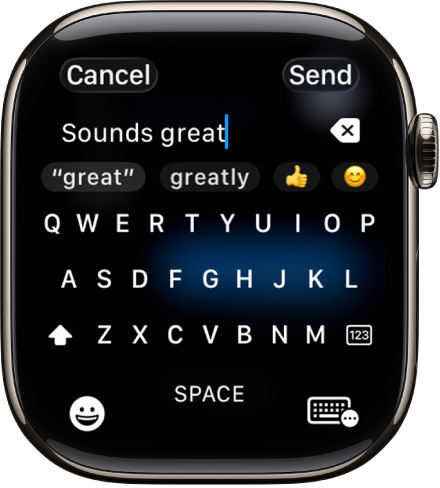
When the input method is set to the onscreen keyboard, you can do the following:
Type: Tap characters to enter them.
Use QuickPath: Slide from one letter to the next without lifting your finger. To end a word, lift your finger.
Use predictive text: Suggested words appear as you type. Tap a finished or unfinished word to highlight it, then turn the Digital Crown to see suggested words. Stop turning the Digital Crown to enter the highlighted suggestion.
Switch to a different keyboard: If you’ve set up your Apple Watch to use more than one language, you can swipe up from the bottom of the screen, then choose a different language keyboard.
Add emoji
When entering text using dictation, Scribble, or the onscreen keyboard, tap 👁 the Emoji Picker button .