
Get started with the Workout app on Apple Watch
The Workout app 👁 Image
on your Apple Watch gives you tools to manage your individual workout sessions. You can set specific goals, such as time, distance, or calories. Your Apple Watch tracks your progress, nudges you along the way, and summarizes your results. You use the Fitness app on your iPhone to review your complete workout history.

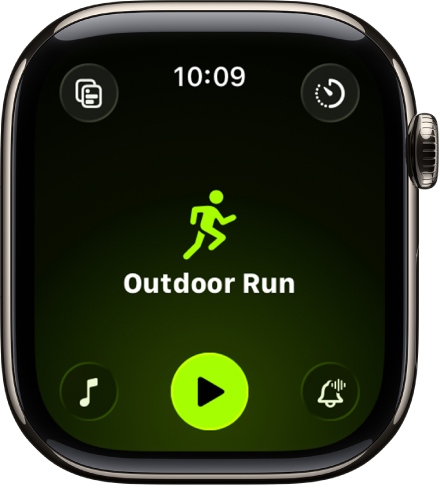
Choose a workout
The Workout app offers a variety of fitness options—from cardio-focused workouts such as High Intensity Interval Training (HIIT), Outdoor Run, and Elliptical, to strength-based workouts like Functional Strength Training, Core Training, and Kickboxing. You can even start sports-related workouts like Baseball, Basketball, and Tennis.
Go to the Workout app on your Apple Watch, then swipe down to the workout you want to do. If you don’t find what you’re looking for, tap 👁 the Add button
.

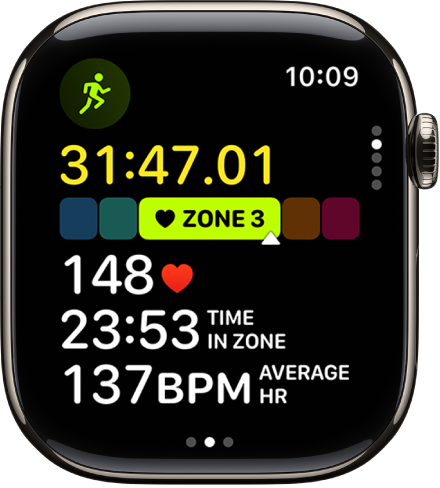
View metrics during a workout
During a workout, Apple Watch displays metrics such as active calories, heart rate, and distance to help you monitor your progress. Raise your wrist during a workout to see how you’re doing.
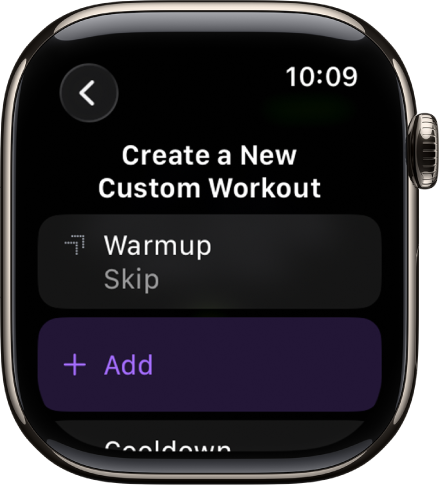
Create a Custom Workout
If you want to create a Custom Workout, swipe to a workout, tap 👁 the Goals button
, tap Custom, then tap 👁 the Add button
.

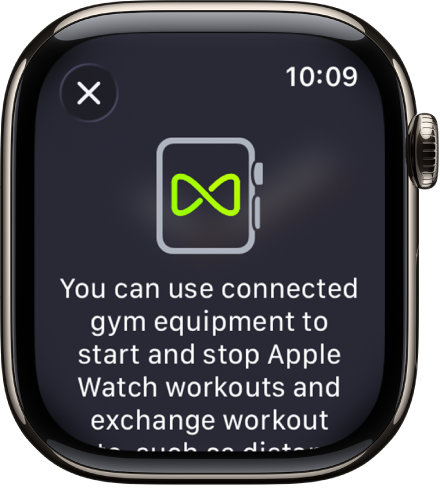
Work out with gym equipment
Your Apple Watch can pair and sync data with compatible cardio equipment such as treadmills, ellipticals, indoor bikes, and more, providing you with more accurate information about your workout. Just hold your Apple Watch within a few centimeters of the contactless reader on the gym equipment—with the display facing the reader—then tap Start on the equipment to begin.
Want to learn more?