|
VOOZH | about |
|
VOOZH | about |
A Bootstrap card is a flexible box containing some padding around the content. It includes the options for headers and footers, color, content, and powerful display options. It replaces the use of panels, wells, and thumbnails. It can be used in a single container called card.
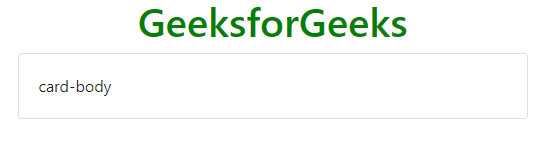
Basic Card: The .card and .card-body classes are used to create basic card. The .card-body class is used inside the .card class.
Example:
Output:
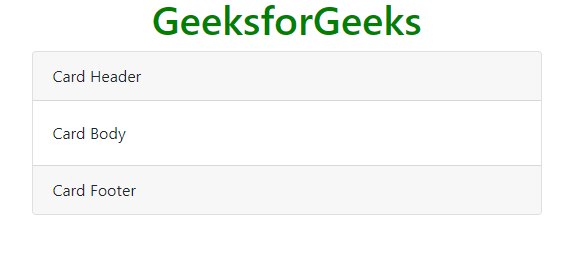
Header and Footer: The .card-header class provides header to the cards and .card-footer class provides footer to the cards.
Example:
Output:
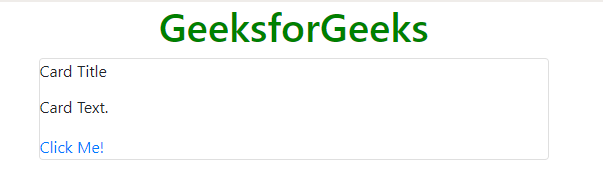
Card Title and Links: The .card-title class is used to set a title to the card and .card-link class is used to set a link to the card if required in it.
Example:
Output:
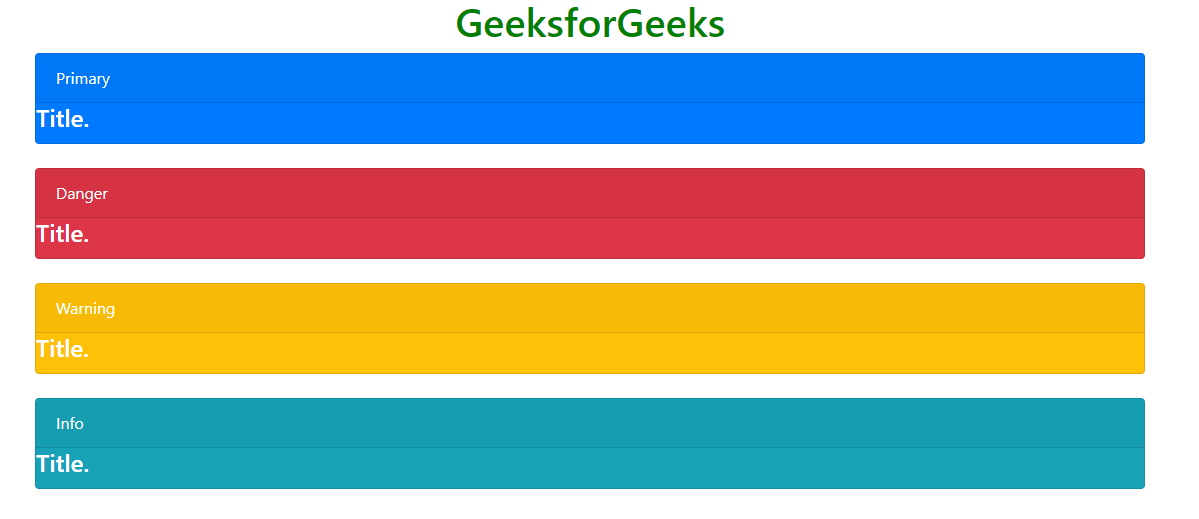
Card Styles: Card styles can be set by using a color of the card so that it may be easy for the user to understand what does the particular card stands for. It consists of the colors used in the alerts.
Example:
Output:
Card Images: The .card-img-top or .card-img-bottom class is used to place the image at top or bottom inside the card.
Example 1:
Output:
Example 2:
Output:
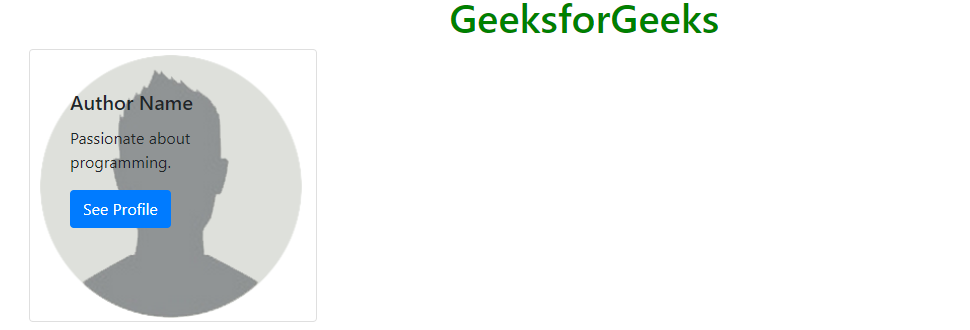
Card Image Overlays: The .card-img-overlay class is used to add text on the top of the image.
Example:
Output:
Card Deck: The .card-deck class is used to create an equal height and width card grid.
Example:
Output:
Card Group: The .card-group class is used to create equal height and width card grid and removing the left and right margins between the cards.
Example:
Output:
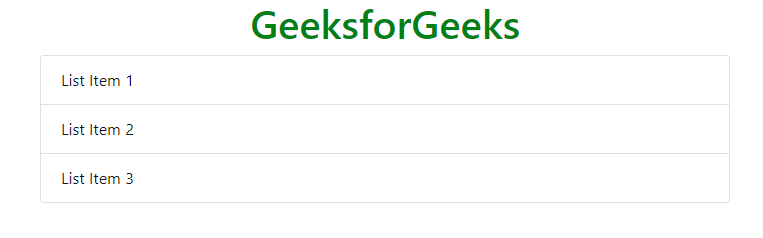
List groups: The .list-group and .list-group-flush classes are used to create a list of contents in a card.
Example:
Output:
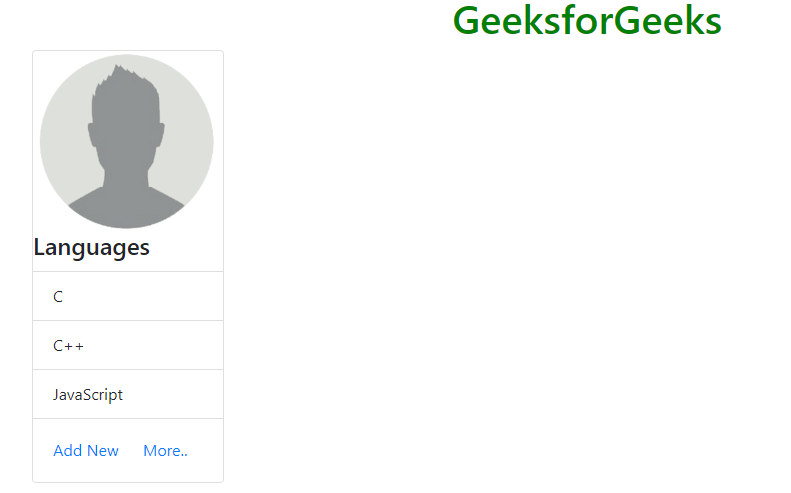
Kitchen sink: It is a name given to the type of card which consists of everything in it. It mixes and matches multiple contents to make the desired card.
Example:
Output:
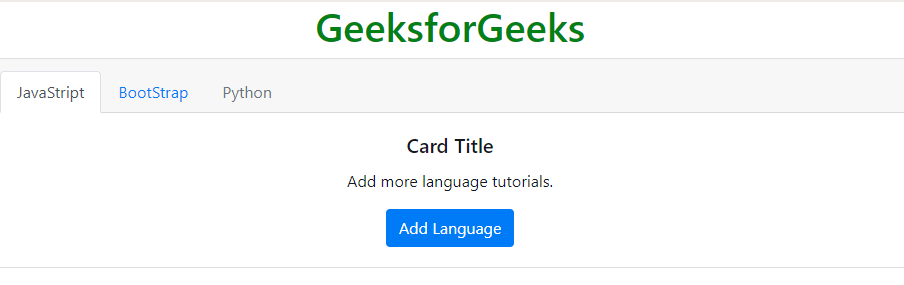
Navigation: It adds the navigation menu to the card header.
Example:
Output:
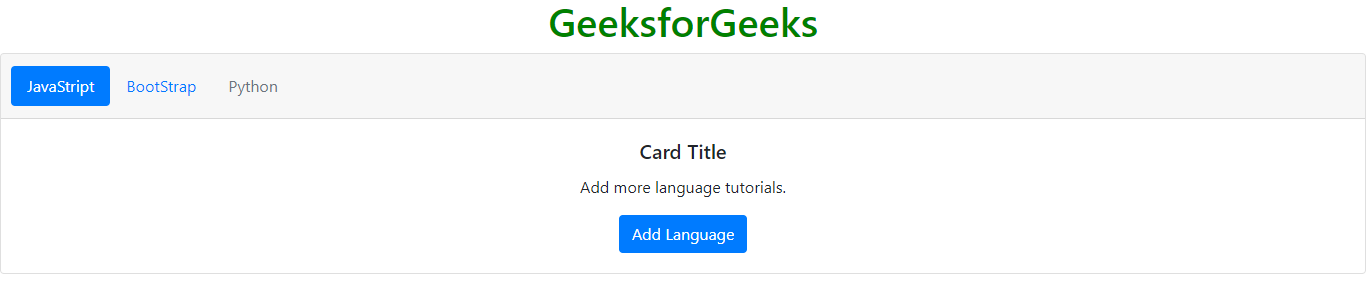
Navigation menu in pills form: It adds the navigation menu in pills form to the card header.
Example:
Output:
Supported Browsers: