|
VOOZH | about |
|
VOOZH | about |
In Bootstrap 5, the z-index property controls the stacking order of elements. It defines the depth of an element along the z-axis, determining which elements appear above others. Higher values place elements closer to the foreground, while lower values move them to the background.
Bootstrap 5 z-index classes:
| Class | Description |
|---|---|
| z-index-n2 | Represents z-index: -2 |
| z-index-n1 | Represents z-index: -1 |
| z-index-0 | Represents z-index: 0 |
| z-index-1 | Represents z-index: 1 |
| z-index-2 | Represents z-index: 2 |
| z-index-3 | Represents z-index: 3 |
Syntax:
<div class="z-index-1 bg-primary position-absolute">
 ...
</div>
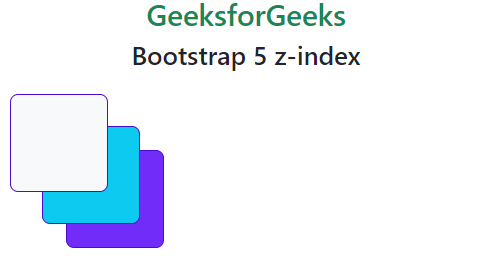
Example 1: Below example demonstrates the z-index-0, z-index-n2, and z-index-n1.
Output:
Example 2: Below example demonstrates the z-index-3, z-index-n2, and z-index-n1 classes.
Output: