|
VOOZH | about |
|
VOOZH | about |
Bootstrap is a free and open-source collection of CSS and JavaScript/jQuery code used for creating responsive & dynamic websites layout and web applications. Offcanvas is one of the features of Bootstrap to make web pages more attractive, along with enhancing the user experience.
Offcanvas is a sidebar component that helps to toggle the view using Javascript, to appear from the left, right or bottom edge of the viewport. In order to toggle the view, the button can be used as the trigger, which is declared with the specific element, along with using the data attribute to utilize it for invoking the JavaScript. It is similar to the Bootstrap Modal, where only single offcanvas can be displayed at a time. Navigation throughout the page can be done using offcanvas functionality.
Offcanvas Component: Offcanvas contain a header with a close button and the body part. It's good to include a close button or you can provide an explicit source to close it.
Syntax:
<div class="offcanvas offcanvas-start"
 id="sidebar">
 <div class="offcanvas-header">
 <h1 class="offcanvas-title">
 Heading
 </h1>
 <button type="button"
 class="btn-close">
 </button>
 </div>
 <div class="offcanvas-body">
 <p>Content Body</p>
 </div>
</div>
Offcanvas Component Class:
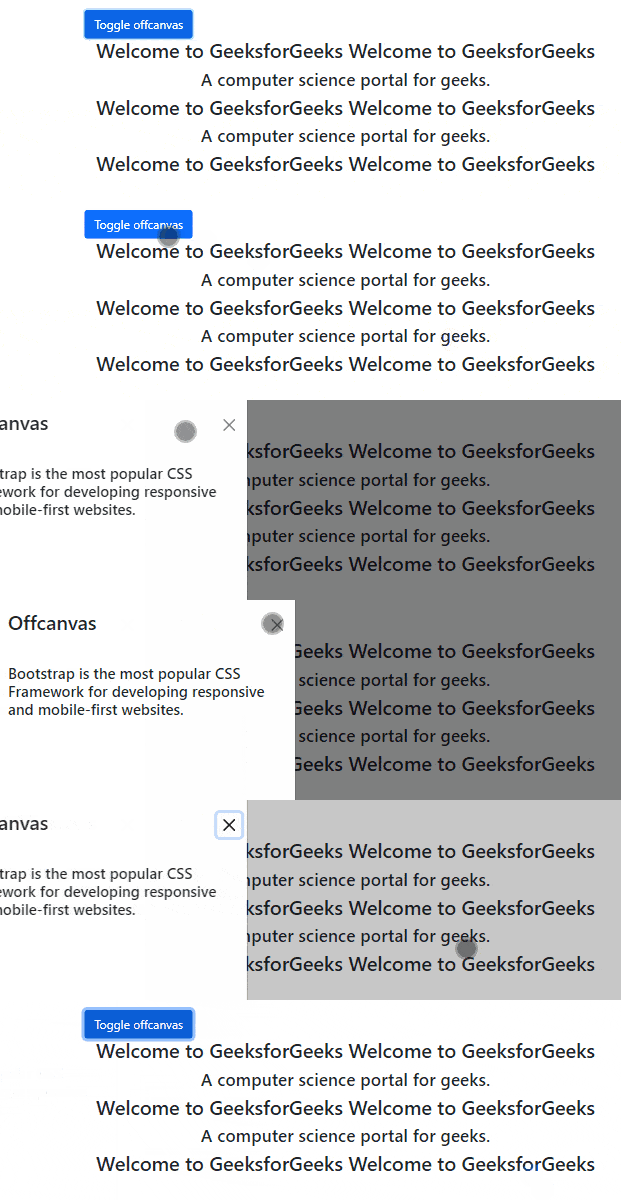
Example: This example describes the use of the Basic Offcanvas in Bootstrap.
Output:
Offcanvas Placement: The Offcanvas placement can be used to position the offcanvas in various ways, such as top, bottom, right, & start of the viewport. There is no default placement for offcanvas components.
Syntax:
<div class="offcanvas offcanvas-start"
 id="offcanvasStart" >
</div>
<div class="offcanvas offcanvas-top"
 id="offcanvasTop" >
</div>
<div class="offcanvas offcanvas-end"
 id="offcanvasRight" >
</div>
<div class="offcanvas offcanvas-bottom"
 id="offcanvasBottom">
</div>
Offcanvas Placement Class:
Example: In this example, we will demonstrate offcanvas placement in the viewport.
Output:
Offcanvas Backdrop: The backdrop option specifies that the offcanvas have a dark overlay (the background color of the current page). By default the backdrop is active. Use the data-bs-backdrop attribute and set its value to false to inactive the backdrop.
Syntax:
<div class="offcanvas offcanvas-start"
 data-bs-scroll="true"
 data-bs-backdrop="false">
 Content
</div>
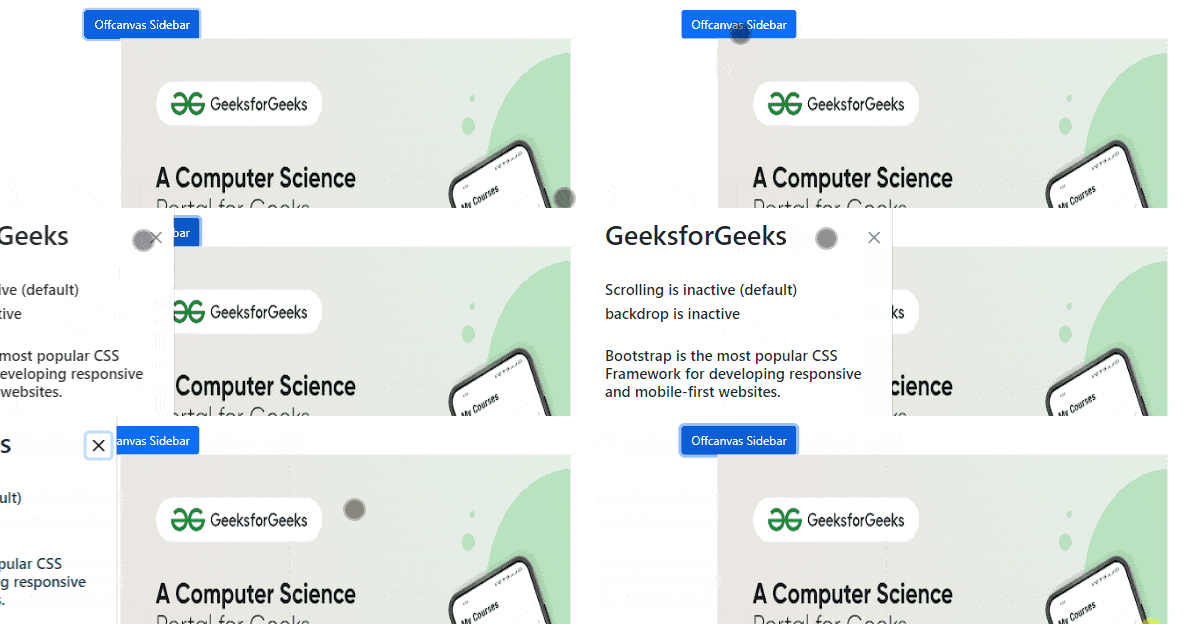
Example 1: In this example, we will demonstrate offcanvas with the default option. By default backdrop option is active and scrolling is inactive.
Output:
Example 2: In this example, we will demonstrate offcanvas with an inactive backdrop. Use the data-bs-backdrop attribute and set its value to false to inactive the backdrop.
Output:
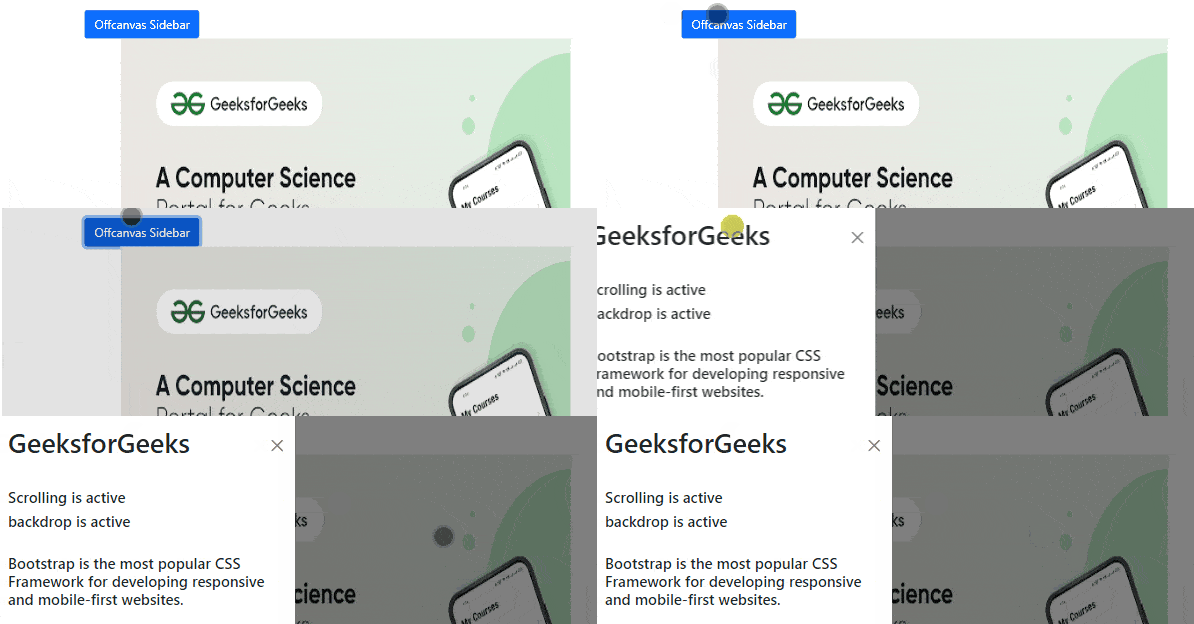
Background scrolling: It is by default inactive means background content is not scrollable. Use the data-bs-scroll attribute and set its value to true to activate the background scrolling.
Example 3: In this example, we will demonstrate offcanvas with scrolling and backdrop.
Output:
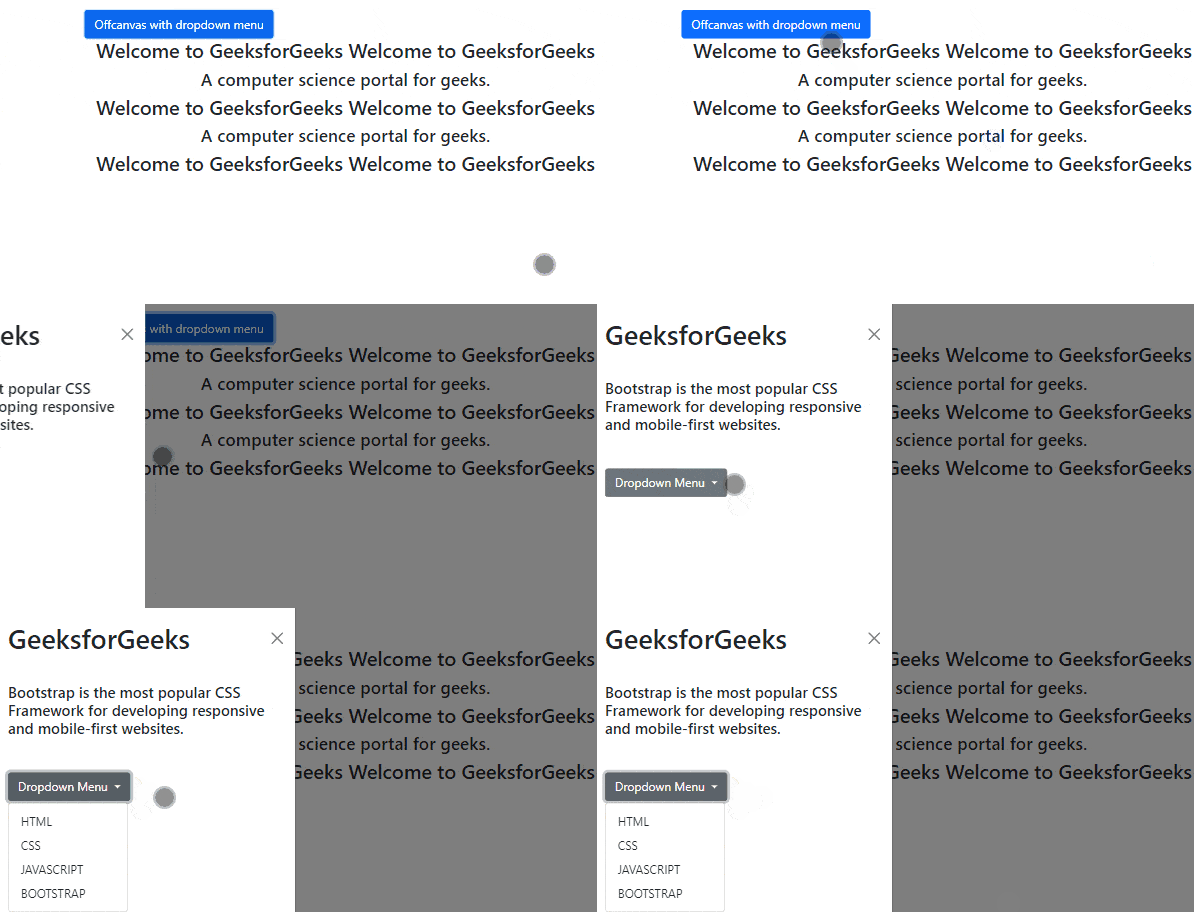
Offcanvas with Dropdown Menu: The Offcanvas facilitates the dropdown menu that contains the list of options that will be only revealed when a user interacts with the menu.
Syntax:
<div class="offcanvas-body>
 <ul class="dropdown-menu">
 <li>
 <a class="dropdown-item"
 href="#">
 element 1
 </a>
 </li>
 <li>
 <a class="dropdown-item"
 href="#">element 2
 </a>
 </li>
 </ul>
</div>
Used Classes:
Example: In this example, we will demonstrate offcanvas with the dropdown menu.
Output:
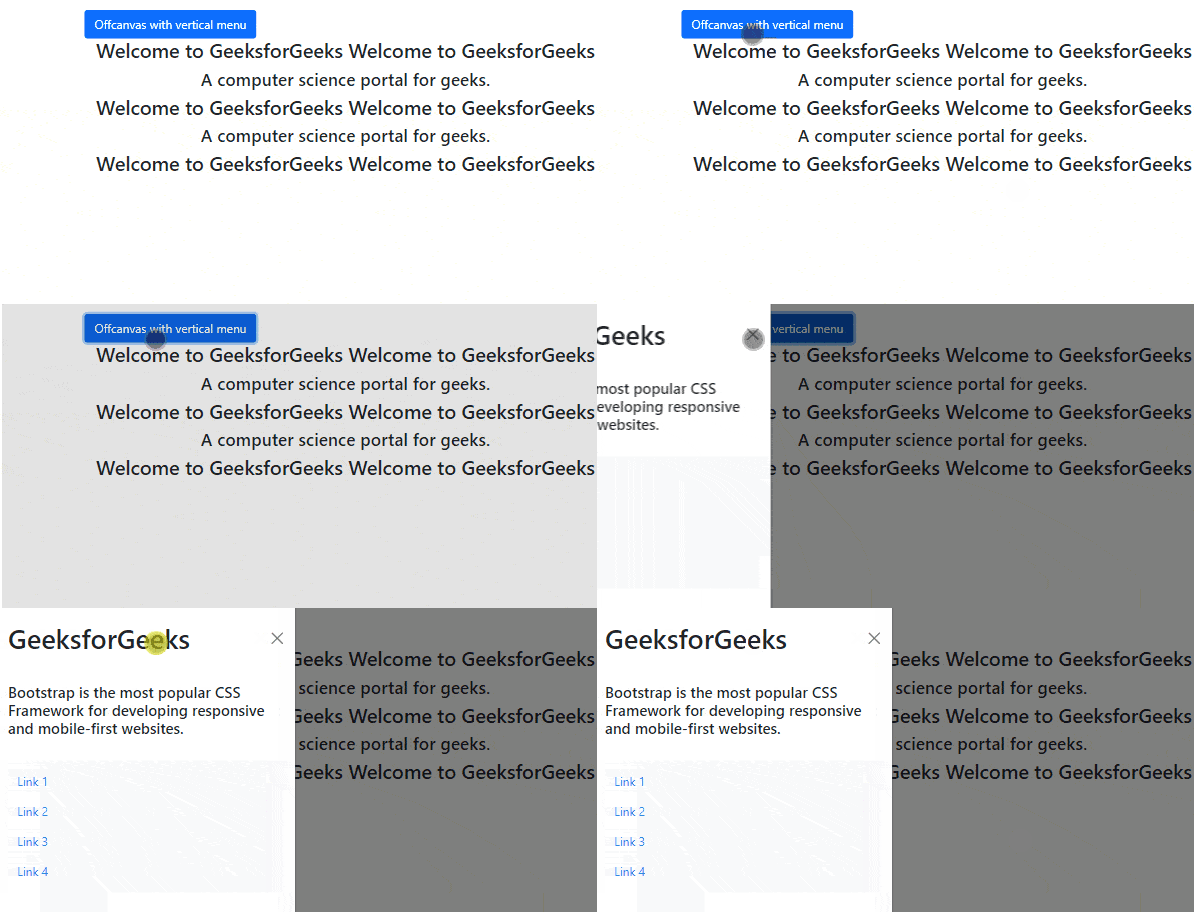
Offcanvas with Vertical Menu: Offcanvas provides a vertical menu to choose from the options, that will be revealed when users interact with the menu.
Syntax:
<ul class="navbar-nav">
 <li class="nav-item">
 <a class="nav-link"
 href="#">
 list Item 1
 </a>
 </li>
</ul>
Used Classes:
Example: In this example, we will demonstrate offcanvas with a vertical menu.
Output:
Accessibility using Sass Variables:
Sass variables are the variable which are used instead of the attribute value. Here some sass variables are given by bootstrap model. you can use this variable to enhance the styling of offcanvas.
Offcanvas Usage:
Syntax:
<a class="btn btn-primary"
 data-bs-toggle="offcanvas"
 aria-controls="offcanvasStart">
</a>
Used Classes:
Via JavaScript:
Syntax:
var offcanvasElementList =
 [].slice.call(document.querySelectorAll('.offcanvas'))
var offcanvasList =
 offcanvasElementList.map(function (offcanvasEl) {
return new bootstrap.Offcanvas(offcanvasEl) })
Example: In this example, we will demonstrate usage of offcanvas from href attribute and data-bs-target attribute.
Output:
Reference: https://getbootstrap.com/docs/5.0/components/offcanvas/