|
VOOZH | about |
|
VOOZH | about |
Bootstrap5 Borders Additive classes are mainly used to display an outline around a box and it provides style, color, and radius of an element border on the side we want. For eg: if we want the border only on the top of the box we can have it by using the border-top additive class.
Bootstrap 5 Borders Additive classes:
Syntax:
<div class="border-*">
 ...
</div>
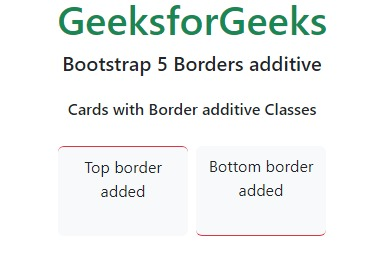
Example 1: In this example, we added the border of the card on the top and bottom sides using the border additive classes.
Output:
Example 2: In this example, we added the border of the card on the left and right sides using the border additive classes.
Output:
Reference: https://getbootstrap.com/docs/5.0/utilities/borders/#additive