|
VOOZH | about |
|
VOOZH | about |
Bootstrap 5 Border utility is used to set the style of the border element. The border styles can be of border-color, border-width, border-radius, etc.
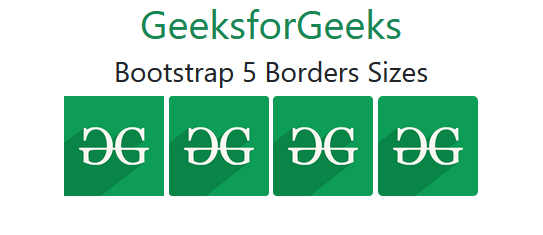
The Border Sizes are used to set the border-radius rounded corners larger or smaller. The range of border sizes varies from 0 to 3, where 0 represents smaller-size rounded corners and 3 represents larger-size rounded corners.
Borders Sizes used Classes:
Syntax:
<div class="rounded-*">
 Content
</div>
Example 1: In this example, we will add different border sizes on the div elements.
Output:
Example 2: In this example, we will add different border sizes on the image elements.
Output:
Reference: https://getbootstrap.com/docs/5.0/utilities/borders/#sizes