|
VOOZH | about |
|
VOOZH | about |
Bootstrap 5 Cards Images facilitates adding the image to the card, which may contain the content. The image can be appended to either of the ends of the card or can be overlayed the image with the card content, or can be simply embedded into the card. Images enhance the appearance of the card and make it more attractive and expressive. An image can be embedded in the following ways with the card content.
Cards Images Classes:
Syntax:
<div class="card" >
 <img src="..."
 class="card-img-top"
 alt="...">
 <div class="card-body">
 ...
 </div>
</div>

//For Image Overlay
<div class="card">
 <img src="..."
 class="card-img"
 alt="...">
 <div class="card-img-overlay">
 ...
 </div>
</div>
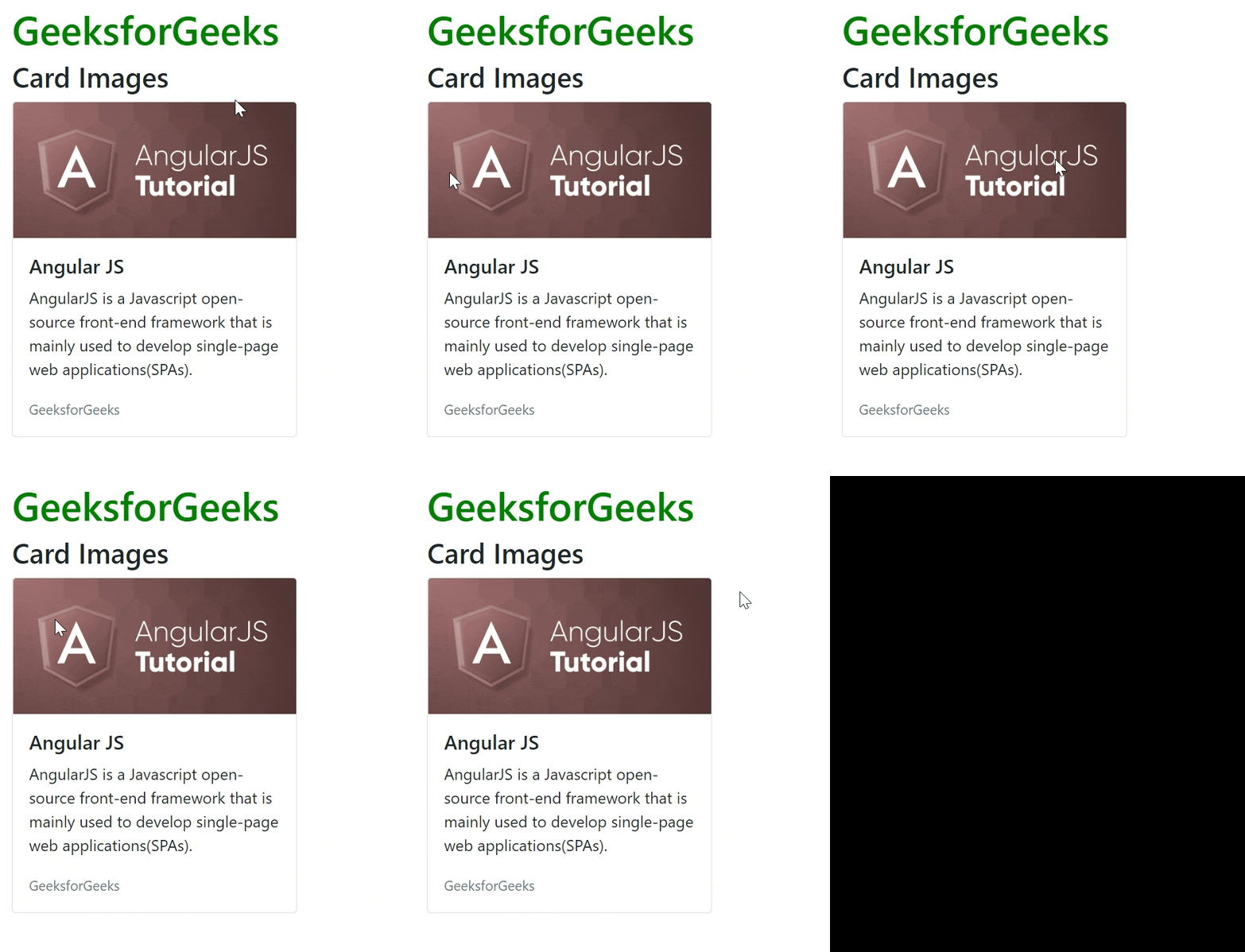
Example 1: In this example, we will see the image at the top.
Output:
Example 2: In this example, we will see how can we put images at the bottom.
Output:
Example 3: In this example, we will see an Image Overlay.
Output:
Reference: https://getbootstrap.com/docs/5.0/components/card/#images-1