|
VOOZH | about |
|
VOOZH | about |
Bootstrap 5 Checks box is a square box that is ticked when it is activated. It allows the user to select one or more options among all the limited choices.
The checkbox check is used to tick (select) the checkbox item. The check has two options that are given below:
Syntax:
<div class="form-check">
 <input class="form-check-input"
 type="checkbox" value="..." id="...">
 <label class="form-check-label" for="...">
 Content
 </label>
</div>
Example 1: In this example, we will create checkbox elements.
Output:
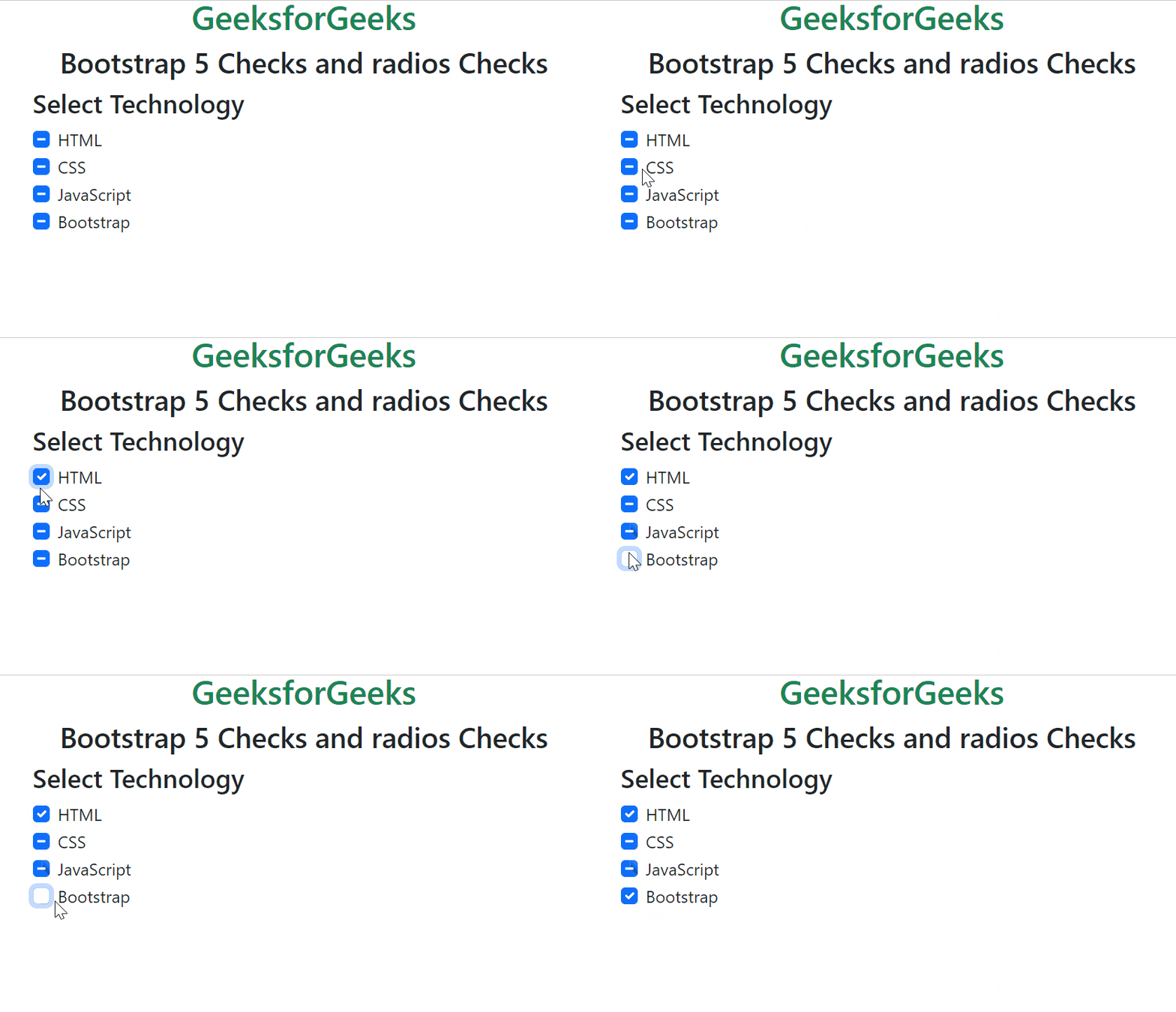
Example 2: In this example, we will create checkboxes with indeterminate states.
Output:
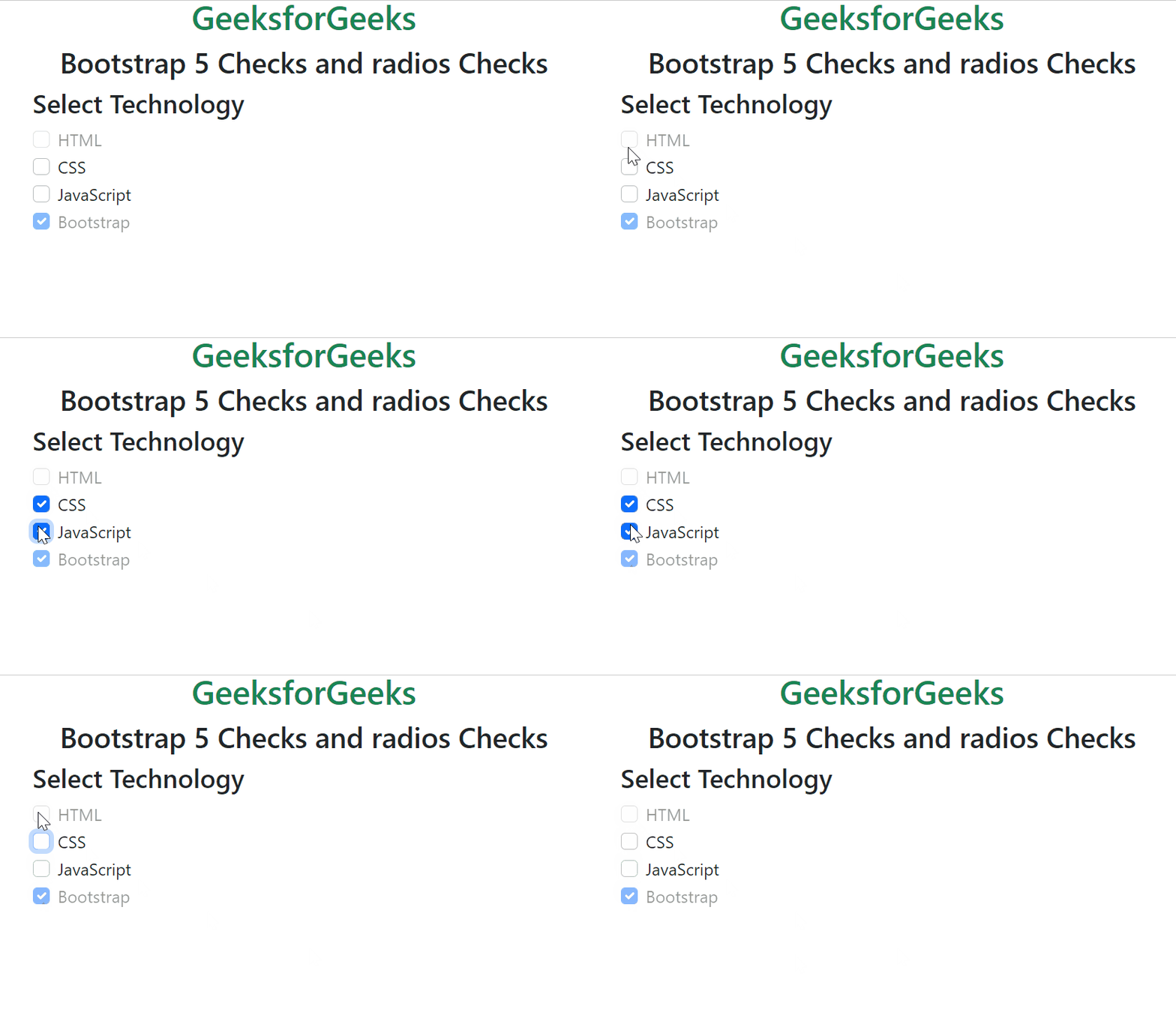
Example 3: In this example, we will create disabled states checkboxes.
Output:
Reference: https://getbootstrap.com/docs/5.0/forms/checks-radios/#checks