|
VOOZH | about |
|
VOOZH | about |
Bootstrap 5 Checks and radios are a way to take boolean type values easily. Generally, they have a label that shows what value it is taking mainly for user experience and some assistive technologies to work correctly. The label can be removed too for the switch as well as the radio inputs. Checks and radios without labels are used when we need to create checkboxes and radios without any label text.
Bootstrap5 Checks and radios Without labels class:
Syntax:
<input class="form-check-input"
 type="checkbox/radio"
 id="..."
 aria-label="...">
Example 1: The code example below demonstrates how we can have checks without labels without different backgrounds. The checks in the below row are disabled
Output:
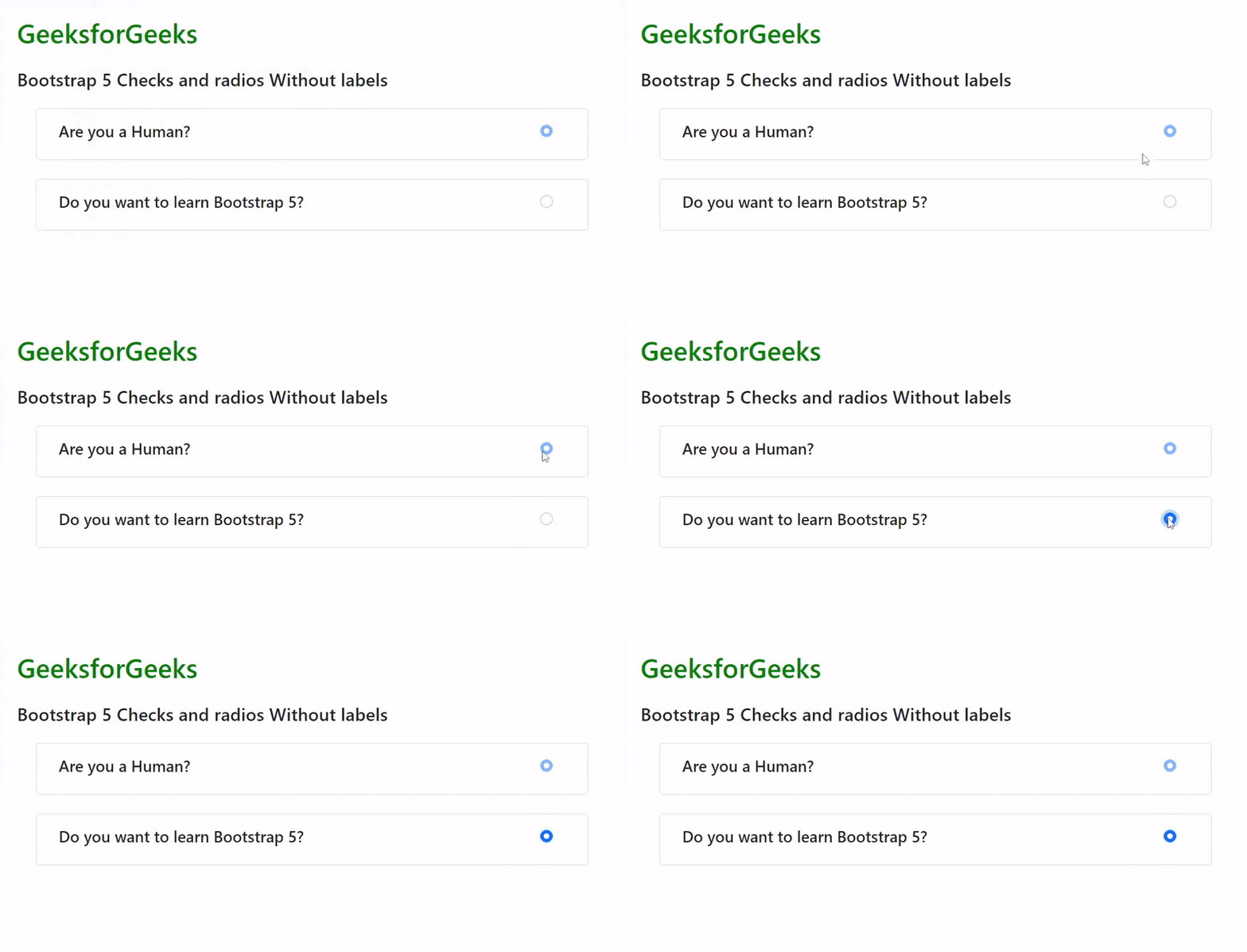
Example 2: The code example below demonstrates how we can have radio inputs without labels.
Output:
Reference:https://getbootstrap.com/docs/5.1/forms/checks-radios/#without-labels