|
VOOZH | about |
|
VOOZH | about |
In Bootstrap 5 we can use classes on the dropdown container to make it aligned as per need. We have different options to align where the dropdown menu will open like dropEnd, dropStart, dropUp, dropDown, etc.
Bootstrap 5 Dropdowns Alignment options Classes:
Syntax:
 <div class="btn-group dropend">
 <button type="button" class="btn-success dropdown-toggle
 dropdown-toggle-split" data-bs-toggle="dropdown" >
 ...
 </button>
 <div class="dropdown-menu ">
 <a>
 ...
 </a>
 </div>
 </div>
Example 1: In this example, we will learn about the Drop menu Alignment Option - Right Aligned Menu
Output:
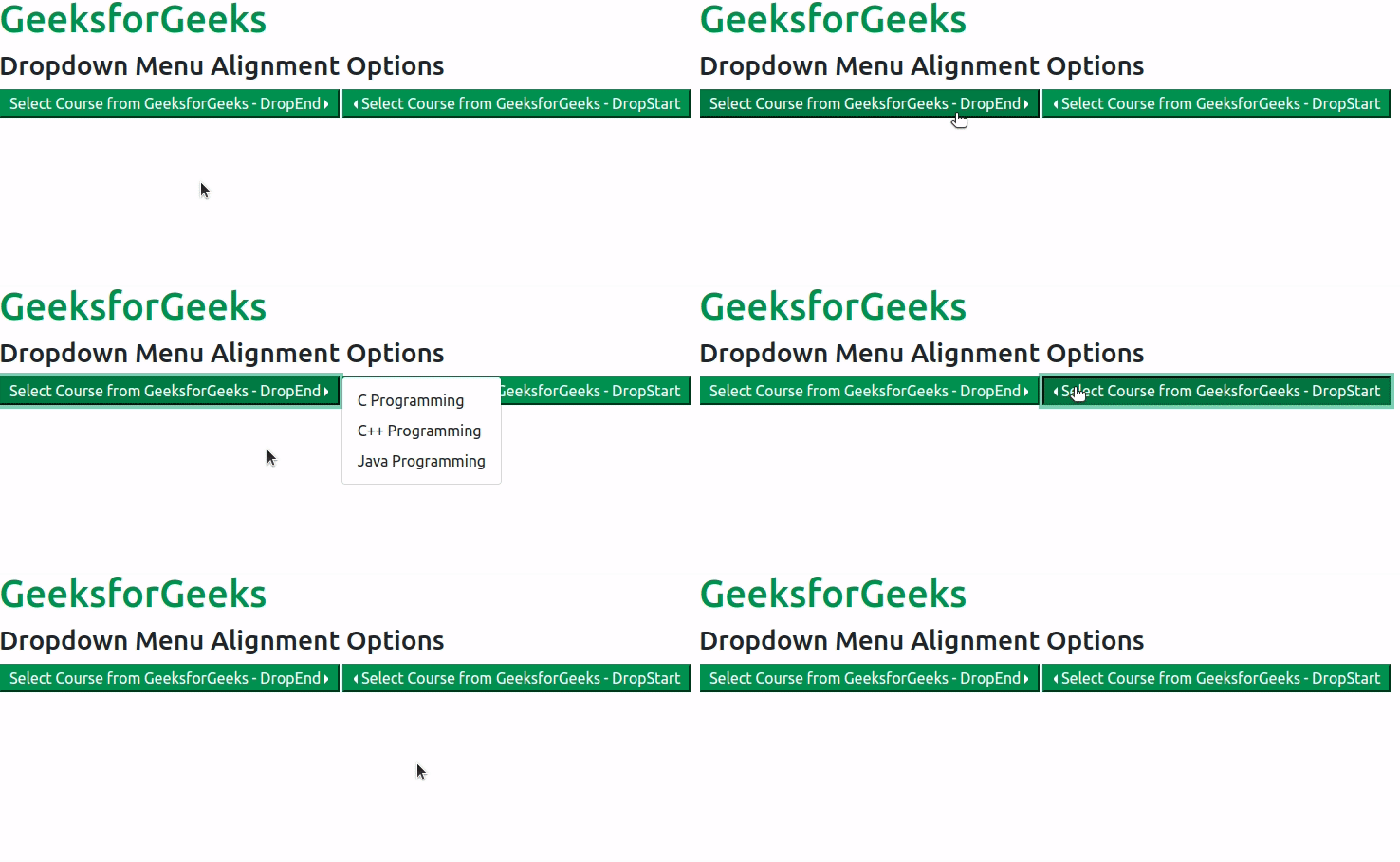
Example 2: In this example, we will learn about Drop menu Alignment Option - DropEnd and DropStart
Output:
Reference: https://getbootstrap.com/docs/5.0/components/dropdowns/#alignment-options