|
VOOZH | about |
|
VOOZH | about |
Bootstrap 5 Dropdowns Dropright is used to open the dropdown on the right-hand side of the user, We can one the dropdowns anywhere
Bootstrap 5 Dropdowns Dropright Class:
Syntax
<div class="btn-group dropend">
 <button type="button"
 class="btn dropdown-toggle"
 data-bs-toggle="dropdown">
 ...
 </button>
 <ul class="dropdown-menu">
 ...
 </ul>
</div>
Below examples illustrate the Bootstrap 5 Dropdowns Dropright:
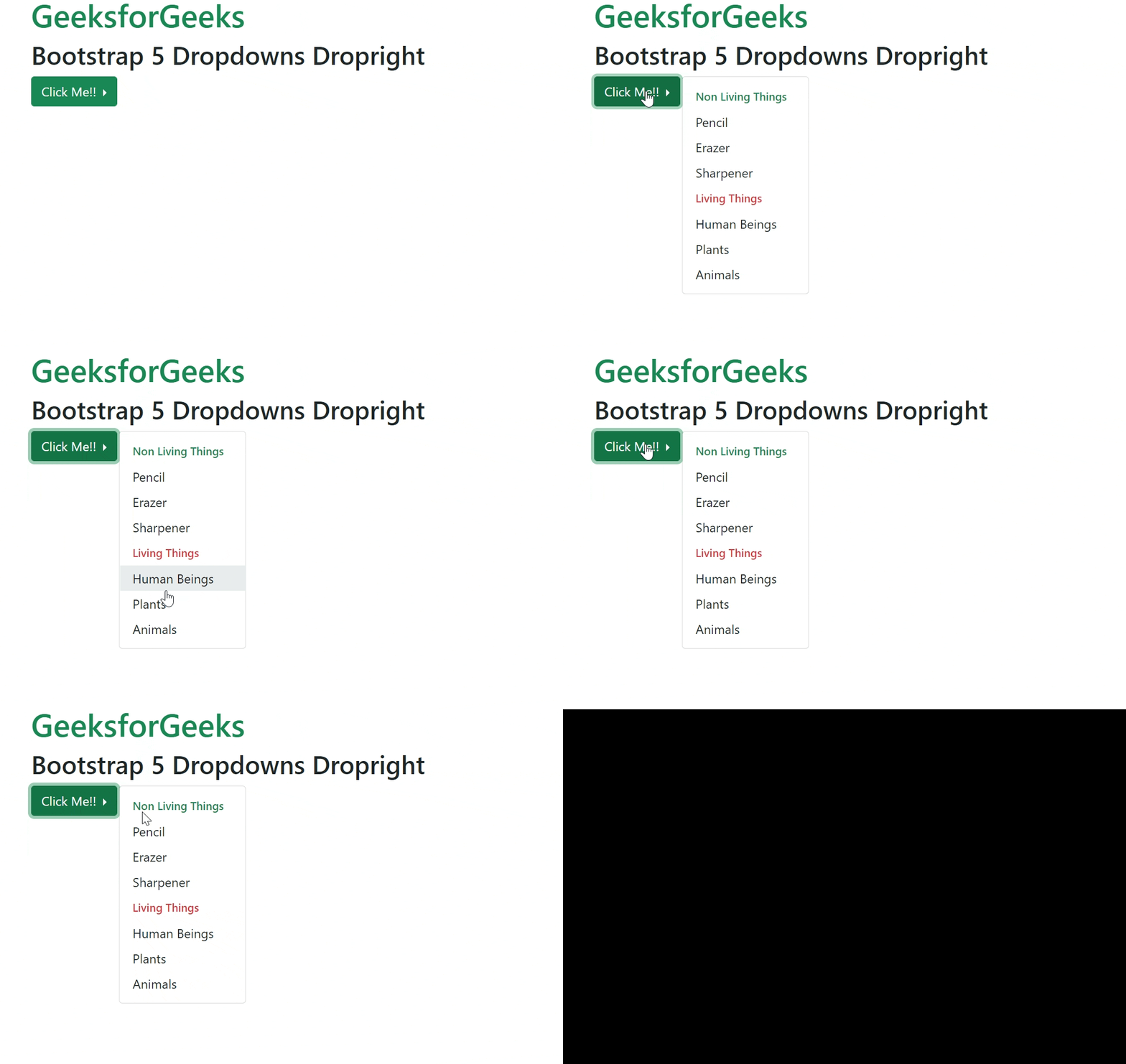
Example 1: In this example, we will create a dropdown menu and trigger it to right.
Output:
Example 2: In this example, we will create a dropright dropdown menu using a split button.
Output:
Reference: https://getbootstrap.com/docs/5.0/components/dropdowns/#dropright