|
VOOZH | about |
|
VOOZH | about |
Bootstrap 5 Dropdown Menus in forms is a form element that displays a list of options, allowing the user to select one. Dropdown menus are often used for fields such as selection or options from a list. The Menu content Forms facilitates including the form within a dropdown menu or creating a simple dropdown menu by implementing the margin or padding utilities.
Menu content forms Class: There is no specific class used for dropdown menu content forms. To create a button, we use the .btn class, and to create a dropdown menu, we use the .dropdown-menu class.
Syntax:
<div class="dropdown-menu">
 <form class="px-* py-*">
 <div class="mb-...">
 <input type="..." class="form-control"
 placeholder="...">
 </div>
 </form>
</div>
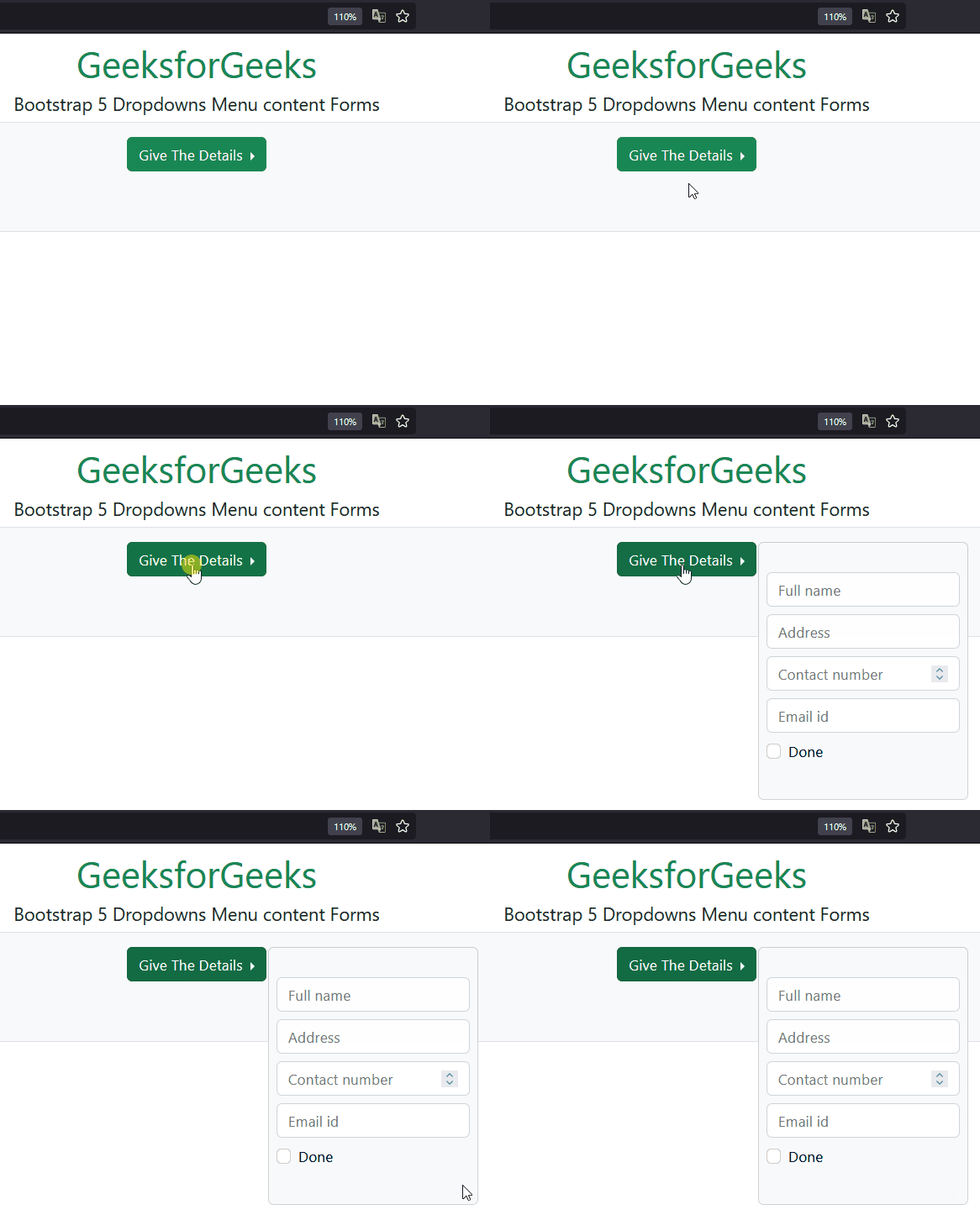
Example 1: In this example, we set the dropdown button in the form of a dropdown using the .dropdown classes.
Output:
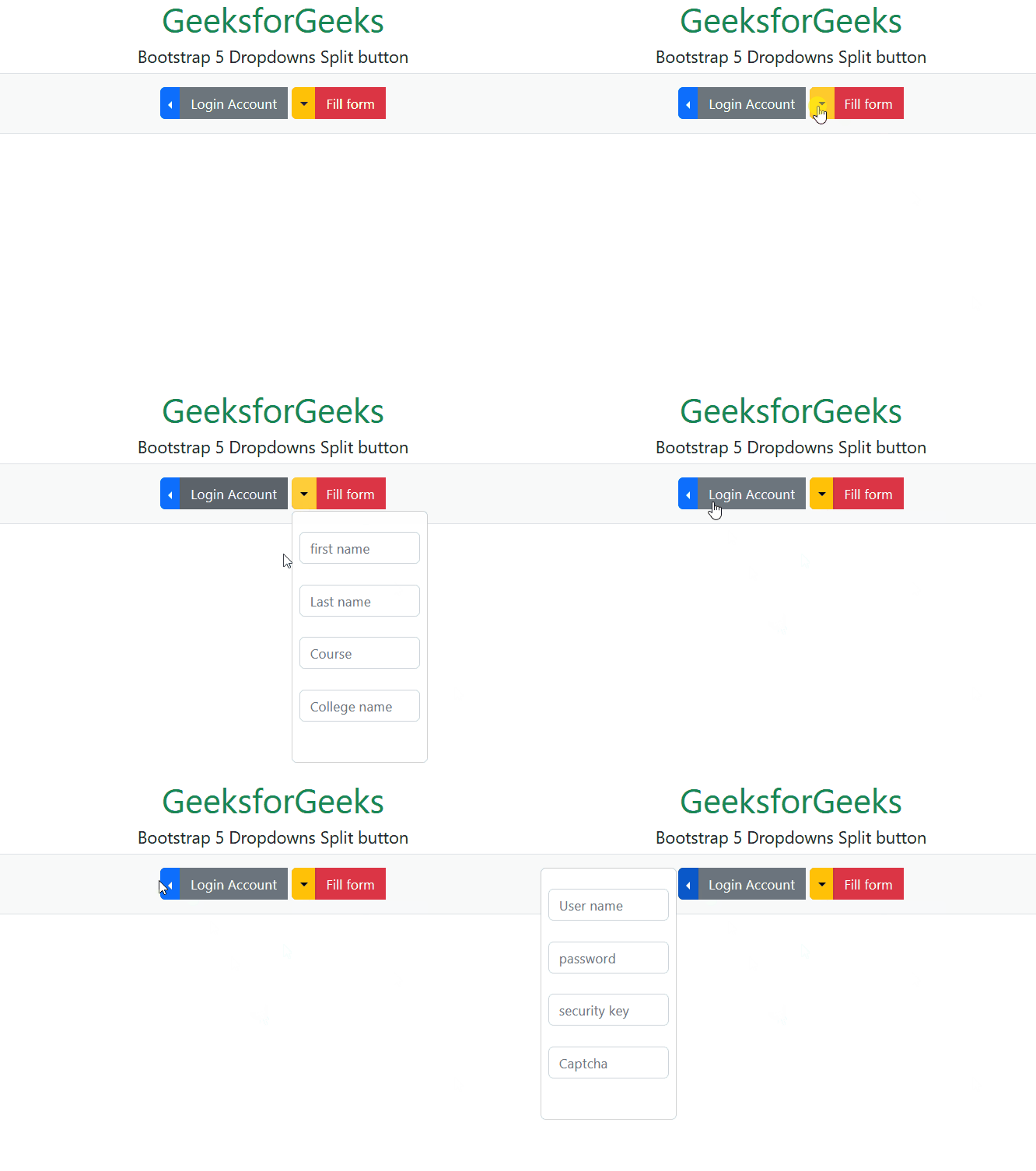
Example 2: In this example, we set the multiple dropdown button in the form of a dropdown using the .dropdown classes.
Output:
Reference:https://getbootstrap.com/docs/5.0/components/dropdowns/#forms