|
VOOZH | about |
|
VOOZH | about |
Bootstrap 5 Dropdowns Menu content Headers are used to add a header/title to the menu in the dropdown. This can help the user to segregate drop-down options into categories.
Bootstrap 5 Dropdowns Menu content Headers Class:
Syntax:
<ul class="dropdown-menu">
 <li><h6 class="dropdown-header">...</h6></li>
 <li>...</li>
</ul>
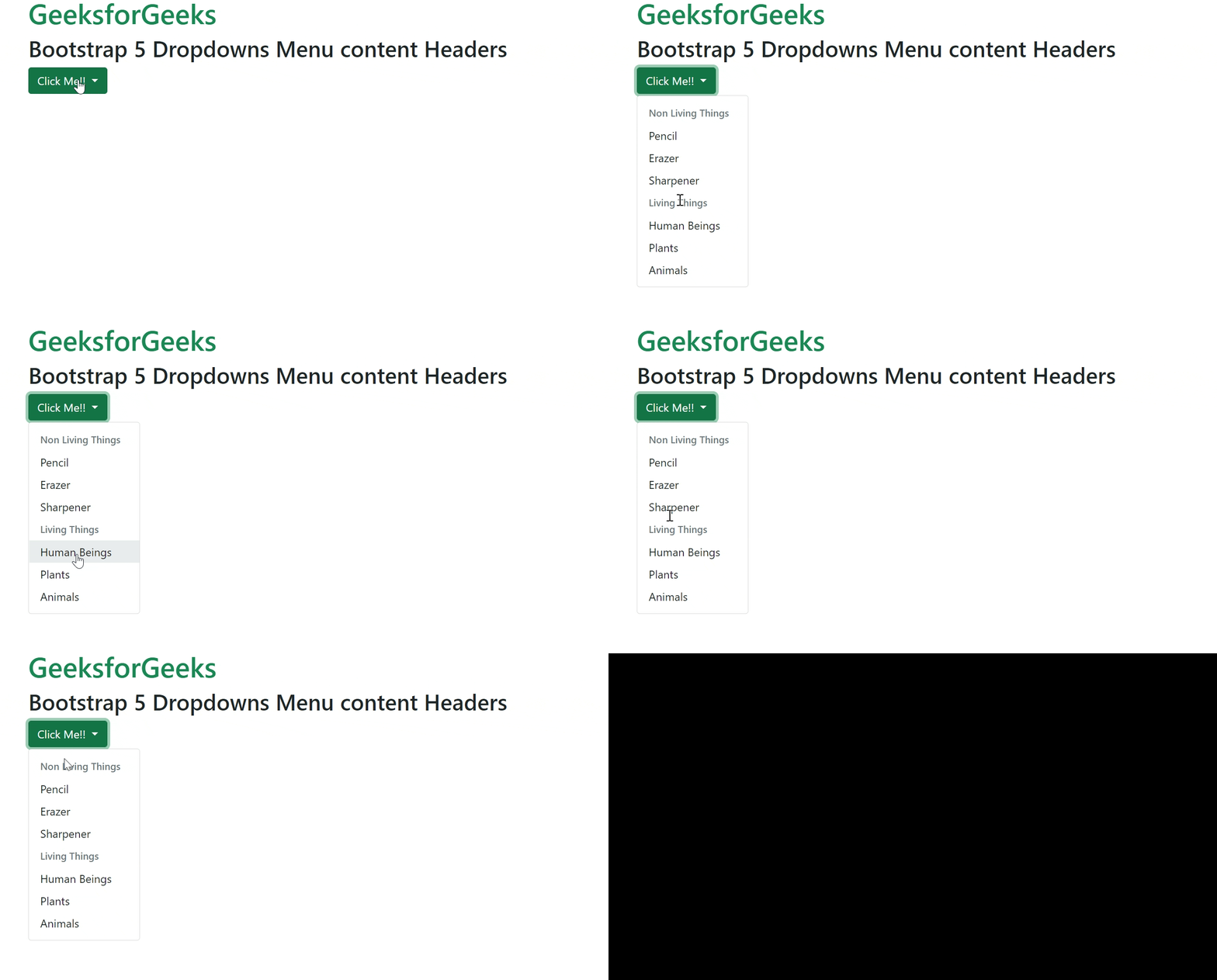
Example 1: In this example, we will learn about dropdown menu content headers.
Output:
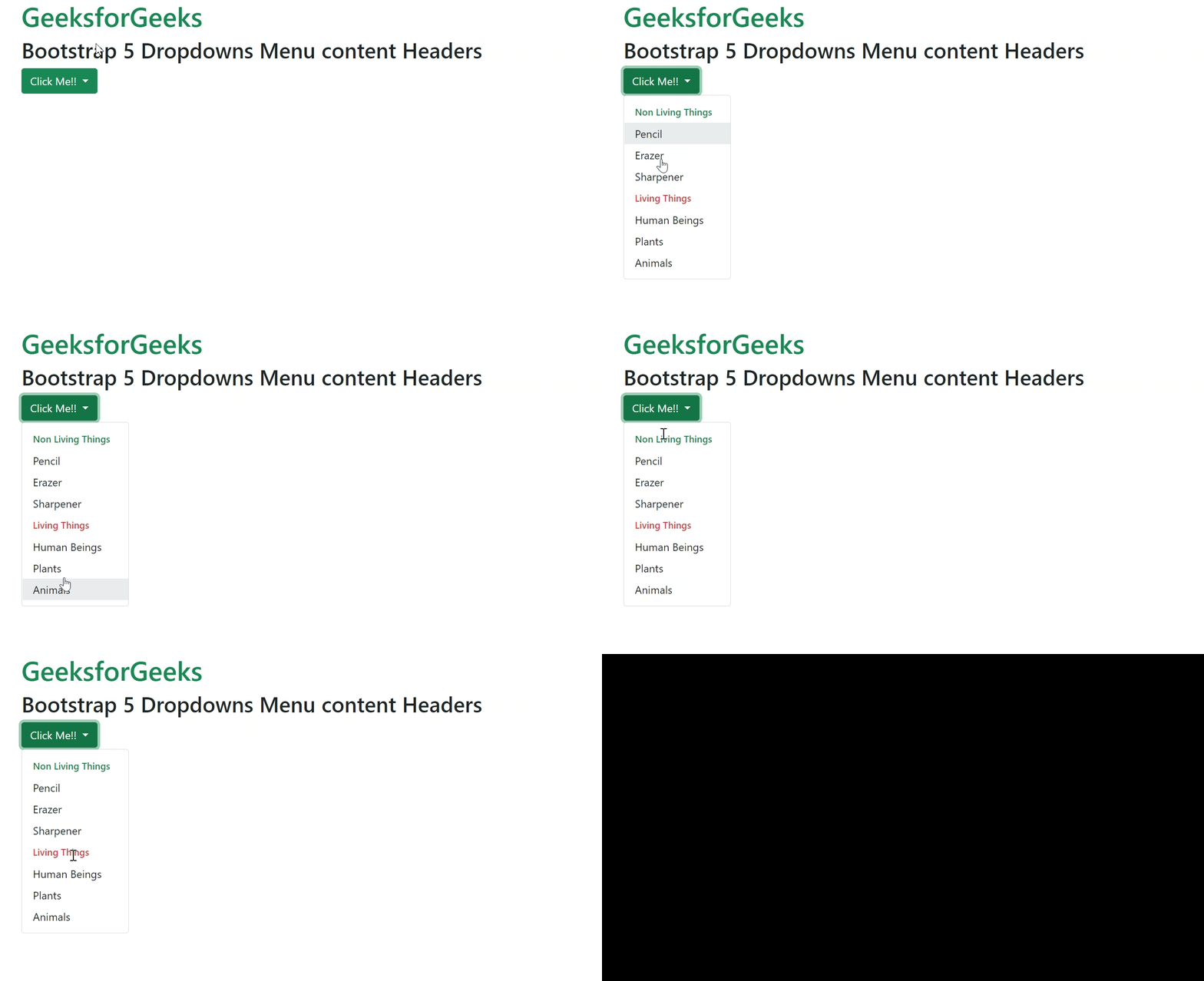
Example 2: In this example, we will learn how can we do styling to the content header like providing them colors so that they look different.
Output:
Reference: https://getbootstrap.com/docs/5.0/components/dropdowns/#headers