|
VOOZH | about |
|
VOOZH | about |
Bootstrap 5 Form Controls Readonly is used to create a read-only input field. To create a read-only input field, we will use readonly attribute on an input to prevent modification of the input’s value. It is useful when we want to have a fixed value for the input.
Bootstrap 5 Form controls Readonly Class: There are no pre-defined classes to make the input field readonly.
Bootstrap 5 Form controls Readonly Attribute used:
Syntax:
<input class="form-control" type="..." value="..." readonly>
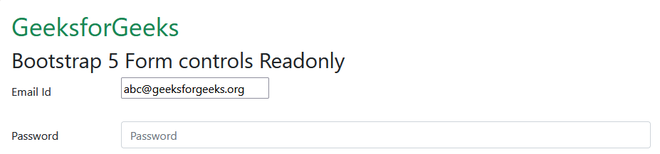
Example 1: In this example, we will create an email id and password section where the email id input field will be read-only.
Output:
Example 2: In this example. we will create two email id section where the 1 email id input field will contain a readonly attribute.
Output:
Reference: https://getbootstrap.com/docs/5.0/forms/form-control/#readonly