|
VOOZH | about |
|
VOOZH | about |
Bootstrap 5 Input Groups are used to extend form controls by adding the buttons, text, or button groups before or after the text inputs, custom selects, or file inputs. Input Group Button Addons are used to extend form controls by adding buttons or button groups.
Bootstrap 5 Input group Button Addons Classes: There is no specific class used to create button addons. To create a button, we use .btn class and to create a button group, we use .btn-group class.
Syntax:
<div class="input-group">
 <button class="btn ..." type="button">...</button>
 <input type="text" class="form-control"
 placeholder="..." aria-label="..."/>
 ...
</div>
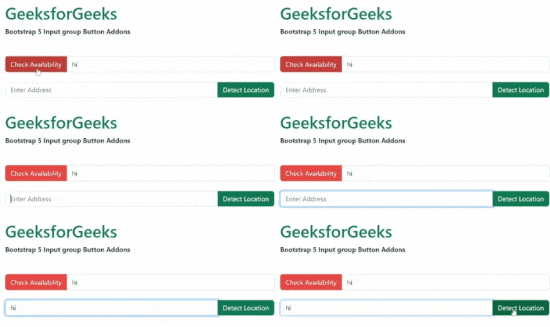
Example 1: This example illustrates how to add buttons on the left and right of a text input.
Output:
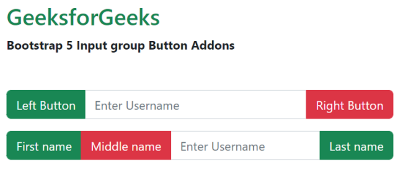
Example 2: In this example, we show how to add continuous buttons on both sides of a text input on the left or right of the inputs.
Output:
Reference: https://getbootstrap.com/docs/5.2/forms/input-group/#button-addons