|
VOOZH | about |
|
VOOZH | about |
Bootstrap 5 Input Groups are used to extend form controls by adding the buttons, text, or button groups before or after the text inputs, custom selects, or file inputs.
Bootstrap 5 Input group Custom select Classes: There is no specific class used to input group custom select. We use combinations of input-group classes with <select> tag and <option> tag within as needed.
Syntax:
<div class="input-group ...">
 <label class="input-group-text" for="">...</label>
 <select class="form-select" id="">
 <option selected>....</option>
 <option value="1">....</option>
 <option value="2">....</option>
 ...
 </select>
</div>
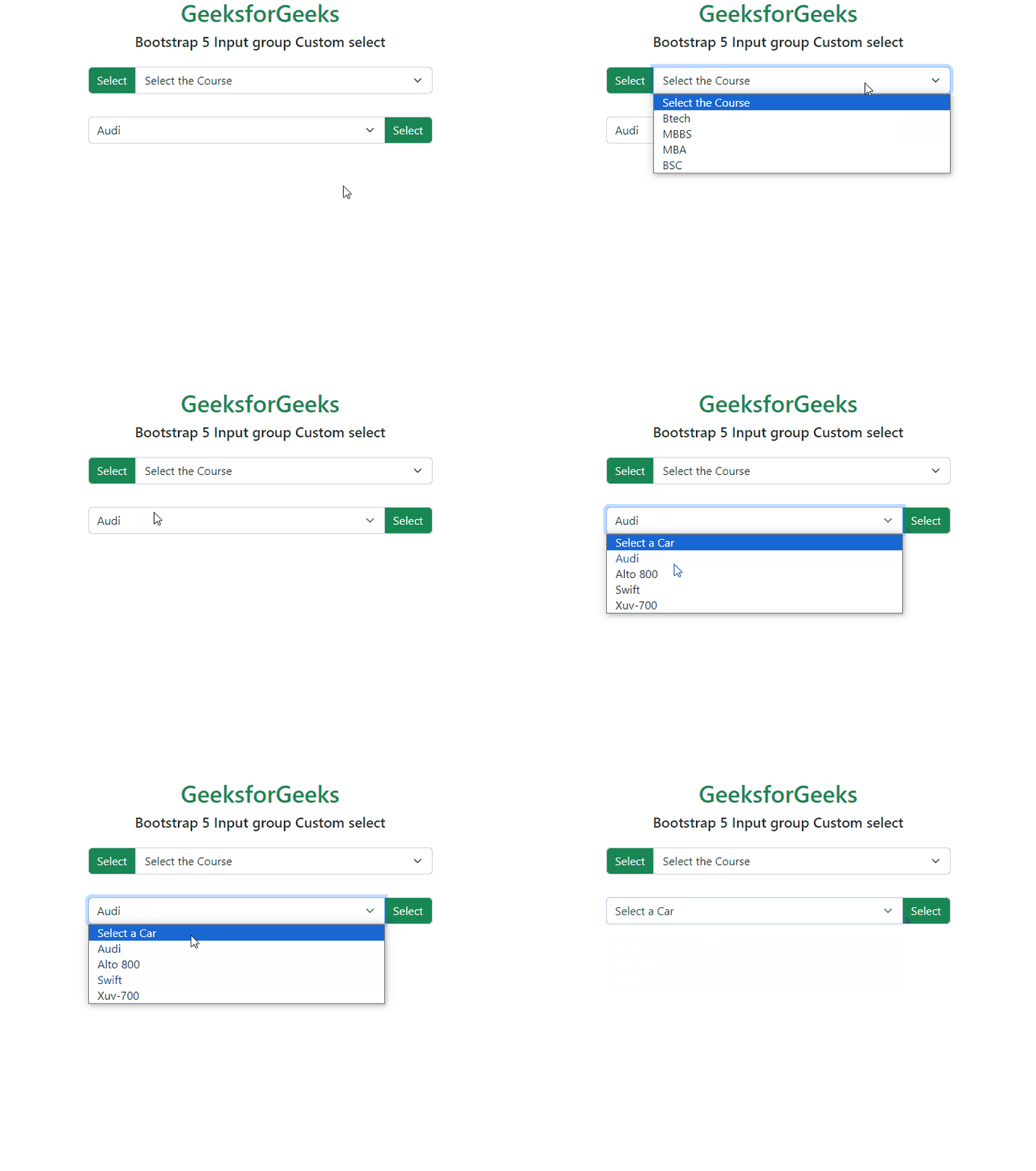
Example 1: This example illustrates how to custom-select elements from the options menu on the downside of the text input.
Output:
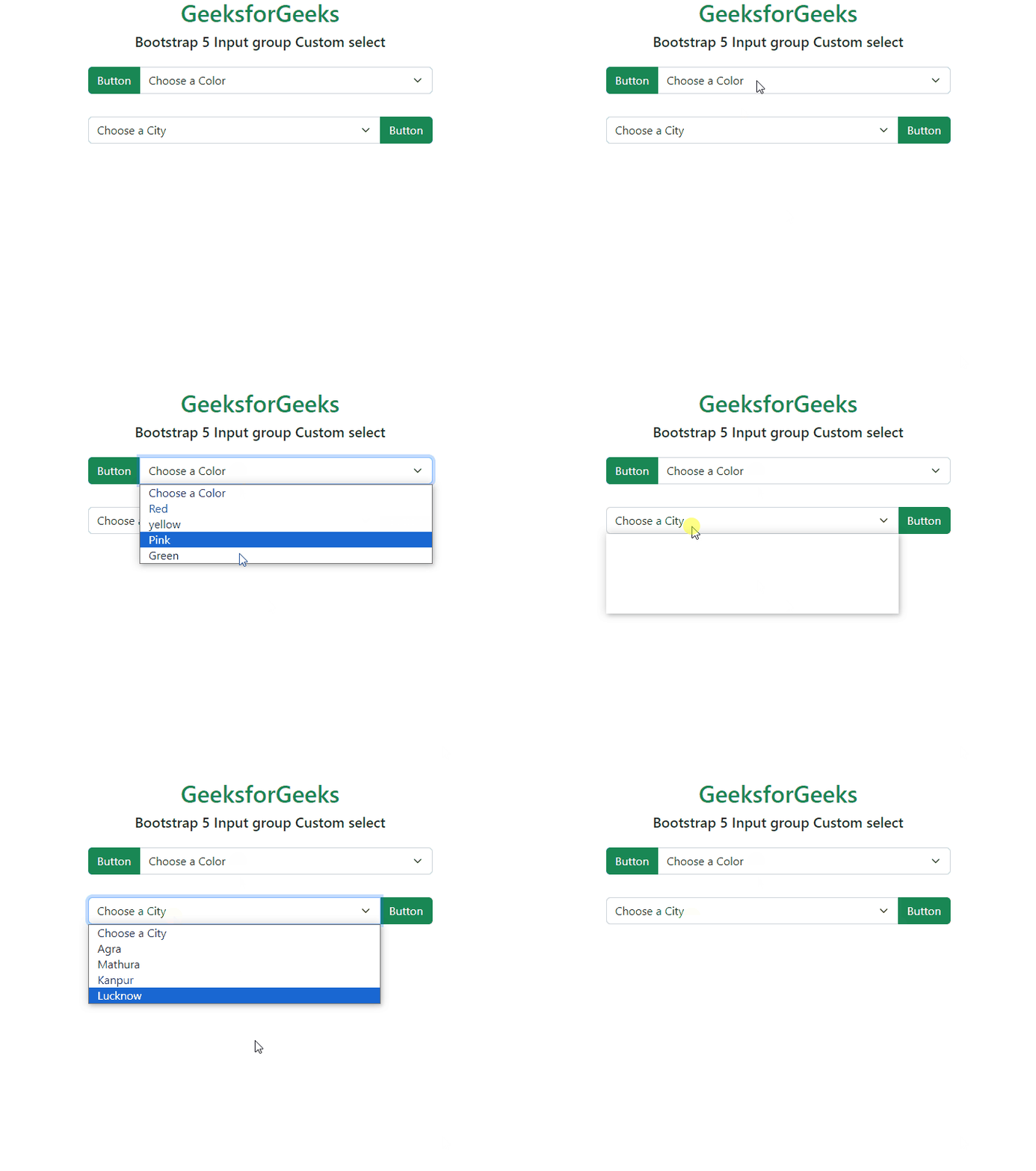
Example 2: In this example, illustrates how to custom-select elements from the options menu and adding a button on the left of the text input.
Output:
Reference:https://getbootstrap.com/docs/5.0/forms/input-group/#custom-select