|
VOOZH | about |
|
VOOZH | about |
Bootstrap 5 Input group SASS has a set of variables with default values that can be changed to customize the Input groups.
SASS variables for Input group:
Steps to override SCSS of Bootstrap:
Step 1: Install bootstrap using the following command
npm i bootstrap
Step 2: Create your custom scss file and write the variable you want to override. Then include the bootstrap scss file using import.
@import "../node_modules/bootstrap/scss/bootstrap.scss";
$variable_to_override: value;
Step 3: Convert the SCSS file to CSS using a live server extension.
Step 4: Include the CSS file in your HTML file.
<link rel="stylesheet" href="./assets/css/style.css">
Project Structure:
Syntax:
$input-group-addon-padding-y: value;
...
.input-group-text {
 padding: $input-group-addon-padding-y $input-group-addon-padding-x;
 @include font-size($input-font-size);
 font-weight: $input-group-addon-font-weight;
 ...
}
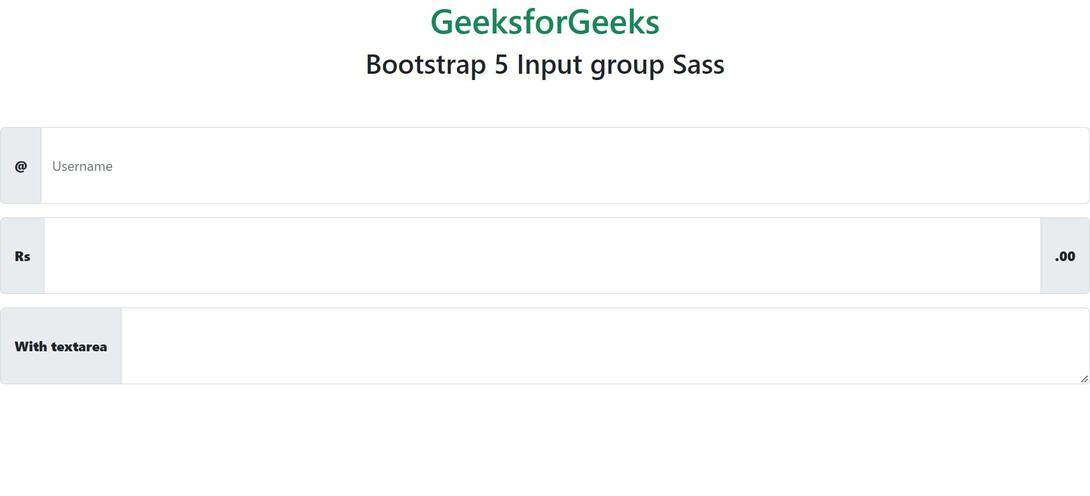
Example 1: Various SASS variables are discussed in this example
style.scss
style.css
index.html
Output:
Example 2: Various SASS variables are discussed in this example and their default values are changed
style.scss
style.css
index.html
Output:
Reference: https://getbootstrap.com/docs/5.0/forms/input-group/#sass