|
VOOZH | about |
|
VOOZH | about |
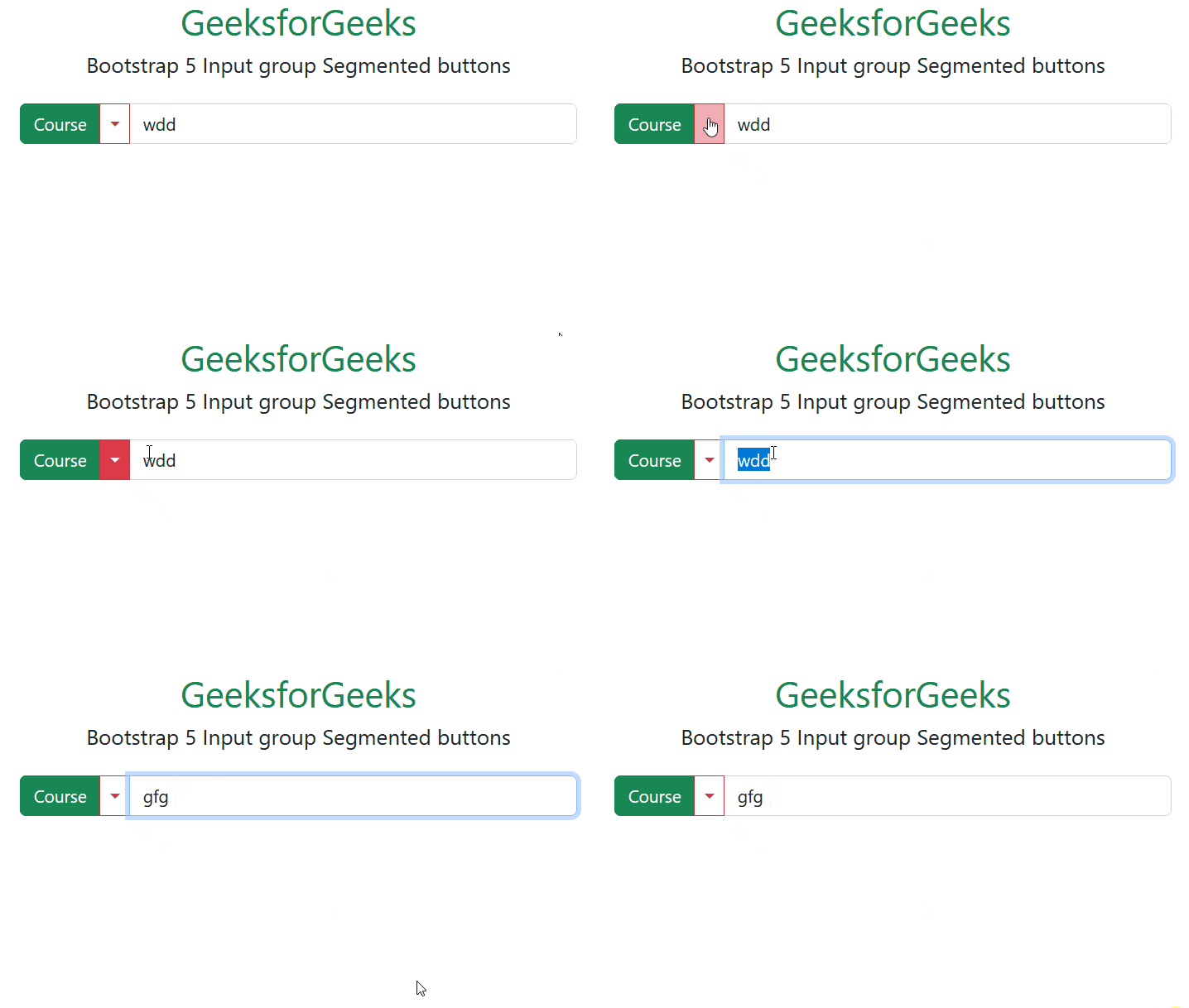
Bootstrap 5 Input group Segmented buttons used to segment dropdowns in input groups, use the same general style as the dropdown button.
Bootstrap 5 Input group Segmented buttons used classes: There is no specific class used to group Segmented buttons. To create a button, we use the .btn class, and to create a dropdown-menu, we use the .dropdown-menu class.
Syntax:
<div class="input-group">
 <button class="btn ">
 ...
 </button>
 <button type="button"
 class="btn dropdown-toggle dropdown-toggle-split"
 data-bs-toggle="dropdown">
 </button>
</div>
Example 1: In this example illustrates how to show segments with a dropdown menu on the left side of the text input.
Output:
Example 2: In this example illustrates how to show segments with a dropdown menu on the right side of the text input.
Output:
Reference:https://getbootstrap.com/docs/5.0/forms/input-group/#segmented-buttons