|
VOOZH | about |
|
VOOZH | about |
Bootstrap 5 provides the List Group disabled items feature in which items are stored in form of a list. List groups are a flexible and powerful component for displaying a series of content. The List Group Disabled items feature is used to indicate the item is currently disabled.
List Group Disabled items classes: There will be no particular class to make the list group disabled, it will be an attribute that will make the list group disabled.
Note: To completely block the click events of specific components with the class "disabled", you need to use custom JavaScript.
Syntax:
<ul class="list-group">
 <li class="list-group-item disabled">...</li>
 <li class="list-group-item">...</li>
 <li class="list-group-item">...</li>
</ul>
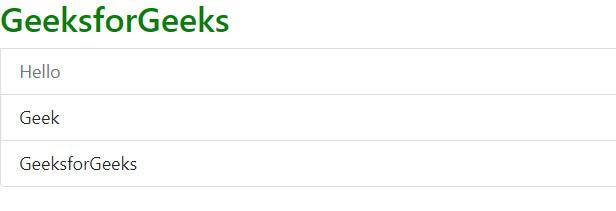
Example 1: The following code demonstrates the List Group Disabled items using the List Group Disabled Item properties.
Output:
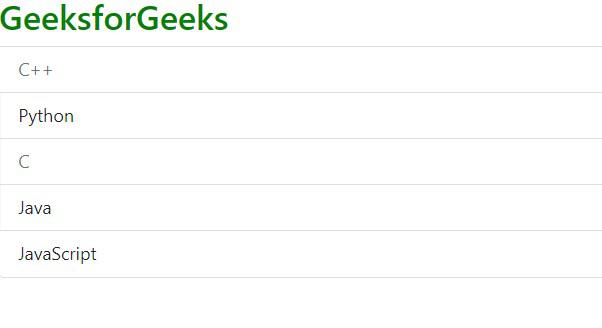
Example 2: The following code demonstrates the List Group with the disabled item properties on multiple items.
Output:
Reference: https://getbootstrap.com/docs/5.0/components/list-group/#disabled-items