|
VOOZH | about |
|
VOOZH | about |
A website can have dialogues added for lightboxes, user notifications, or entirely unique content by using Bootstrap modals. Dynamic heights can be implemented which can be really useful in a modal that changes the content shown in it. This can be achieved using the modal.handleupdate() function.
Syntax:
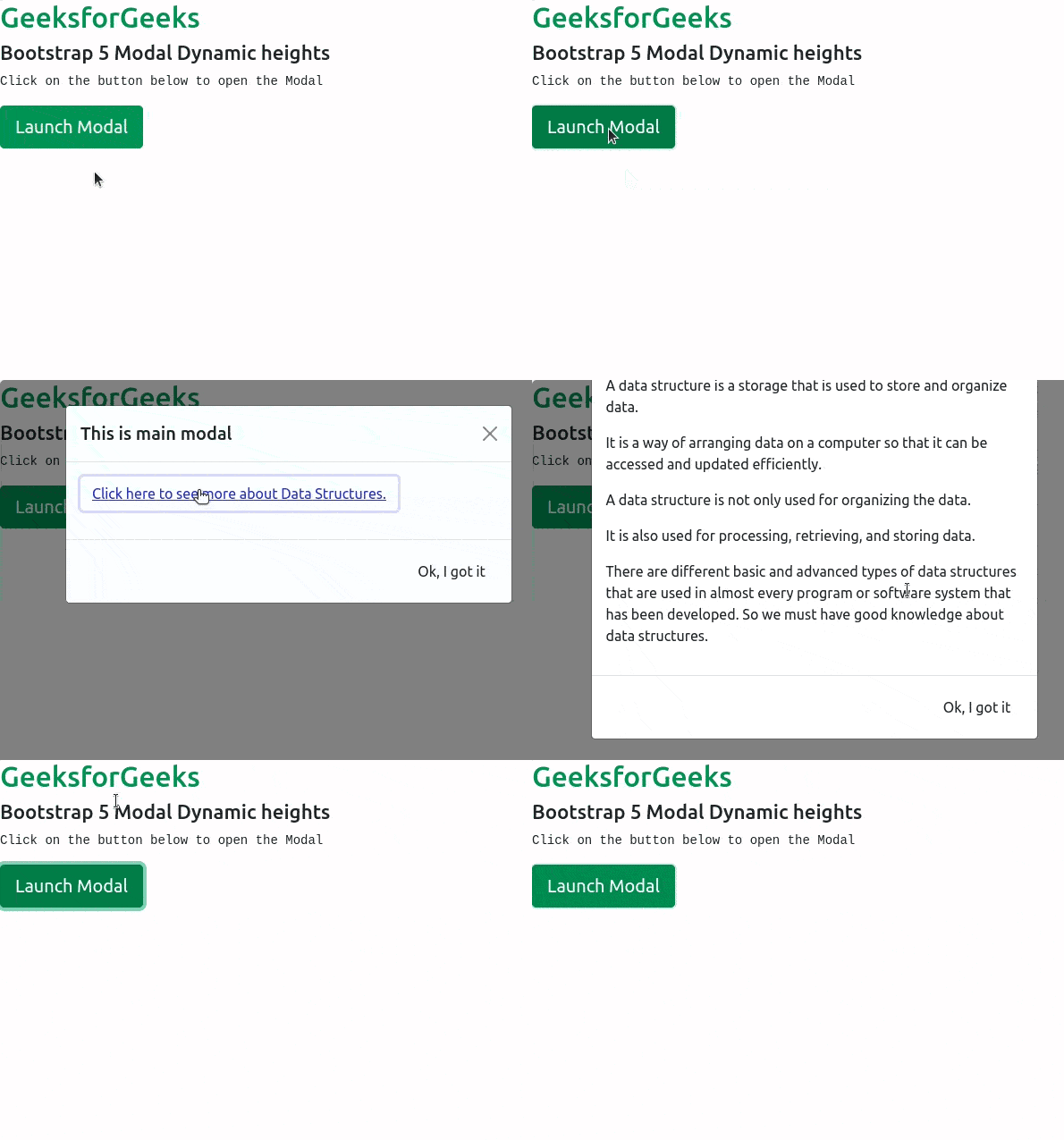
modalID.handleUpdate()Example 1: The example below demonstrates how we can implement the Modal Dynamic Heights using JavaScript:
Output:
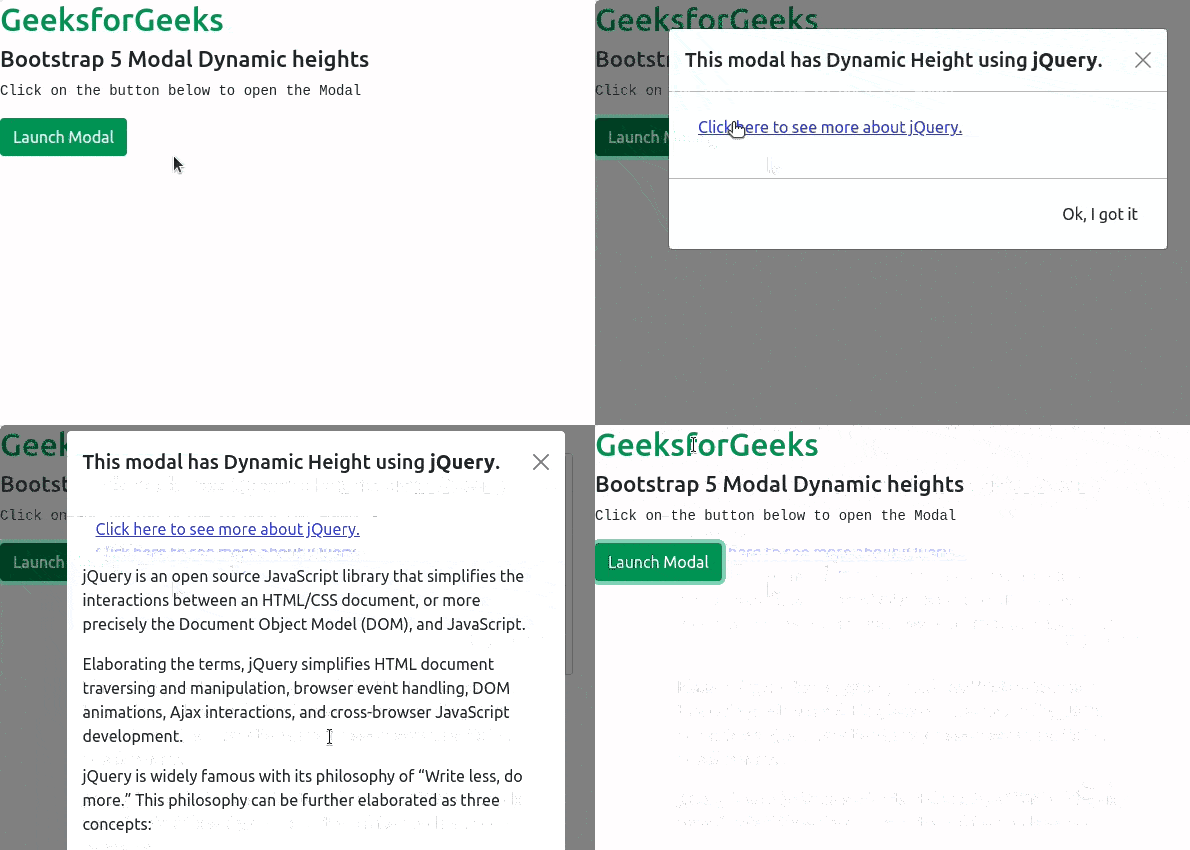
Example 2: The example below demonstrates how we can implement the Modal Dynamic Heights using jQuery:
Output:
Reference: https://getbootstrap.com/docs/5.0/components/modal/#dynamic-heights